Restaurant chatbot for table requests and takeaway orders
A chatbot for restaurants, cafés and takeaways. It takes table reservations and food orders 24/7 on WhatsApp, Instagram and your website, and answers menu and allergen questions. Your team confirms each one with one tap.
7-day free trial.
What is a restaurant chatbot?
A restaurant chatbot is AI software that answers guests in chat for a restaurant, café, takeaway or bar, from your own menu, allergen sheet and opening hours, then takes the table reservation or the food order for your team to confirm.
It works out early whether a guest wants a table or an order, lets them switch, and offers what your place does: tables where you take bookings, delivery where you have drivers. The restaurant agent is one of HiQBot's industry-tuned AI agents.
HiQBot is a conversational platform for customer service, with AI agents and live chat on website chat, WhatsApp, Instagram, Messenger, Telegram and LINE.
Restaurant chatbots for dining rooms, cafés and takeaways
A dining room
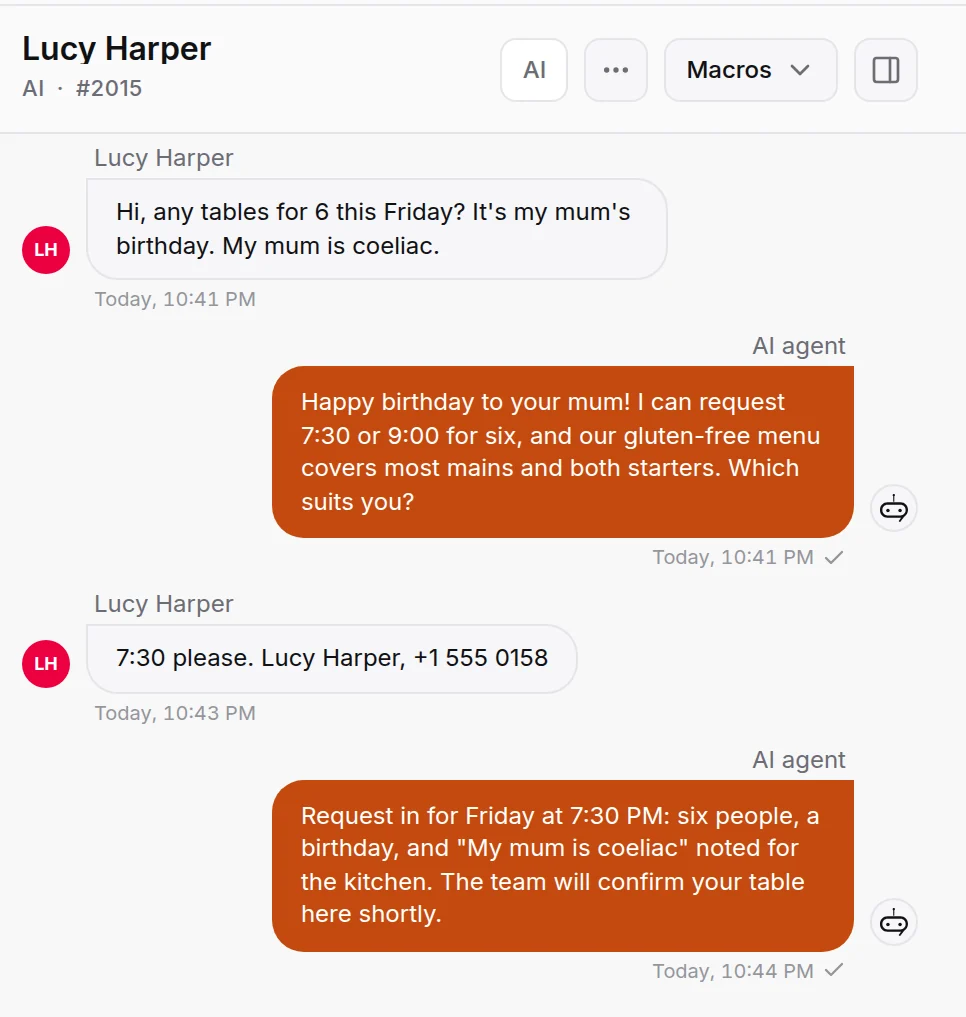
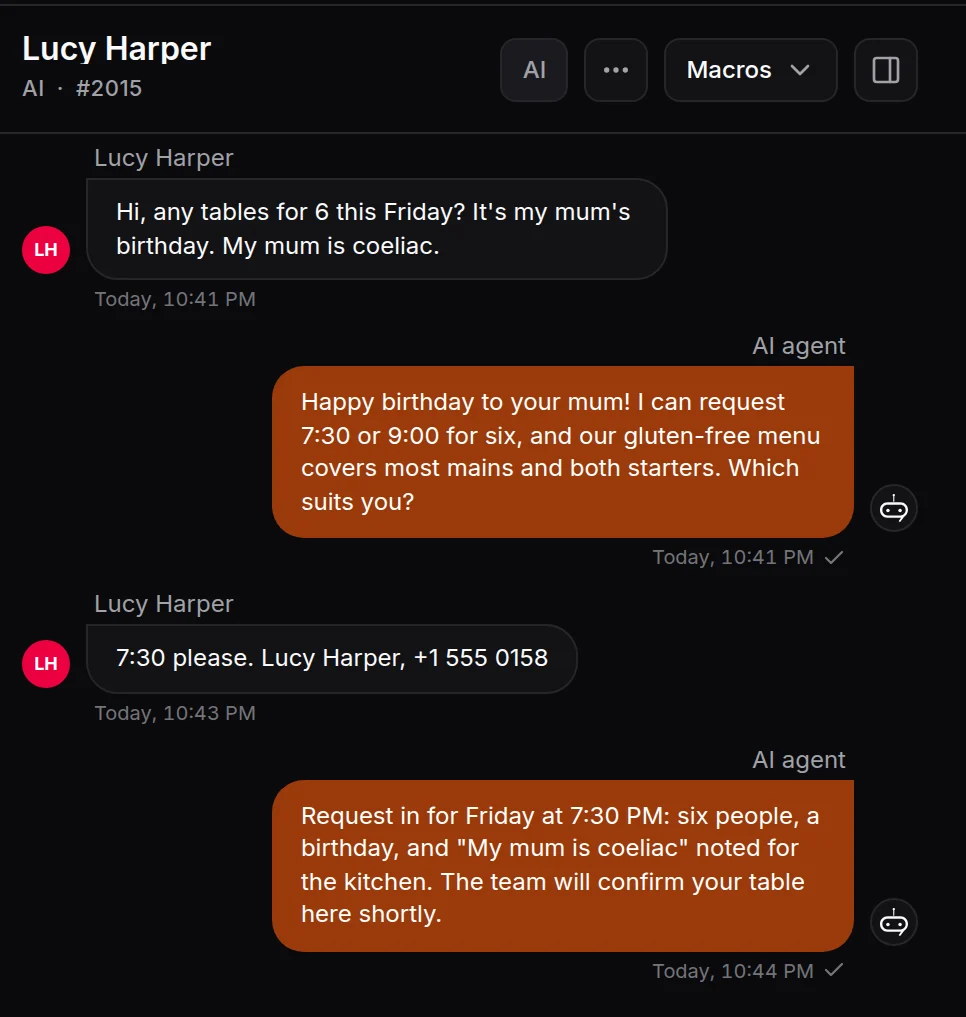
“Table for six on Friday, my mum is coeliac.” It offers 7:30 or 9:00, notes the coeliac guest in her words and the birthday, and takes the reservation.
A takeaway
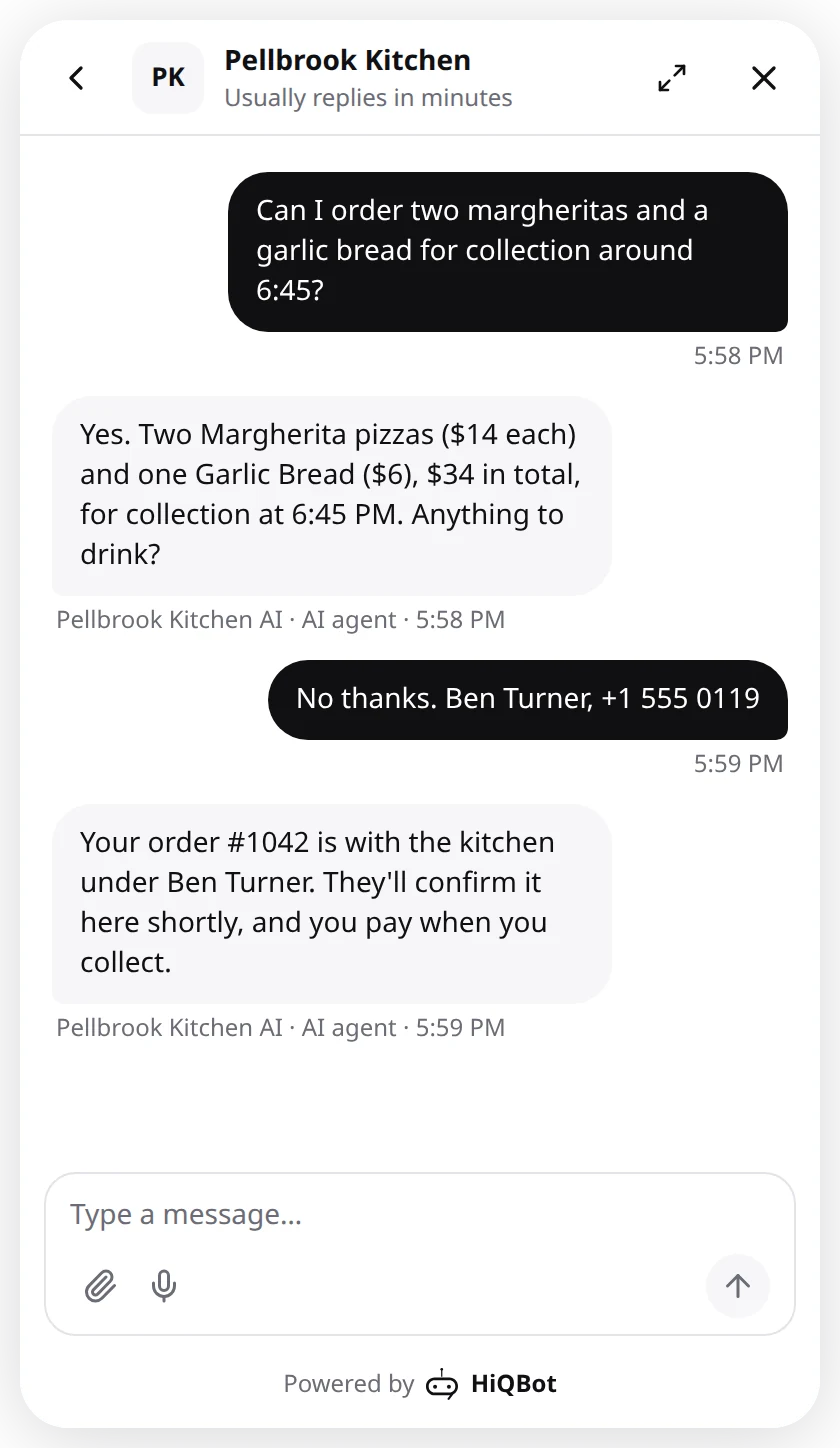
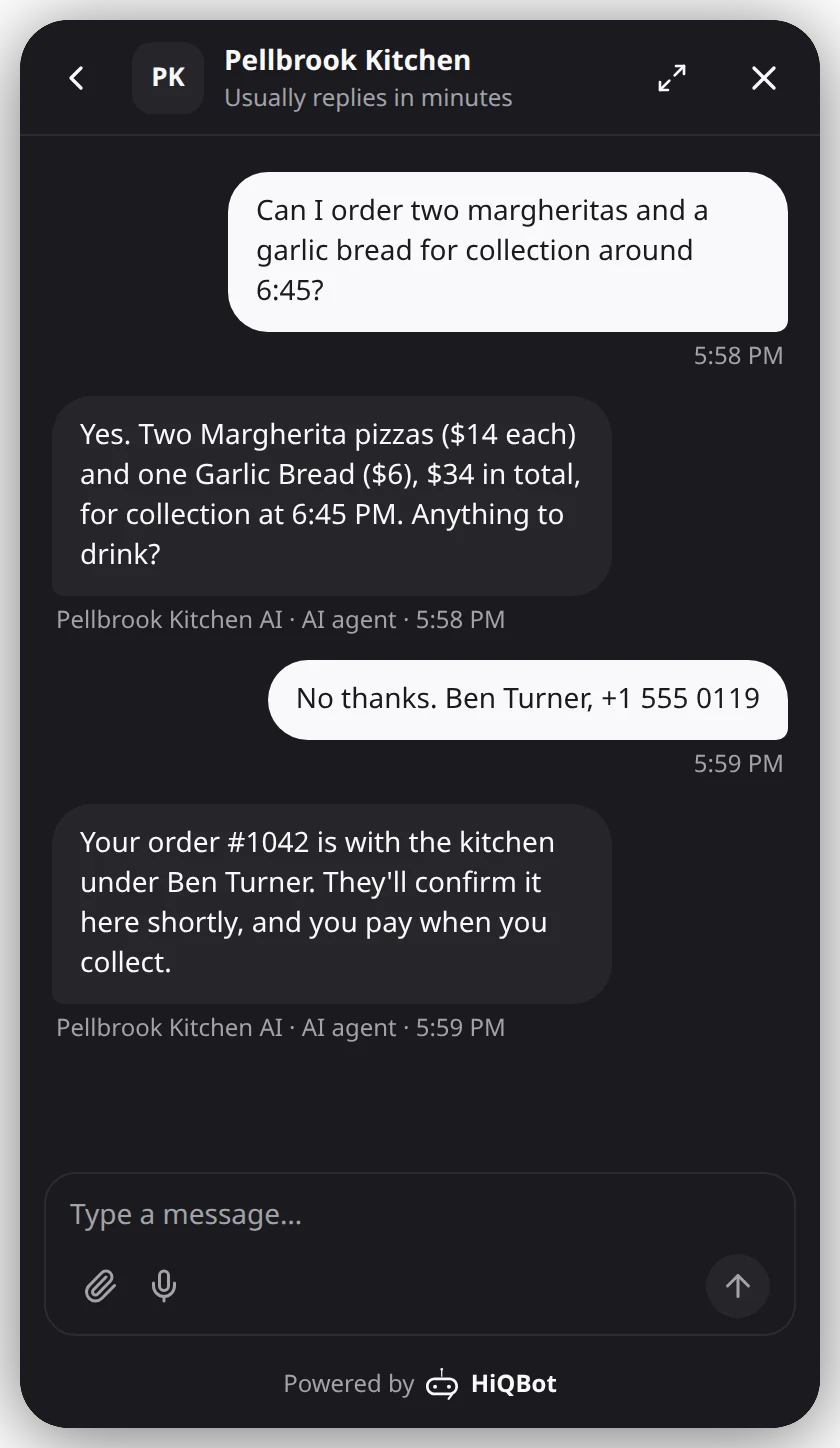
“Two margheritas for collection at 6:45.” It reads the order back and sends it to the kitchen to confirm.
A café
“Are you open now?” It answers from today’s hours: open until 4, food until 3. No tables offered if you only take walk-ins.
A bar
“Is the kitchen open at 10?” Bar until midnight, last food orders at 9:30. Then a reservation for eight at 8 in the same chat.
Eight full chats, from a table request to an allergy question, are in our restaurant chatbot examples. Choosing a booking system as well? Our restaurant reservation system guide compares OpenTable, Resy, SevenRooms and others. Hotels with a restaurant and rooms: see the page for hotels and resorts. Private parties and weddings: see the event venue chatbot.
Table reservations your team confirms with one tap
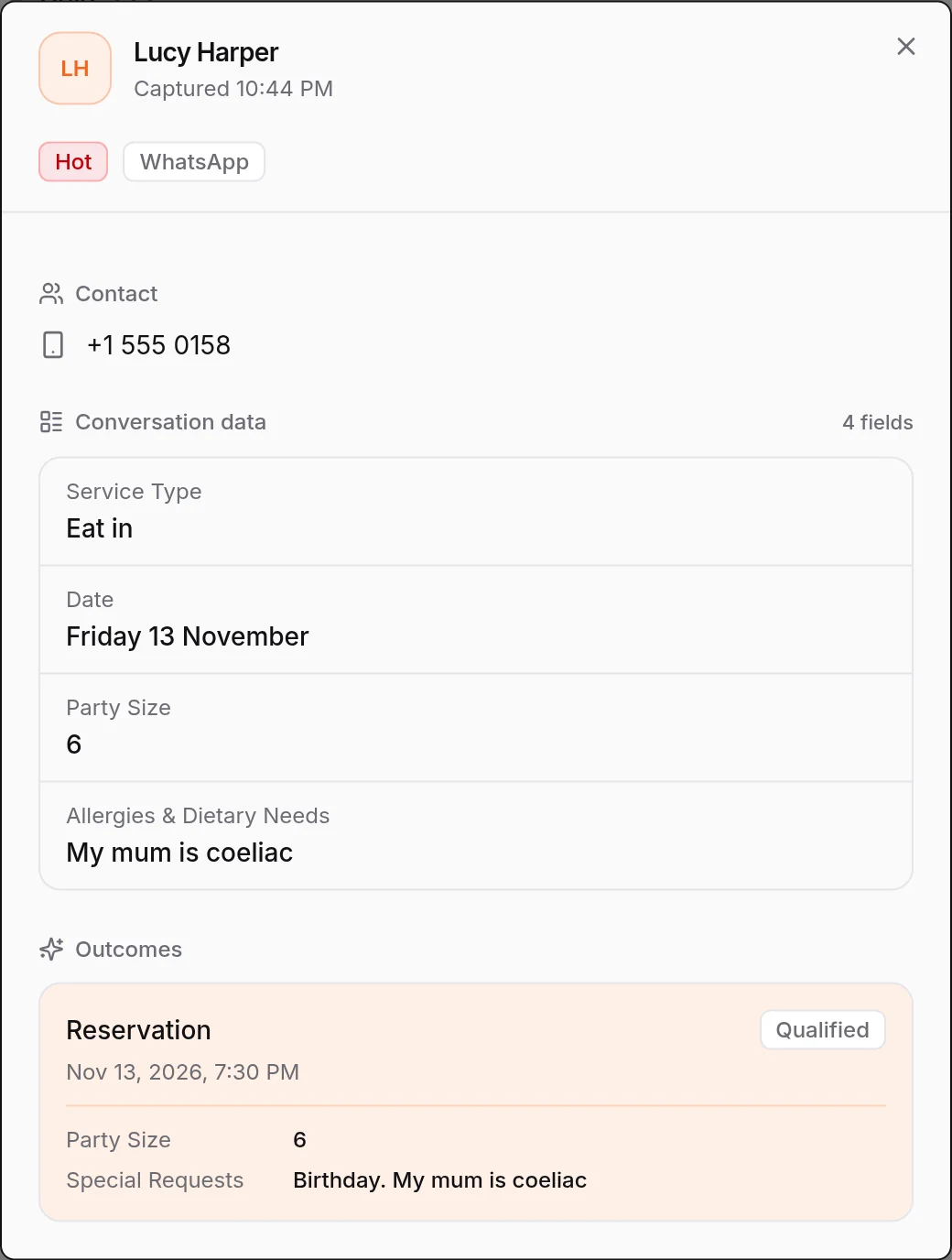
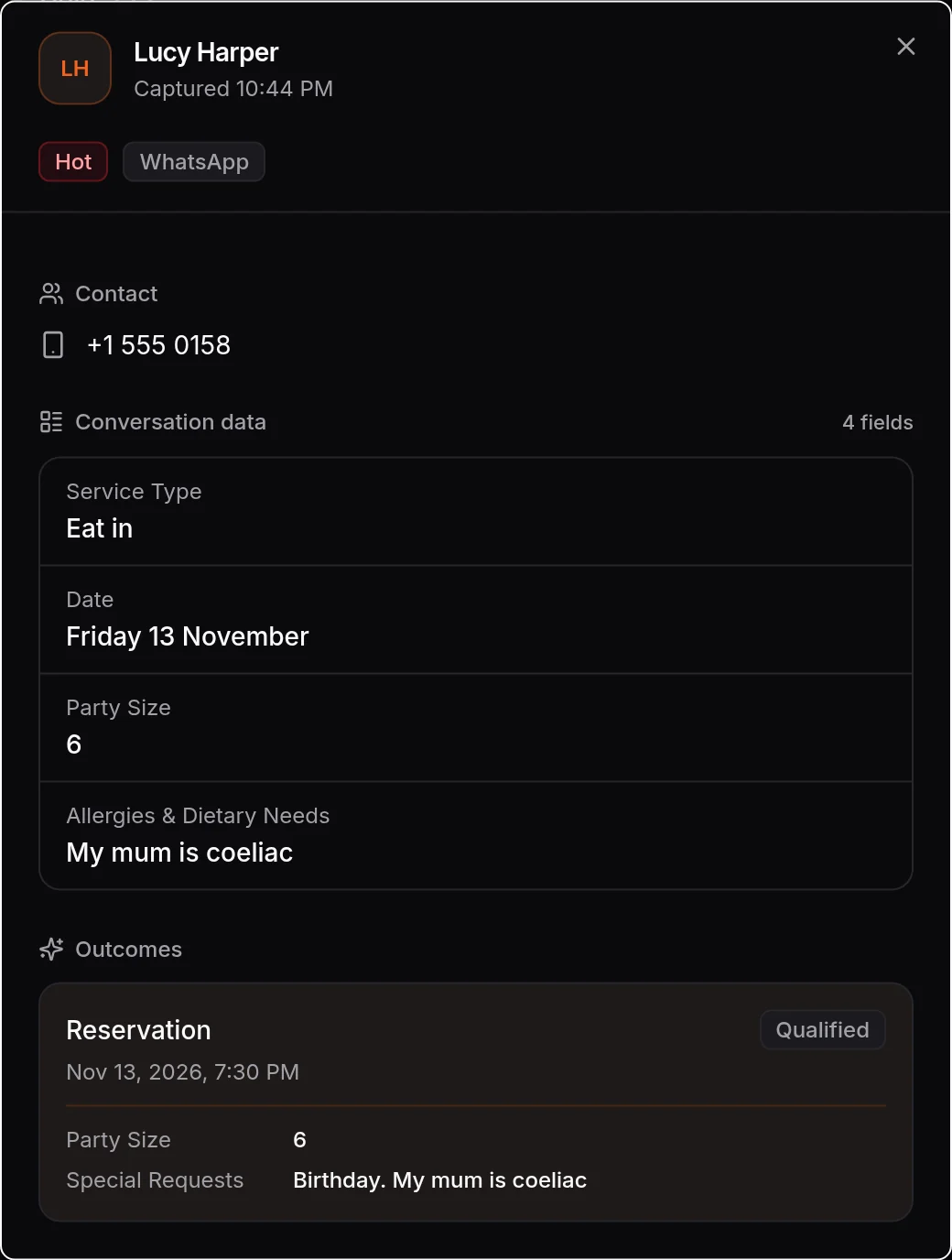
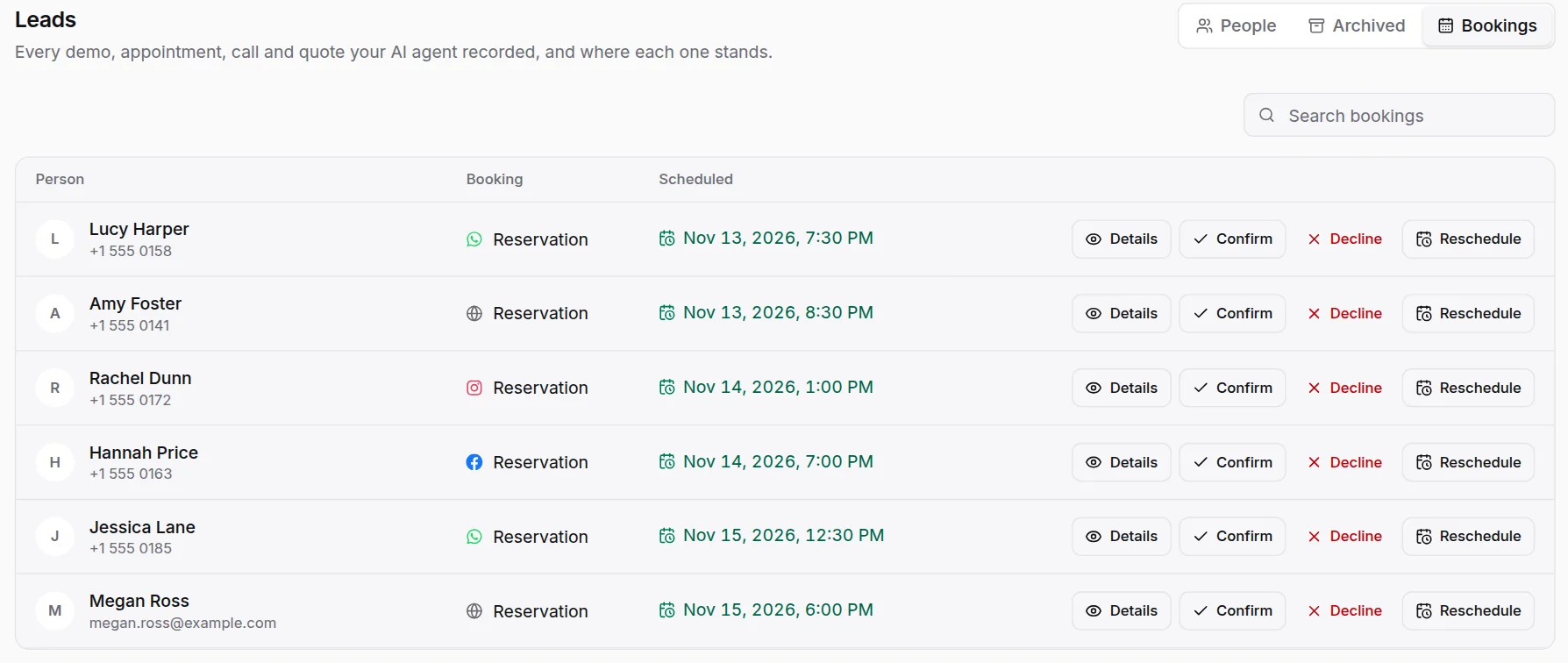
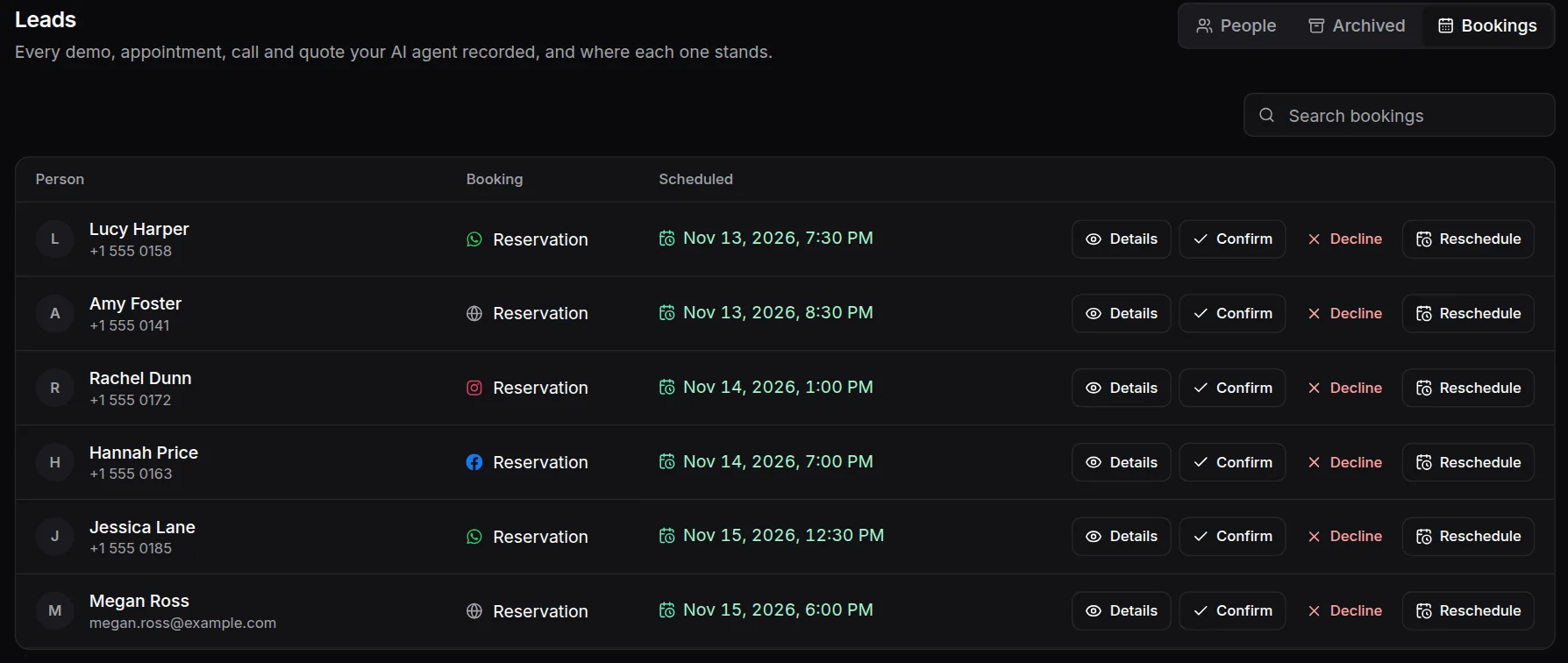
The AI asks the day, the time and how many, one at a time, and offers a second time in the same breath so a guest can redirect without starting over. It picks up the occasion and writes allergies, high chairs and wheelchairs onto the request in the guest's own words. Then it takes the reservation into your Bookings list and tells the guest your team will confirm it.
- Moves or cancels a request in the chat
- Google Calendar follows every move and cancellation
- A confirmation, then a reminder from 2 hours to 7 days before
A food ordering chatbot your kitchen confirms
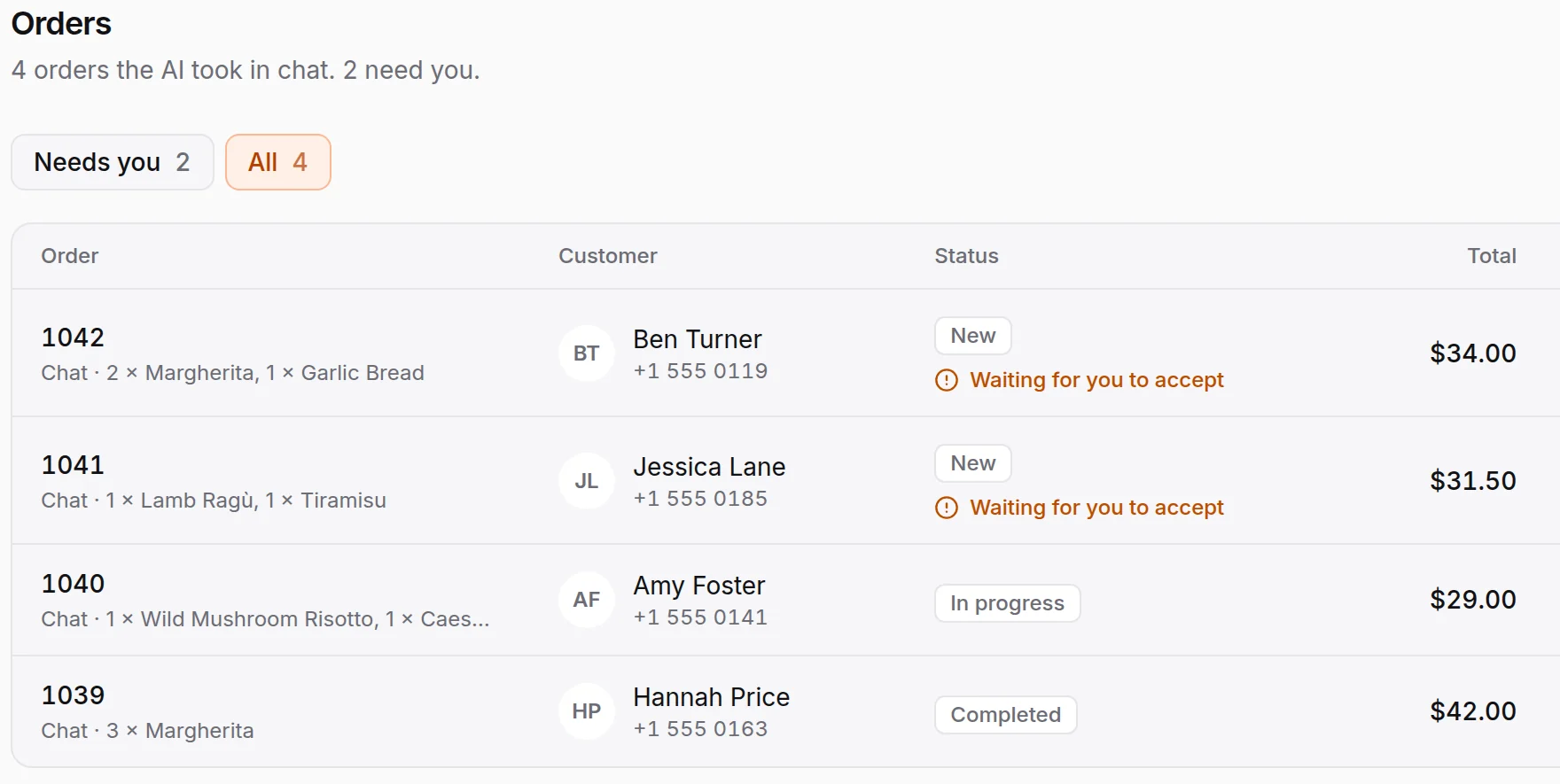
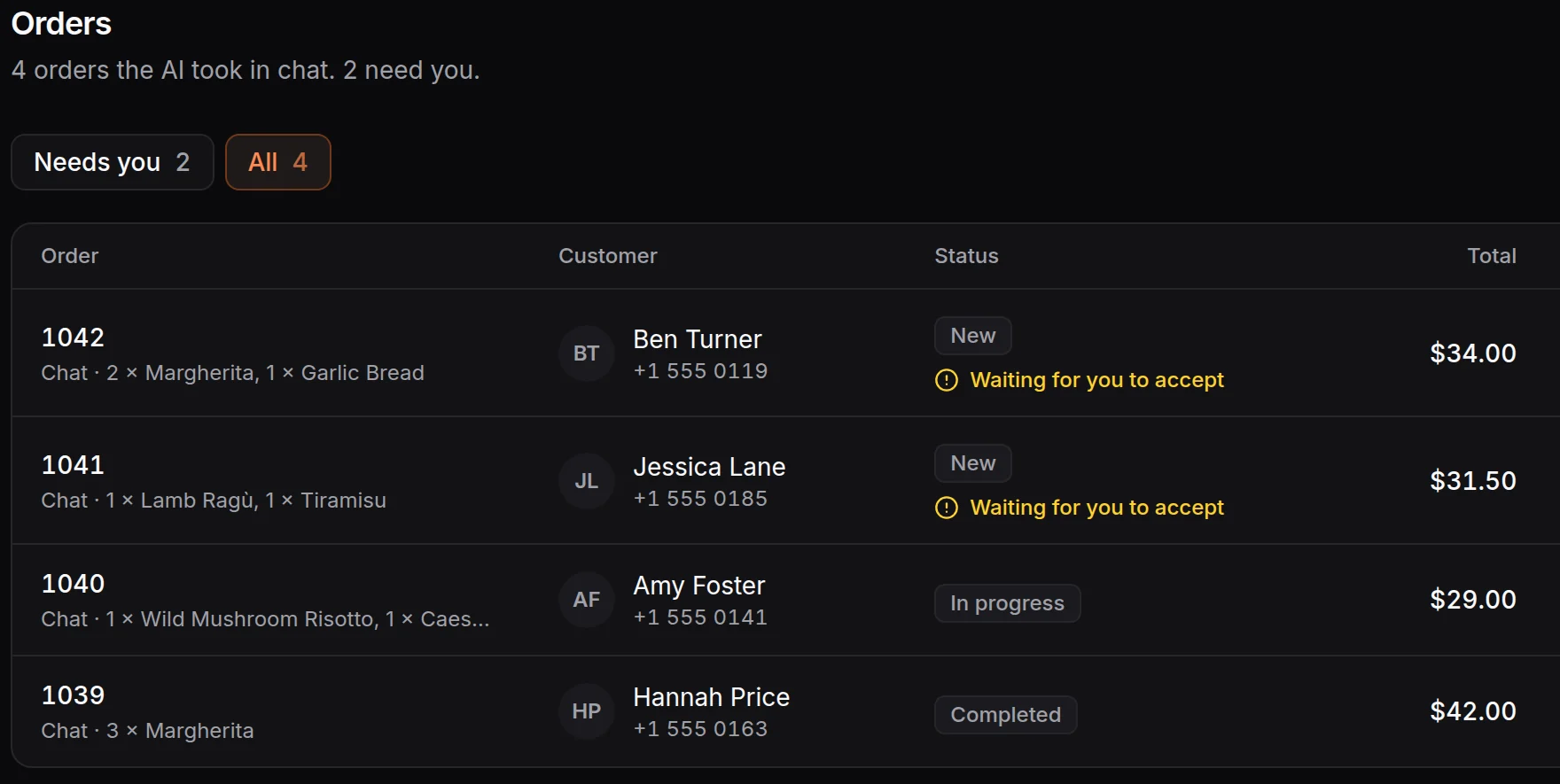
Guests order on WhatsApp, Instagram or your website. The AI takes dishes by the names on your menu, pins down sizes and changes, and reads the order back before sending it to your kitchen. Collection or delivery, only what you offer. With your menu list set to take orders, it quotes the total, the delivery charge and the minimum order you set, and gives an order number. Your team confirms, declines with a reason or completes it in the Orders view, and the guest hears back in the same chat. Payment stays the way you take it today. How chat orders compare with delivery apps and ordering systems: restaurant online ordering.
Answering allergen questions in chat
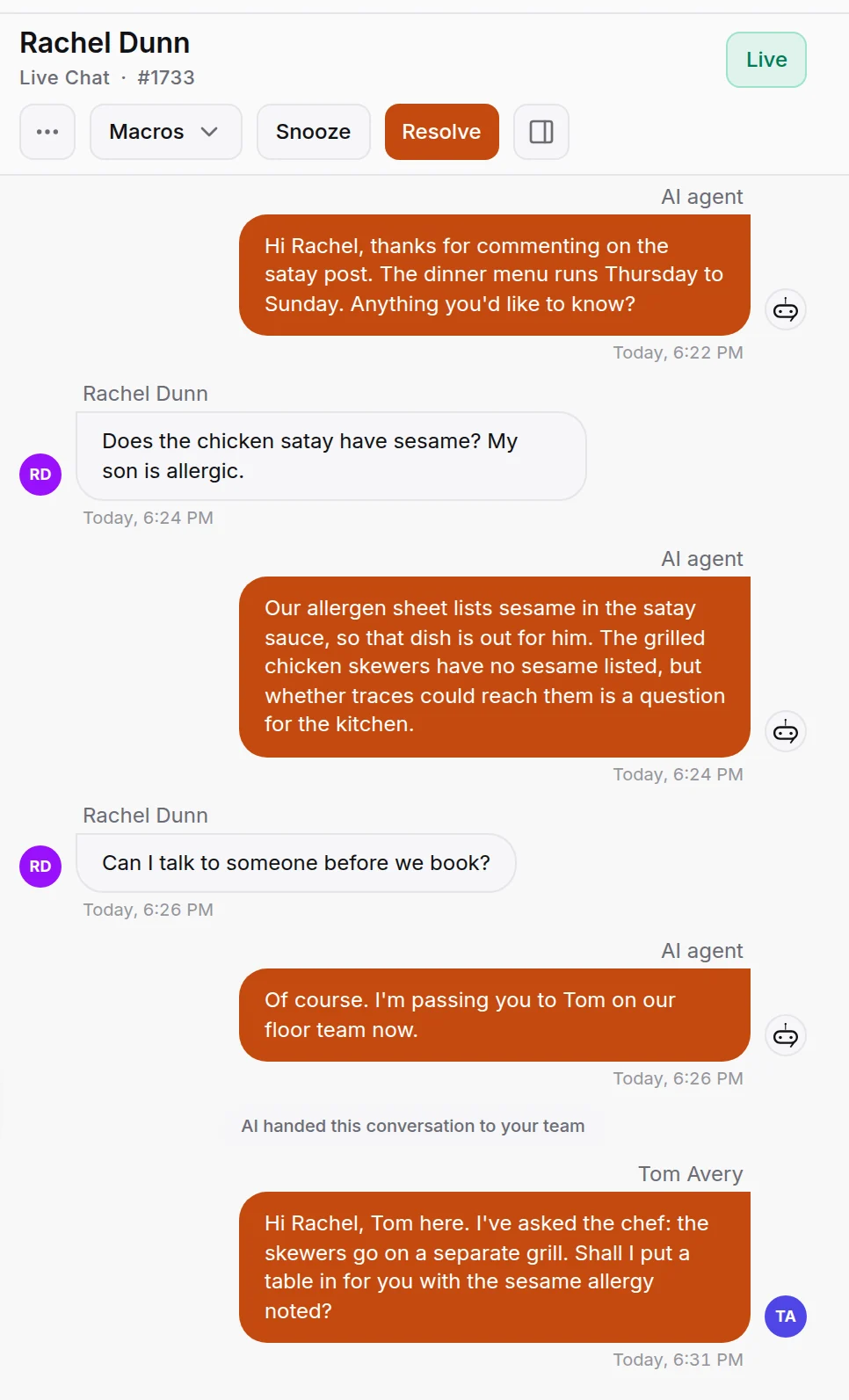
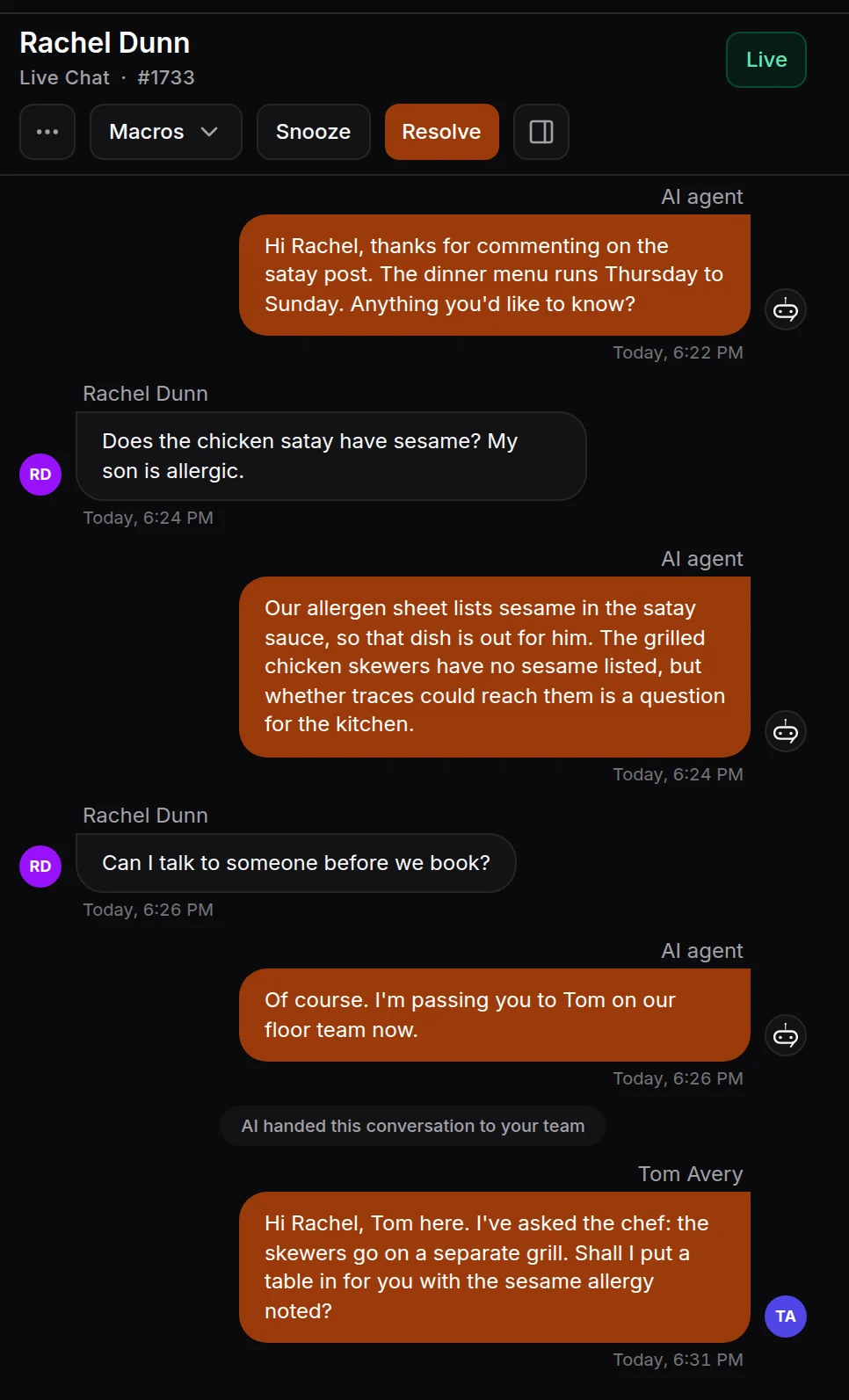
Diners ask before they book or order: does the satay have peanuts, is the batter made with wheat. In the UK you must tell guests about 14 allergens when a dish contains them: celery, cereals containing gluten, crustaceans, eggs, fish, lupin, milk, molluscs, mustard, peanuts, sesame, soybeans, sulphur dioxide and sulphites, and tree nuts (the Food Standards Agency list, read 13 November 2026). The AI answers only from the allergen facts on your menu and allergen sheet. “The listing does not mention nuts” never turns into “it has no nuts”, and it never tells a diner a dish is safe for them. Cross-contact, and anything your sheet does not cover, goes to your staff, who can take over the same chat and see everything already said. Every allergy goes onto the request or the order in the guest’s own words. Diets such as vegan or halal are answered from what you document. Questions the AI could not answer are listed in your dashboard, so you can add the answer to your sheet. Keeping that sheet accurate stays with you, and a guest with a severe allergy should still check with your staff.
Instagram comments and DMs that turn into tables
Pick a post and a keyword, such as MENU or TABLE. Everyone who comments it gets a short public reply and a private message, and the AI answers their reply knowing which post brought them in. The lead records the post.
How Instagram comment to DM worksAnswers in the guest's language, and reads their photos
Guests write in whatever language suits them, and the AI answers in the same one from the same menu. A guest can send up to five photos or screenshots in one message, and the AI reads them.
Restaurant WhatsApp: a welcome with buttons
A guided flow can greet every new WhatsApp chat with three buttons: Book a table, Order to collect, Talk to the team. The first two go to the AI, which takes the table request or the order, and Talk to the team goes to a person. Flows also run on Instagram, Messenger, Telegram and LINE.
WhatsApp chatbot and guided flowsWhere reservations, orders and reports go
Everything lands in your HiQBot dashboard, next to the conversation that produced it. Regulars you tagged can get a WhatsApp broadcast, such as a new menu. Ideas for the posts, ads and promotions that bring these chats in are in our restaurant marketing guide.
- Table reservations in your Bookings list and on Google Calendar
- Food orders in your Orders view
- Each guest saved as a contact, with past requests and orders
- Reports on your busiest hours and the questions the AI could not answer
How to set it up
- 1
Pick Restaurants & Cafés
The AI starts by working out whether a guest wants a table or an order, and offers only what your place does.
- 2
Add your menu, allergens and hours
Upload your menu, allergen sheet and house rules, or link a Google Sheet of your menu. Switch the menu list to take orders if you do takeaway.
- 3
Set your sittings and booking hours
The times you take tables and the days you are closed, so the AI only proposes times you serve.
- 4
Connect your channels and Google Calendar
Website chat, WhatsApp, Instagram, Messenger, Telegram and LINE, or just the ones your guests use.
- 5
Decide who confirms what
Who confirms reservations and orders, and when a chat should go straight to a person.
What restaurant and café owners ask
Last updated . Spotted something out of date? Email support@hiqbot.com. See how we check our pages.
What is a restaurant chatbot?
A restaurant chatbot is AI that answers guests in chat for a restaurant, café, takeaway or bar. HiQBot answers menu, allergen and opening-hours questions from your own material, works out whether the guest wants a table or an order, and takes the table reservation or the food order, which your team confirms.
Can a chatbot take restaurant reservations?
Yes. It asks for the day, the time and the party size, notes any allergies and the occasion, and takes the reservation into your Bookings list. Your team confirms each one with one tap, and HiQBot can send the guest a confirmation and a reminder before the visit.
Can it take food orders for collection or delivery?
Yes. It takes dishes by the names on your menu, with sizes and quantities, for collection or delivery, whichever you offer. The order lands in your Orders view for the kitchen to confirm, and the guest is told in the same chat.
Can a chatbot answer allergen questions?
Yes, from your own allergen information and nothing else. It quotes what your sheet says, writes every allergy onto the request in the guest’s own words, and never promises that a dish is safe. Cross-contact is always a question for your kitchen, and keeping the allergen sheet accurate stays with you.
What are the 14 allergens?
The 14 allergens are the foods UK food businesses must tell guests about when a dish contains them: celery, cereals containing gluten, crustaceans, eggs, fish, lupin, milk, molluscs, mustard, peanuts, sesame, soybeans, sulphur dioxide and sulphites, and tree nuts, as listed by the Food Standards Agency. HiQBot answers guests’ questions about them only from your own allergen sheet, and cross-contact or anything uncertain goes to your staff.
Does it connect to our POS, reservation system or delivery apps?
HiQBot is its own reservation system: table reservations land in its Bookings list and on Google Calendar, and food orders in its Orders view, where your team confirms them. It does not sync with OpenTable or another reservation system, and orders are not sent to a till, a kitchen printer or a delivery app.
Will it replace our front-of-house staff?
No. It answers the messages your staff cannot get to during service and after closing. When a guest needs a person, your staff take over the same chat and see everything already said.
Can guests change or cancel a reservation in the chat?
Yes. The chatbot moves or cancels the reservation in the same chat, and a connected Google Calendar updates to match. Your team can also change any reservation from the dashboard.
Can guests pay in the chat?
Not in the chat. Guests pay the way you already take payment, and each order waits in your Orders view for your team to confirm.
Can it reduce no-shows?
It can help. HiQBot can send a confirmation when the reservation is made and a reminder from 2 hours to 7 days before, in the guest’s chat or as a WhatsApp message. The guest can move or cancel from the same chat.
Does it reply in other languages?
Yes. It replies in the language each guest writes in, from the same menu and the same rules, with nothing extra to set up.
We only do walk-ins. Is it any use?
Yes. It answers menu, allergen and opening-hours questions, takes collection or delivery orders if you offer them, and offers tables only where you take bookings.
Does it answer phone calls?
Not the AI, which works in writing. When a guest calls your WhatsApp number, it rings your team in the HiQBot inbox, and they can call back from there.
Answer tonight's messages before the next service
Add your menu and allergen sheet, ask it what your guests ask you, and see the reservation land in your dashboard.