The LiveChat alternative with an AI agent on every plan
HiQBot is a conversational platform for customer service, with AI agents and live chat on website chat, WhatsApp, Instagram, Messenger, Telegram and LINE. If you are looking for a LiveChat alternative, the practical difference is how the bill is built.
LiveChat charges for every user on the team, and its plan table leaves the AI Agent row unticked on every LiveChat plan, pointing you to Text, its sister product, from $19 per user a month. A HiQBot plan has a fixed price with the seats and the AI agent in it.
Weighing more than two tools? The shortlist below compares five, and every other comparison we publish is here.
Every LiveChat, Text and shortlist figure on this page was read from the vendor’s own pricing page on 30 September 2026. HiQBot publishes this page, so check the links and weigh it accordingly.

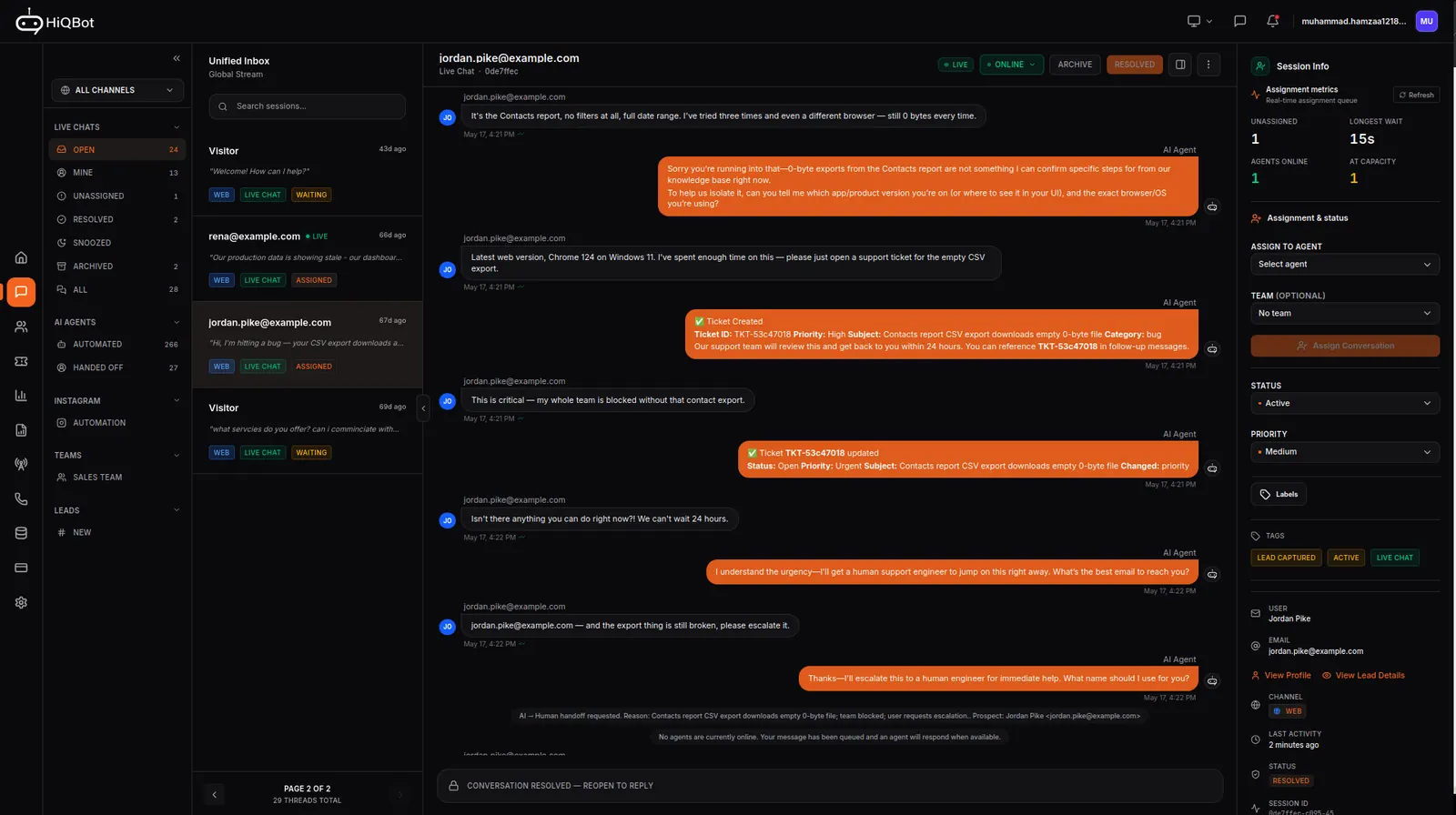
LiveChat alternatives at a glance
The lists that rank for LiveChat alternatives run to ten or fifteen tools. Here are five, including ours, chosen to cover the reasons people leave: price per person, AI, WhatsApp and a free option. Prices are the vendor’s own figures on the day we read them, with the billing basis each one uses.
LiveChat (for reference)
- Best for
- Human live chat teams
- Starting price
- Starter $19 per person billed annually, $25 monthly
- AI agent in the price
- Not on any LiveChat plan. Sold through Text from $19 per user, with 10 AI resolutions a month and 50 more added for $49.50 each time you run out
- Marketplace app
HiQBot
- Best for
- Teams that want the AI to answer and qualify on website chat, WhatsApp, Instagram, Messenger, Telegram and LINE, with people taking over
- Starting price
- $49 a month billed monthly (AI agent, 1 seat). Live chat for a team from $139 a month, 2 seats
- AI agent in the price
- Yes, every plan
- Built in, every plan
Crisp
- Best for
- A flat price for the whole workspace, and LINE
- Starting price
- Free (2 seats). Paid from $45 a month per workspace
- AI agent in the price
- AI credits included from the $45 plan
- On the $95 plan and up
Tidio
- Best for
- Small online stores that want to start free
- Starting price
- Free plan. Starter $24.17 a month billed annually
- AI agent in the price
- Metered as Lyro AI conversations
- Listed as an integration
tawk.to
- Best for
- A zero budget
- Starting price
- Free. $29 a month to remove the branding
- AI agent in the price
- AI Assist from $29 a month
- Not stated on the page we read
Intercom
- Best for
- Software companies that need SSO, HIPAA support and a deep help centre
- Starting price
- Per seat, plus $0.99 per Fin AI outcome. Seat prices in our Intercom comparison
- AI agent in the price
- Billed per outcome
- See our Intercom comparison
A few notes on reading that table. tawk.to is free for as long as you keep its branding, which no paid tool can beat on price. Crisp charges per workspace rather than per person, which is closer to how we price than LiveChat is. Tidio and Intercom both meter the AI separately from the seats.
The rest of this page compares HiQBot with LiveChat in detail, because that is the choice most people on this page are making.
Which one you should pick.
We publish this page. LiveChat is a mature live chat product with a long feature list, and the right-hand column reflects that.
- You want an AI agent answering and qualifying on every plan, without a second product or a per-user AI licence.
- Your customers write on WhatsApp, Telegram or LINE, or you want Instagram comment replies as well as DMs, all in the same inbox as website chat.
- You send WhatsApp template broadcasts to customers who opted in, and want that on the same plan.
- You would rather pay one price for the team than a fee for every user account.
- You want the AI to stop when the monthly allowance is spent, not buy more automatically.
- One person answers chats by hand and needs nothing else. LiveChat Starter is $25 a month billed monthly, and our cheapest plan with a live chat seat is $139.
- You need Apple Messages for Business, SMS, email tickets or X in the inbox.
- You rely on its agent tooling: message sneak-peek, supervision, work scheduler, staffing prediction and proactive campaigns.
- You need HIPAA with a signed BAA, SAML single sign-on, or a choice of US or EU data centre.
- You want a public API or one of its 200-plus marketplace integrations.
- You want a 14-day trial without a card. Ours is 7 days and asks for a card.
Where the AI agent sits in LiveChat’s price list
No LiveChat plan includes the AI agent. It is Text’s, from $19 per user a month billed yearly with 10 AI resolutions, and Text adds 50 more for $49.50 each time you run out. Every HiQBot plan includes the agent and a fixed credit allowance, and the AI pauses rather than buying more (pricing).
LiveChat plans include what it calls Text Intelligence: an assistant for your agents, reply suggestions drawn from 3 or 10 knowledge sources depending on the plan, chat summaries, tag suggestions and text editing. These help a person write faster. None of them answers the customer on its own.
The feature that answers customers is the AI Agent, and on LiveChat’s own comparison table that row has no tick under Starter, Team, Business or Enterprise. It reads “Answer questions automatically · From $19/user/month · Try Text”. Text is the company behind LiveChat, and its AI Agent plans are the same ones ChatBot.com now sells: Essential at $19 per user a month billed yearly or $25 monthly, with 10 AI resolutions a month, and Growth at $79 or $99 per user with 200.
Text counts a resolution when the AI solves at least one question in a conversation, once per conversation. When the monthly allowance runs out, a pack of 50 more is added automatically for $49.50, which is $0.99 each.
HiQBot works the other way round. Every plan on our pricing page includes the agent and a monthly allowance of credits: 2,500 on Solo, 6,000 on Starter and 10,000 on Growth. A reply at the Core level uses one credit, and stronger levels use 4 or 8. When the credits are gone the AI pauses until the plan renews or you add a pack; nothing is bought for you. On monthly plans, unused credits carry over for two billing periods if the renewal is paid on time. A resolution and a credit are different units, so compare them on your own conversations: if a typical AI conversation of yours runs to four replies at Core, Starter’s 6,000 credits (pricing) cover about 1,500 of them.
| Starter | Team | Business | Enterprise | |
|---|---|---|---|---|
| Website | ||||
| AI Agent | ||||
| Answer questions automatically · From $19/user/month · Try Text | ||||
What the AI agent can do, side by side
LiveChat’s own plans give your agents Text Intelligence; the agent that answers customers is Text’s, so that is what this table compares. It uses only what Text publishes on chatbot.com and text.com, and what its dashboard showed on 30 September 2026, against HiQBot’s own feature list.
| What the agent does | Text’s AI Agent (what LiveChat points to) | HiQBot |
|---|---|---|
| Where it starts | You write skills in plain language and set their triggers, up to 10 per agent | An industry pack for SaaS, automotive, hospitality, restaurants, travel or e-commerce, with that trade’s questions and closing step, which you then edit |
| Qualifying a lead | A skill can capture contact details and requirements for sales follow-up. A real equivalent | Asks the industry’s qualifying questions, captures the lead and labels it hot, warm or cold on a status pipeline |
| Booking a meeting | Not described on the pages we read | Takes the booking into your dashboard, and onto Google Calendar when it is connected |
| Selling from a store | An AI sales skill recommends products and qualifies | With WooCommerce: finds products from a description, suggests in-stock alternatives, answers price and stock, sends a checkout link with the items in the cart, and reads an order’s status once the shopper gives the order number and email |
| Support questions | A skill can open a priority ticket; tickets are built in. A real equivalent | From Starter, a support agent resolves service questions and opens a ticket itself when it cannot; the ticket can link to Jira or HubSpot |
| Handing over to a person | Transfers with full context, on every plan | Sees when a person is needed, checks working hours, assigns and notifies, in the same thread (Starter and Growth). Solo has no live takeover |
| Keeping the AI out of some chats | You choose which chats are assigned to the agent | A channel can run in live chat mode: no AI, straight to a person, and replies there use no credits (Starter and Growth) |
| Knowledge | Your website, help articles, docs and PDFs | Uploaded files, and your website: one page or a whole site |
| Memory of the customer | Remembers past conversations and personalizes from customer data | Answers from the current conversation and your knowledge base; it does not read the customer’s threads on other channels |
| Languages | Replies in the customer’s language; 48 listed | Replies in the customer’s language; no fixed list published |
| Separate agents | 1 on Essential, 10 on Growth | Each channel’s inbox can run its own agent, on every plan |
| Answers DMs | Answers DMs, and comment rules reply to people who comment on a post | |
| WhatsApp outbound | The integration does not send template messages | Template broadcasts to contacts who opted in, on every plan |
| Voice notes | Not described on the pages we read | Add-on: understands a customer’s voice note and can answer with one, $15 per 150 minutes |
| Help for your human agents | Copilot: reply suggestions, text edits, chat and ticket summaries, tag suggestions | Not offered |
| Actions in other apps | A chat keyword can ping Slack, update HubSpot or add a contact to Klaviyo | HubSpot contacts and deals, Jira and HubSpot tickets, Google Calendar. No Zapier or webhooks |
| Sales reporting | Revenue, orders and order value tied to the AI’s chats | No sales attribution report |
Text’s agent is ahead on memory of past conversations, help for human agents, links to other apps and sales reporting. HiQBot’s agent books meetings, sends a store checkout link, replies to Instagram comments, sends WhatsApp broadcasts and runs a separate agent per channel, none of which appears on the Text pages we read. On qualifying leads, opening tickets and handing over to a person, both do the job.
What a team actually pays, billed monthly
LiveChat’s pricing page opens on annual billing and prints “per person billed annually” under each price. Both bases are below. HiQBot prices come from our live pricing on the same day: $49, $139 and $229 a month, or $490, $1,390 and $2,290 a year.
1 person
- LiveChat$25
Starter, no AI agent
- Text$25
Essential, 10 AI resolutions
- HiQBot$139
Starter, 2 live chat seats, 6,000 credits
2 people
- LiveChat$118
Team, no AI agent
- Text$198
Growth, 200 AI resolutions
- HiQBot$139
Starter, 2 seats, 6,000 credits
5 people
- LiveChat$295
Team, no AI agent
- Text$495
Growth, 200 AI resolutions
- HiQBot$229
Growth, 5 seats, 10,000 credits
Billed monthly
| Team | LiveChat | Text (the AI Agent LiveChat points to) | HiQBot |
|---|---|---|---|
| 1 person answering chats (our prices) | Starter $25 (no AI agent) | Essential $25, 10 AI resolutions | Starter $139 (2 live chat seats, 6,000 credits). Solo at $49 runs the AI agent but has no live chat seat |
| 2 people (our prices) | Team 2 × $59 = $118 (no AI agent) | Growth 2 × $99 = $198, 200 AI resolutions | Starter $139, 2 seats, 6,000 credits |
| 5 people | Team 5 × $59 = $295, or Business 5 × $89 = $445 (no AI agent) | Growth 5 × $99 = $495, 200 AI resolutions | Growth $229, 5 seats, 10,000 credits |
Billed yearly, shown per month
| Team | LiveChat | Text | HiQBot |
|---|---|---|---|
| 2 people | Team 2 × $49 = $98 | Growth 2 × $79 = $158 | Starter $1,390 a year, about $116 a month |
| 5 people (our prices) | Team 5 × $49 = $245, or Business 5 × $79 = $395 | Growth 5 × $79 = $395 | Growth $2,290 a year, about $191 a month |
What the table leaves out, in both directions:
- LiveChat charges “for every user account created, regardless of whether the user is logged in or not”. An occasional helper is a full seat.
- WhatsApp and Instagram are marketplace apps on LiveChat, not plan features. The Instagram app gives the first 50 chats free; the price after that was not shown on the page we read.
- On HiQBot, extra seats on Starter and Growth are $15 a month each, and extra credits are $20 per 1,000.
- Meta bills WhatsApp template messages to your own WhatsApp account whichever platform you use.
- For a single person answering chats by hand, LiveChat is the cheaper product, by a wide margin.
Prices read from livechat.com/pricing and text.com/pricing on 30 September 2026.
Channels: which are in the plan and which are apps
| Channel | LiveChat | HiQBot |
|---|---|---|
| Website chat | Every plan | Every plan |
| Marketplace app, built by Text | Every plan, connected inside the dashboard | |
| Marketplace app; DMs in the Text dashboard | Every plan: DMs, plus comment rules that reply to post comments | |
| Facebook Messenger | In the plan | Every plan |
| Telegram | Not on the pricing page; “coming soon” in the Text dashboard | Every plan |
| LINE | Not offered: not on the pricing page or in the Text dashboard | Every plan |
| Apple Messages for Business | Business plan | Not offered |
| SMS | Business plan; in the Text dashboard, through your own Twilio account, native SMS “coming soon” | Not offered |
| Marketplace app, or HelpDesk.com from $29 a month; forwarded emails become tickets in the Text dashboard | Not offered as a chat channel |
On HiQBot every channel lands in one inbox, and each channel can run its own agent. The website chat widget goes in with one tag and streams the AI’s answer as it is written.
WhatsApp is where the two differ most. HiQBot connects your number from inside the dashboard and supports coexistence, so the same number keeps working in the WhatsApp Business app on your team’s phone while the agent answers the rest (WhatsApp setup). Template messages and broadcasts to contacts who opted in are on every plan. Text’s own WhatsApp page says its integration does not send business-initiated template messages, and the LiveChat marketplace app is built by Text.
If you sell in Japan, Thailand or Taiwan, LINE is often the channel customers use, and it is in every HiQBot plan.
Where LiveChat is the better product
LiveChat has been a live chat product for a long time and it shows in the tools for the people answering. Agents can see a message before the customer sends it, supervisors can watch chats live, and the Business plan adds a work scheduler, staffing prediction and agent performance reports. Proactive campaigns and visitor tracking let you open a chat with someone on a pricing page before they write to you.
It reaches places we do not. Apple Messages for Business and SMS are in the Business plan, and the chat widget comes in 48 languages with right-to-left support and WCAG 2.1 AA accessibility.
For regulated or larger buyers it has HIPAA with a signed BAA, SAML single sign-on, an audit log and a choice of data centre in the US or the EU. It has a documented API and a marketplace of more than 200 integrations. HiQBot has no public API and connects to HubSpot, Google Calendar, Jira and WooCommerce.
If any of those decide it, LiveChat is the better buy.
What HiQBot does that a live chat tool does not
A live chat tool gives your team a good place to answer. HiQBot also puts an agent in front of them that sells.
The agent starts from an industry pack for SaaS and technology, automotive, hospitality, restaurants, travel, or e-commerce and retail. It asks what a good salesperson would ask in that trade, answers from the documents you upload, and closes: service businesses get the booking taken into the dashboard, and onto Google Calendar if you connect it. With a WooCommerce store connected, it finds products from how the shopper describes them, answers price and stock questions, sends a checkout link with the items in the cart, and reads an order’s status once the shopper confirms the order number and email.
From Starter, a support agent works alongside it. It resolves service questions and raises a ticket when it cannot, and tickets can open a linked issue in Jira or a ticket in HubSpot.
On Starter and Growth, anyone on shift can take a conversation over in the same thread, with assignment, routing, capacity rules and team reports. You can also set a whole channel to live chat mode: no AI answers there, the conversation goes straight to a person, and replies on that channel use no credits. That suits an account where you never want the AI to speak first.


Switching from LiveChat, step by step
- Start the 7-day trial on Starter if people will answer chats, or Solo if the AI will answer on its own. The trial asks for a card.
- Give the agent what your team already answers from: upload help articles, price lists and policies as files, and add the website pages that hold the rest.
- Pick your industry and review the questions the agent will ask before it books or sends a checkout link.
- Add the website chat tag to a test page first and run it next to LiveChat for a few days before you swap the widget site-wide.
- Connect WhatsApp from the dashboard. If the number is connected to LiveChat’s WhatsApp app today, disconnect it there first, since a number sits with one provider at a time; turn on coexistence to keep using it in the WhatsApp Business app. Then connect Instagram, Messenger, Telegram and LINE.
- Invite the team, set routing and capacity, and decide which channels the AI answers and which run as live chat only.
Questions people ask before switching.
Is LiveChat’s AI agent included in the plan?
Not on the pricing table we read on 30 September 2026. The AI Agent row has no tick under any LiveChat plan and links to Text, from $19 per user a month billed yearly. LiveChat plans do include assistant features for your agents, such as reply suggestions and chat summaries.
How much does LiveChat cost per agent?
Starter is $19 a month billed annually or $25 monthly, for one user. Team is $49 or $59 per person, and Business $79 or $89 per person. LiveChat charges for every user account created, whether or not that person logs in.
Does LiveChat support WhatsApp?
Yes, through a WhatsApp app in its marketplace built by Text, and Instagram works the same way. Neither is listed as a plan feature. Text’s WhatsApp page says the integration does not send business-initiated template messages, so broadcasts are not part of it.
Is HiQBot cheaper than LiveChat?
It depends on the team. One person answering chats by hand pays $25 a month on LiveChat and $139 on HiQBot Starter. For two people with an AI agent, Text Growth, the AI Agent LiveChat points to, is $198 a month billed monthly and HiQBot Starter is $139. For five, it is $495 against HiQBot Growth at $229.
Can a person take over from the AI on HiQBot?
Yes, on Starter and Growth. Anyone on shift can take the conversation in the same thread, and the AI hands over when it needs a person. Solo runs the AI on its own: the owner reads every conversation in the inbox but has no live chat seat to reply from.
Can I keep my WhatsApp number in the WhatsApp Business app?
Yes. HiQBot supports coexistence, so the number runs on the WhatsApp API and in the Business app at the same time, and your team keeps answering on the phone they already use.
What does LiveChat have that HiQBot does not?
Apple Messages for Business, SMS, email tickets, a Copilot for your agents, HIPAA with a BAA, SAML single sign-on, a data centre choice, a public API, 200-plus integrations, and a 14-day trial without a card.
Run both for a week.
Seven days, your own documents, your own WhatsApp number. Keep LiveChat on your site while you test HiQBot on one page, then compare the same week of conversations.