An AI helpdesk that answers customers and tickets the rest
The AI answers on website chat, WhatsApp, Instagram, Messenger, Telegram and LINE. When it cannot fix something, it opens a ticket with the problem written up, so your team starts with a priority and a deadline.
7-day free trial. Tickets, SLA targets and reports included.
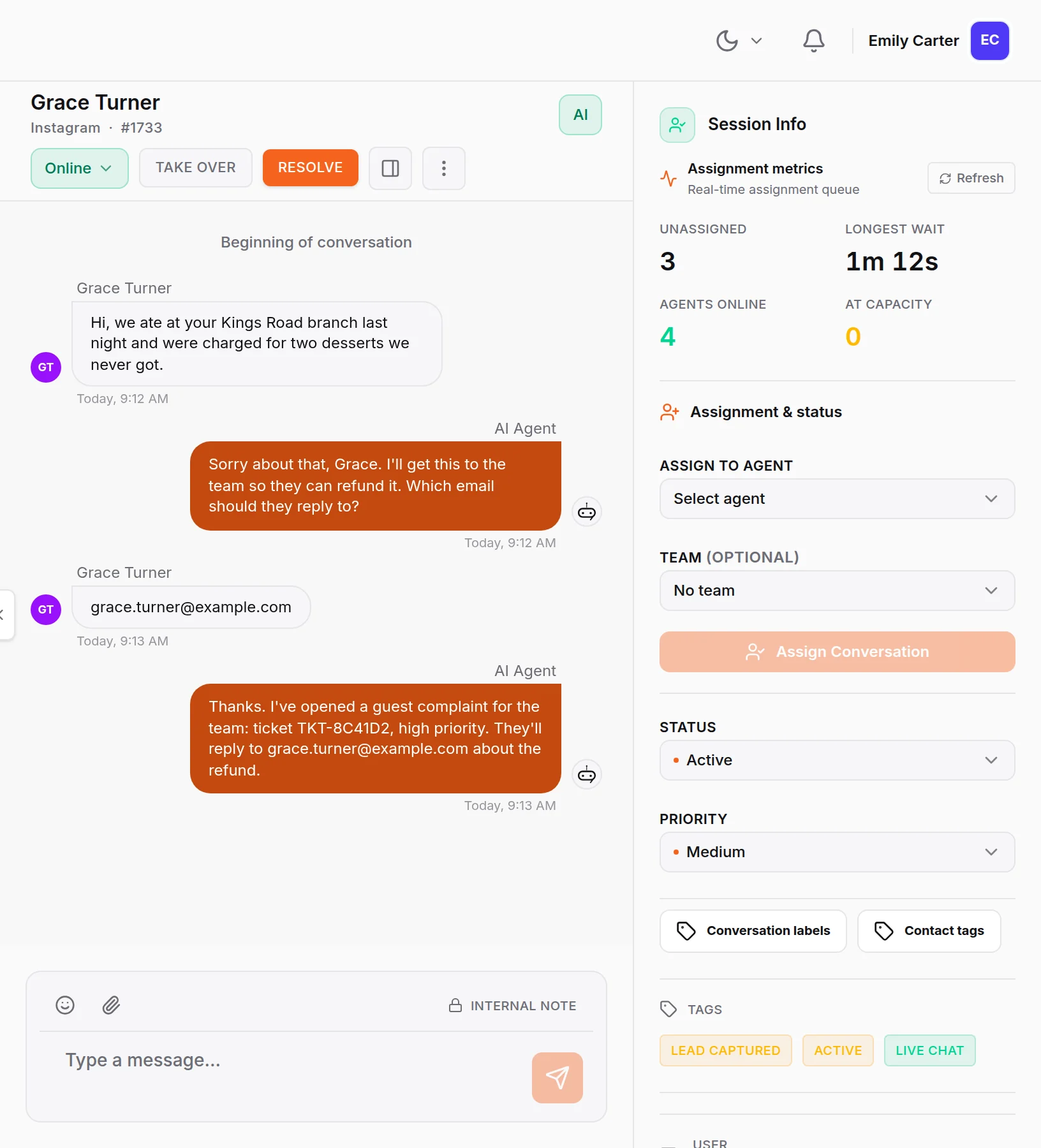
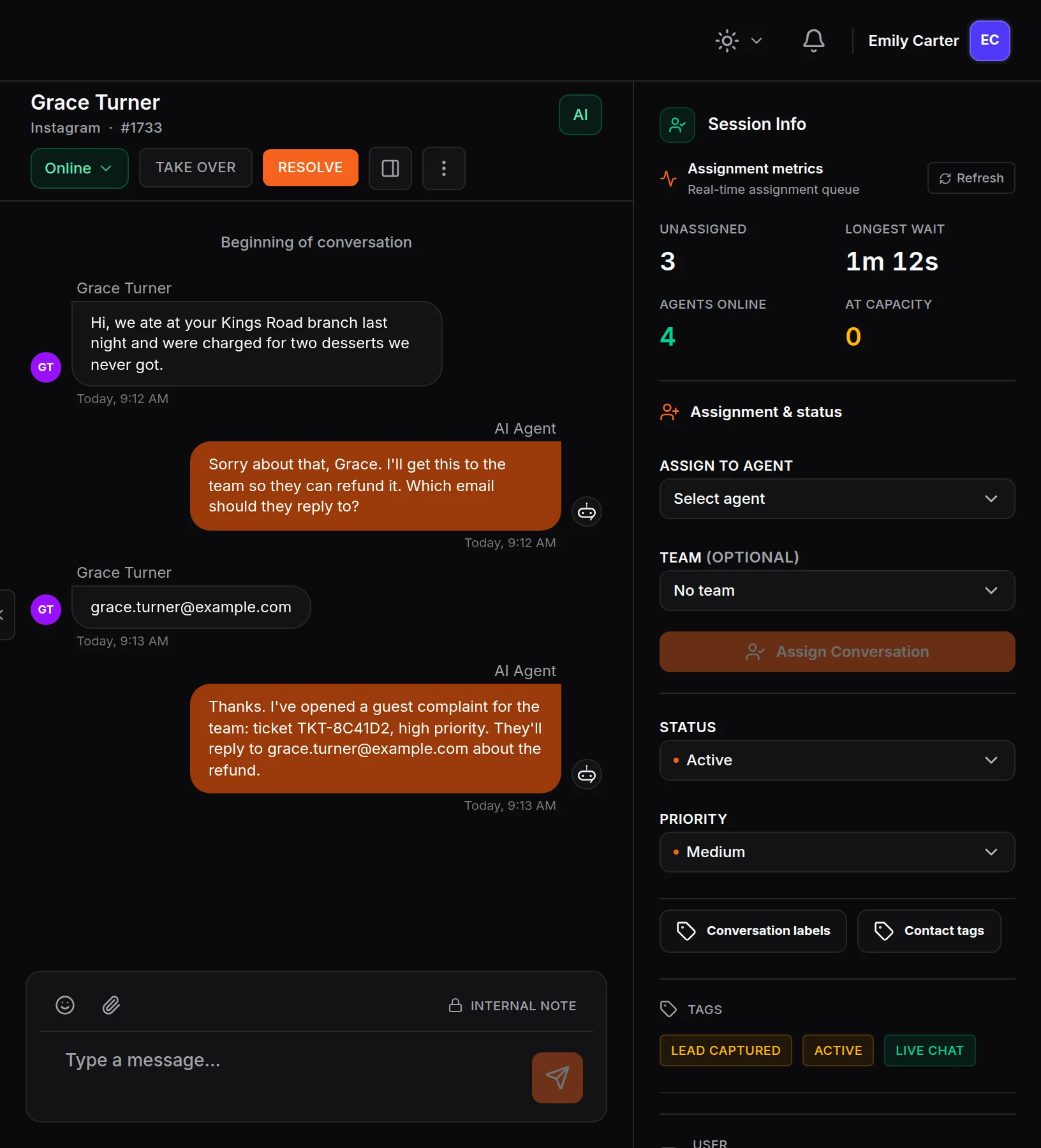
What is an AI helpdesk?
An AI helpdesk is customer support software where an AI answers questions first and turns the problems it cannot solve into tickets that your team works through.
HiQBot’s AI helpdesk is built for customer-facing support: questions and problems from the people who buy from you, on the chat apps they already use. It is not an IT service desk for employee requests. The same AI that answers support questions can also qualify leads and book appointments, and your team can take any conversation over in live chat when a person should answer straight away.
HiQBot is a conversational platform for customer service, with AI agents and live chat on website chat, WhatsApp, Instagram, Messenger, Telegram and LINE.
How the AI helpdesk handles a support request
- 01
The customer writes on any channel
Website chat, WhatsApp, Instagram, Messenger, Telegram or LINE. Every message lands in the same inbox.
- 02
The AI answers from your documents
Order questions, opening hours, how-tos and policies get an answer in seconds, at any hour, in the customer’s language.
- 03
It opens a ticket when it cannot fix the problem
First it asks for an email address or phone number. Then it writes a summary of the problem, sets the priority and category, and gives the customer the ticket number in the chat.
- 04
Your team works the ticket
The SLA target starts counting, notes stay internal, and the ticket can go to Jira or HubSpot. A person replies to the customer by email or phone.
Inside the AI ticketing system
What your team sees once the AI has opened a ticket, from the ticket itself to the targets it is measured against.
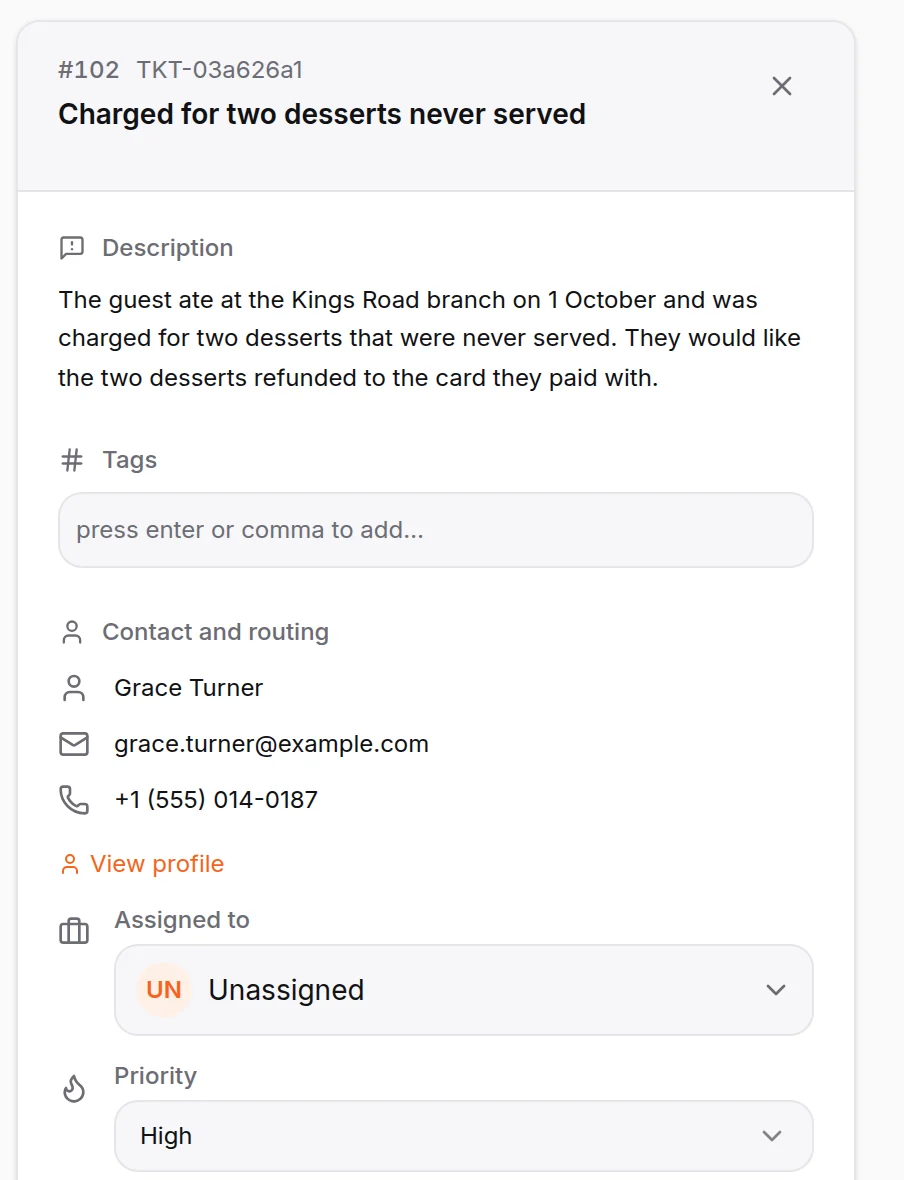
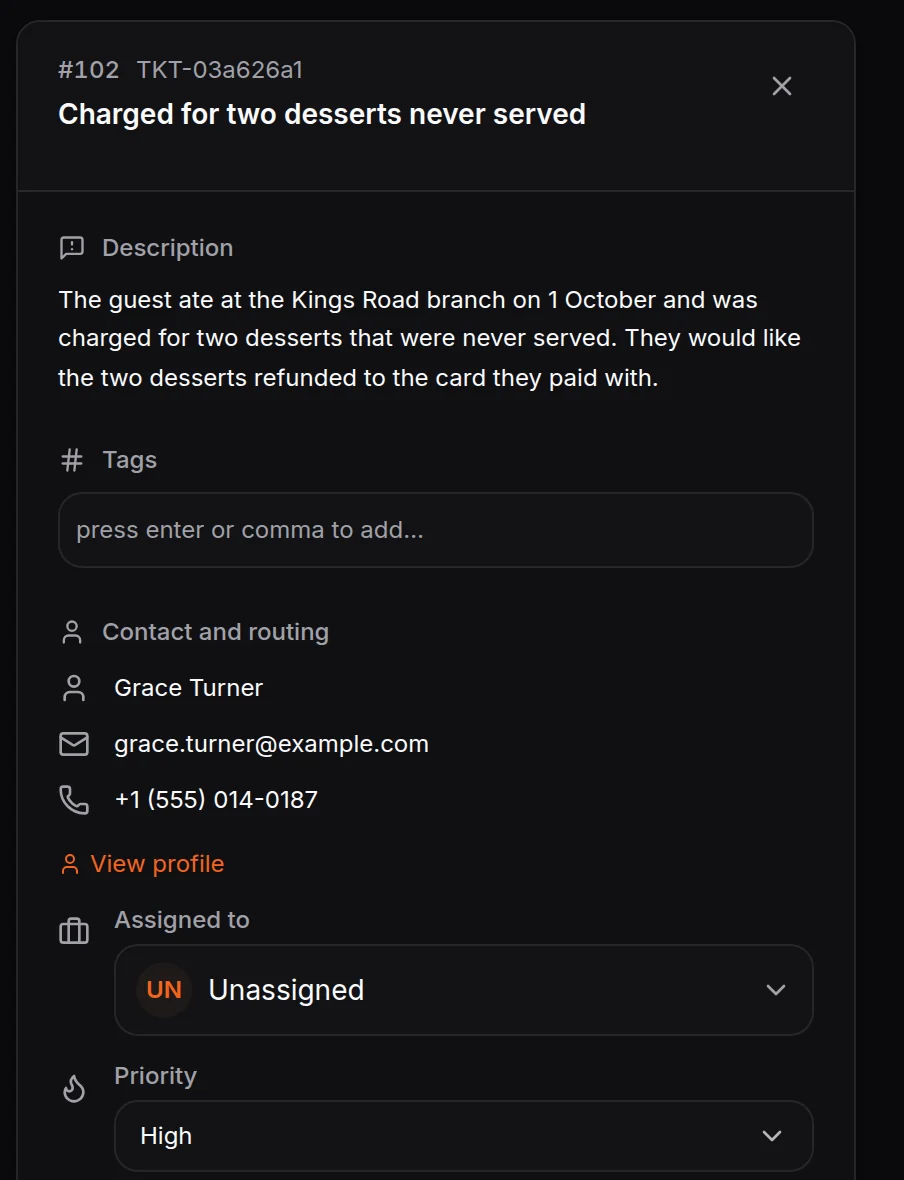
Every ticket has an owner and a summary
The ticket opens with the problem written up, the customer’s contact details, a priority and a status. Assign it, add internal notes, and move it from open to resolved.
- Customer cases and internal tasks
- Notes the customer never sees
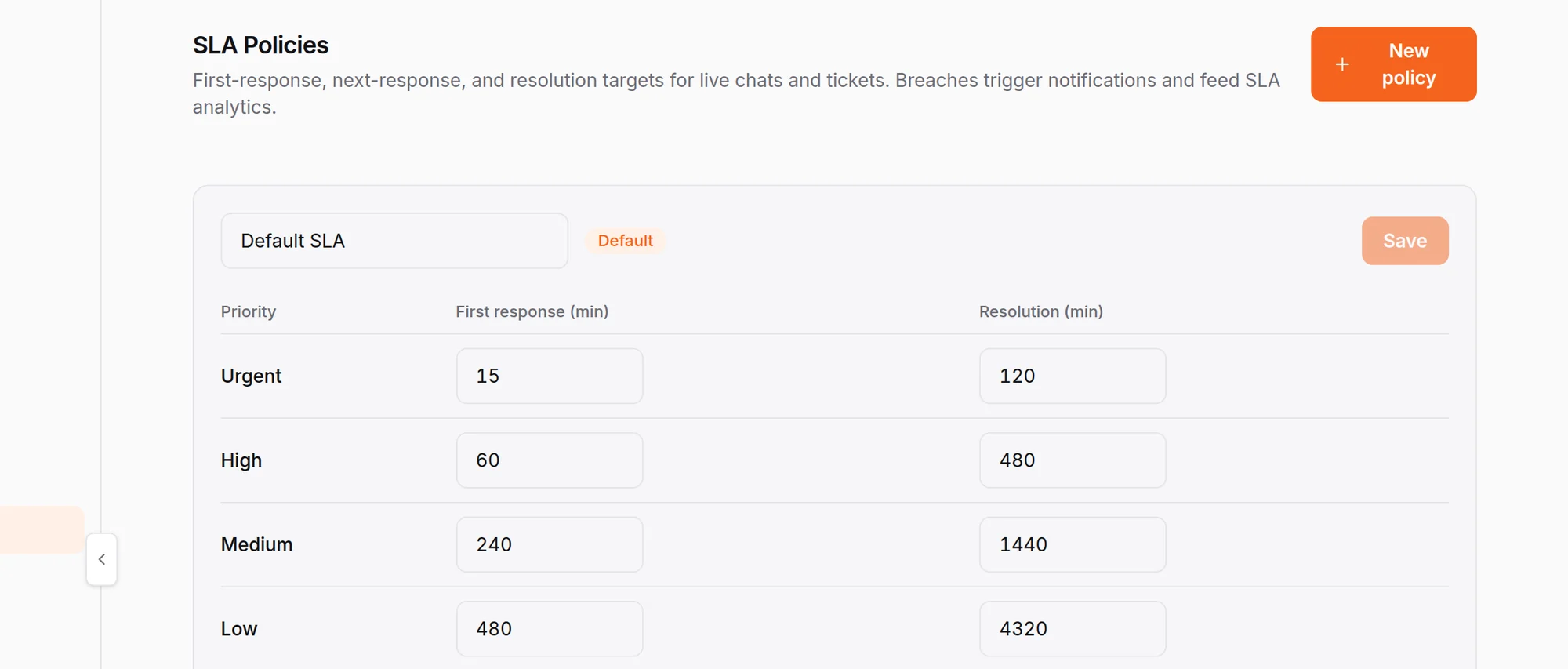
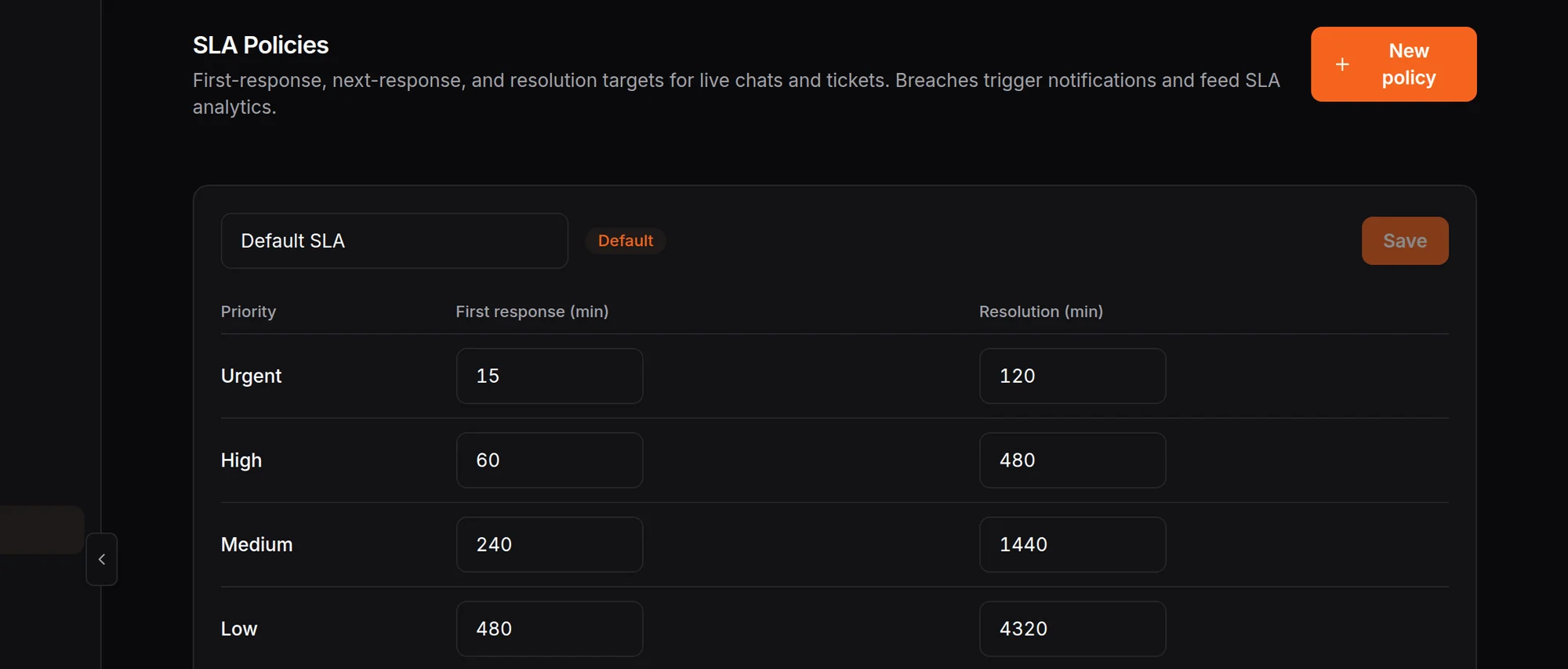
Targets for every priority
Set first response and resolution targets for urgent, high, medium and low tickets. Every new ticket picks up the target for its priority, and breaches are flagged as they happen.
- Your own targets per priority
- Breaches flagged on the ticket
See whether support is keeping up
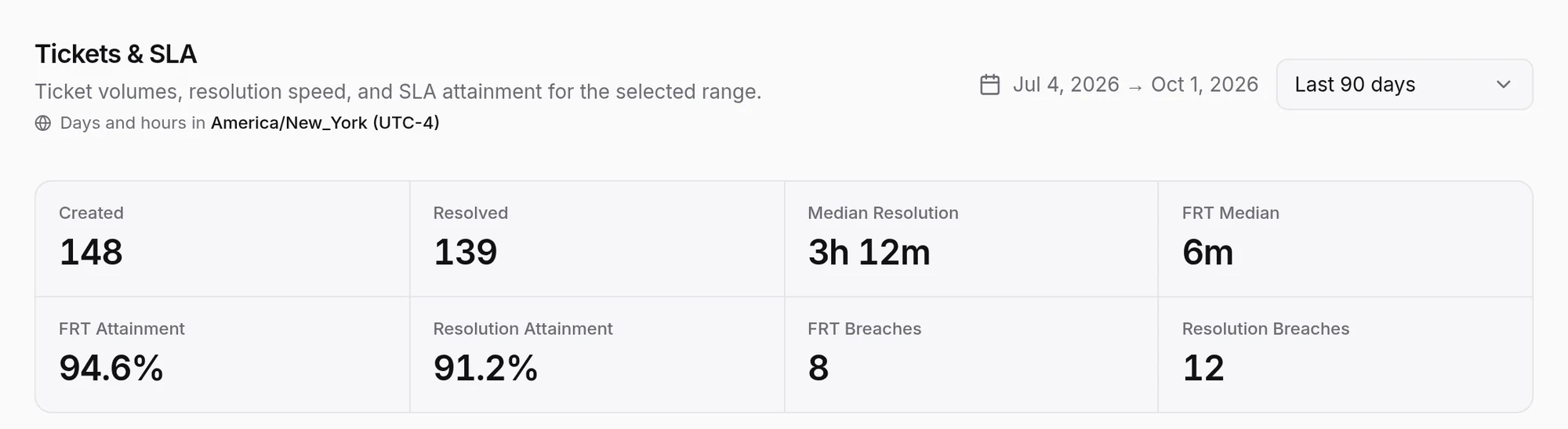
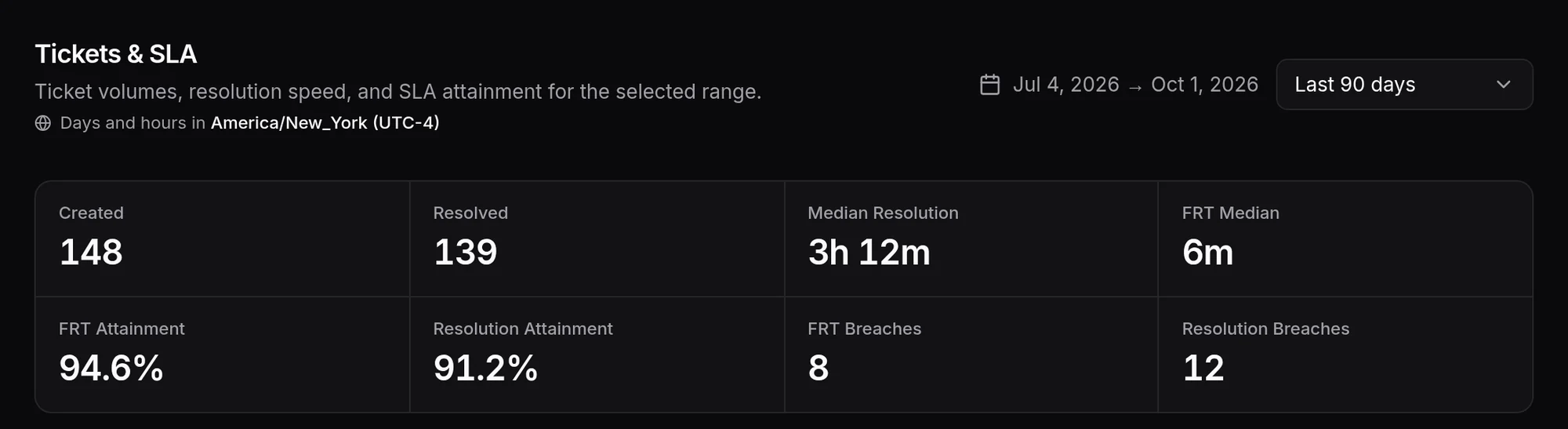
Tickets created and resolved, median resolution time, median first response and how often your team hits its targets, broken down by priority and channel.
- First response and resolution attainment
- Breaches by priority and channel
Ticket types tuned to your industry
Pick your industry and the AI files the kind of ticket your team expects, with the details that industry needs in the summary.
Service tickets
AutomotiveFor service complaints and warranty problems, with the vehicle details written into the summary.
Support tickets
E-commerce and RetailFor wrong items, refunds and exchanges, with the order number in the subject.
Guest requests
HospitalityFor a complaint or a problem during a stay that the front desk needs to sort out.
Guest complaints
RestaurantsFor a problem with a visit or an order, written up with when it happened.
Support tickets
SaaS and TechnologyFor bugs, account, billing and integration problems the AI cannot fix in the chat.
Traveler requests
Travel and TourismFor a booking problem or a change that needs someone on your team.
On a connected WooCommerce store, refund, exchange and cancellation requests open a linked ticket automatically, with the priority set from the AI’s recommendation. Nothing changes on the order until someone on your team approves it.
Support that keeps customers buying
A fast answer and a clear next step are what bring a customer back after something went wrong.
Fewer customers lost to waiting
Most questions end with the AI’s answer in seconds. The ones that need a person leave the chat with a ticket number, so the customer knows they have not been forgotten.
Your team’s time goes to the cases that keep revenue
The AI takes the repeat questions. Refunds, complaints and problems that could cost you a customer arrive already written up, with a priority, so the urgent ones are handled first.
Nothing slips between shifts
Every ticket has an owner, a status and a deadline. A colleague who picks it up tomorrow reads the summary and the internal notes instead of asking the customer again.
Switch on customer ratings and HiQBot asks for a thumbs up or down when a conversation is resolved, on website chat, WhatsApp, Instagram and LINE. The satisfaction report splits the score between the AI and your team.
Tickets in Jira and HubSpot
Send any ticket to Jira or HubSpot in one click, or switch on automatic filing for customer cases, internal tasks or both. Choose the Jira project and issue type, or the HubSpot pipeline and status, where your tickets land.
When engineering moves the issue in Jira, or your account team moves the ticket in HubSpot, the ticket in HiQBot follows. Your support team sees the latest status without asking.
Questions about the AI helpdesk
Last updated
What is an AI helpdesk?
An AI helpdesk is customer support software where an AI answers questions first and turns the problems it cannot solve into tickets for your team. In HiQBot the AI answers on website chat, WhatsApp, Instagram, Messenger, Telegram and LINE, and every ticket it opens arrives with the problem already written up.
How is an AI helpdesk different from an AI service desk?
An AI helpdesk handles customer-facing support: questions and problems from the people who buy from you. An AI service desk usually runs internal IT requests such as password resets and laptop orders. HiQBot is built for the first kind, across the chat apps your customers already use.
Does the AI create tickets on its own?
Yes. When the AI cannot fix a problem, it asks for the customer’s email address or phone number, then opens the ticket itself with a written summary, a priority and a category, and gives the customer the ticket number in the chat. You can switch ticket creation off for any inbox.
What does a ticket contain?
A subject, a summary of the problem written by the AI, the customer’s name and contact details, a priority from urgent to low, a category, a status and an assignee. Your team adds tags and internal notes that the customer never sees, and moves the ticket from open to resolved.
Do customers get updates on their ticket?
The customer gets the ticket number in the chat as soon as the AI opens it. After that, a person on your team follows up by email or phone using the contact details on the ticket. HiQBot does not send automatic status emails to customers.
Does the AI helpdesk work with Jira and HubSpot?
Yes. Send any ticket to Jira or HubSpot in one click, or switch on automatic filing for customer cases, internal tasks or both. When the issue moves in Jira or the ticket moves in HubSpot, the ticket in HiQBot follows, so engineering and account teams stay in the tools they use.
Can I set SLA targets?
Yes. Set first response and resolution targets for each priority, from urgent to low. Every new ticket picks up the target for its priority, breaches are flagged on the ticket, and the Tickets and SLA report shows how often your team hits them, by priority and by channel.
Which channels does the AI helpdesk cover?
Website chat, WhatsApp, Instagram, Messenger, Telegram and LINE, all in one inbox. A support request that starts on any of them can become a ticket, and your team can take any conversation over in live chat when a person should answer straight away.
Let the AI answer, and give every problem an owner
Answers in seconds on six channels, and tickets your team can see, prioritise and close.