Live chat for your website, AI optional
Your team answers website chat, WhatsApp, Instagram, Messenger, Telegram and LINE from one inbox. Let the AI reply first, or keep it off.
7-day free trial. Website chat can go live the same day.
A customer asks on WhatsApp
The AI answers, then hands over
Your team replies from the inbox
What is live chat for a website?
Live chat for a website is a chat window on your site where your team answers visitors in real time, while they are still on the page.
Most live chat software now puts an AI chatbot in front. HiQBot lets you decide for each channel: your team answers every message, or the AI agent replies first and hands the conversation to a person with the whole thread attached. The same inbox answers WhatsApp, Instagram, Messenger, Telegram and LINE, so a partner asking about a contract on WhatsApp and a shopper with a checkout question on your site reach the same team. See how this fits into customer service across channels.
HiQBot is a conversational platform for customer service, with AI agents and live chat on website chat, WhatsApp, Instagram, Messenger, Telegram and LINE.
Run live chat on its own, or behind the AI
Each channel you connect is its own inbox, and each inbox has a setting for who answers. Pick live chat and your team takes every message. Pick the AI and it replies first, then hands over when a person is needed, so customers get an answer 24/7 even when nobody is online.
Live chat
- Who answers first
- Your team, on every message
- When a person joins
- Straight away. The conversation goes to someone on shift
- After the handover
- Your team answers until it is closed
- Message credits
- None for your team’s replies. Optional intake uses one credit per conversation
AI first, your team behind
- Who answers first
- The AI agent, from your documents
- When a person joins
- When the customer asks for a person or needs someone who can decide
- After the handover
- Your team takes over, and can hand it back to the AI
- Message credits
- Each AI reply uses credits at the level you pick for the inbox
Inside HiQBot’s live chat software
Six screens from a HiQBot workspace, from the inbox your team answers in to the reports you read at the end of the week.
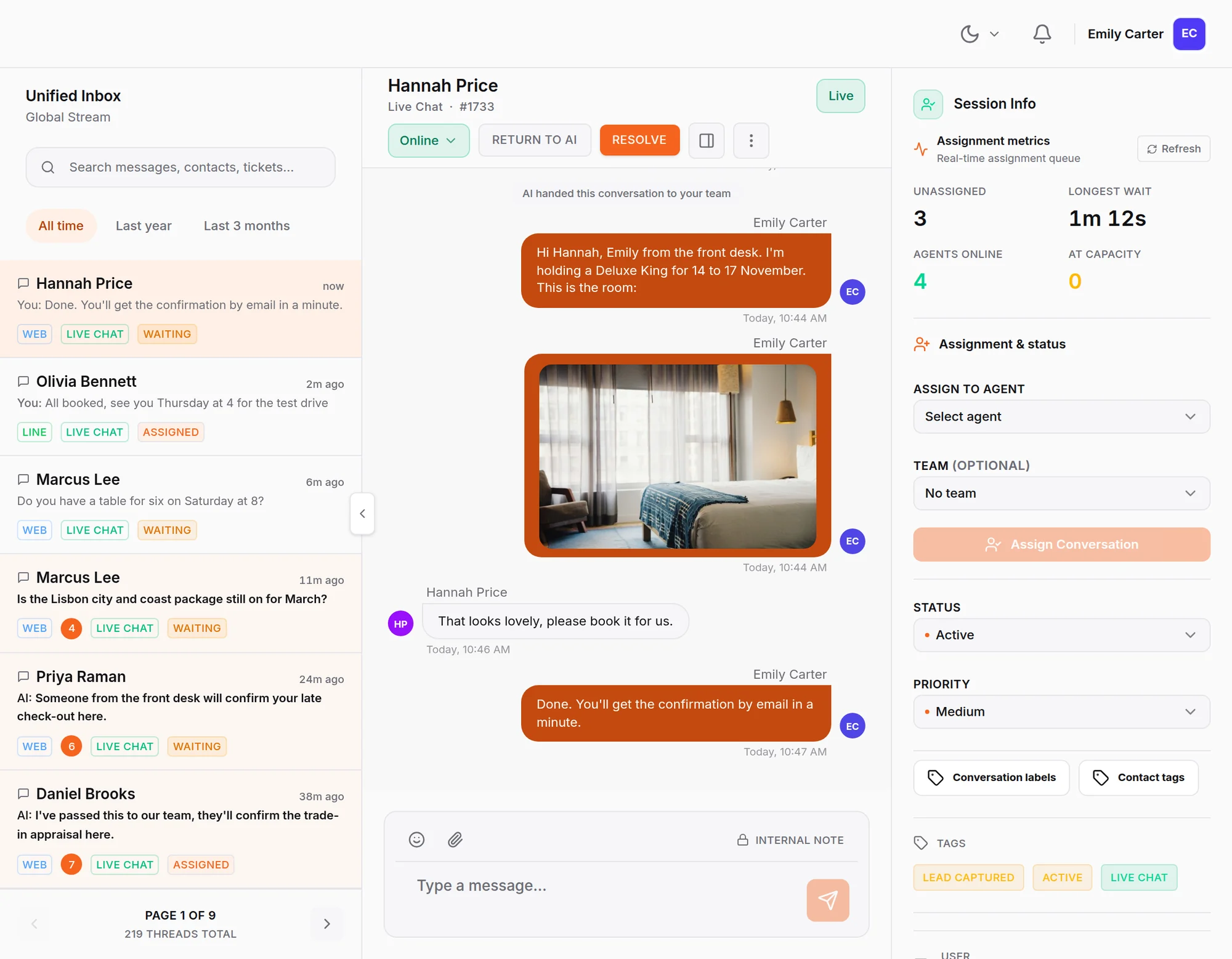
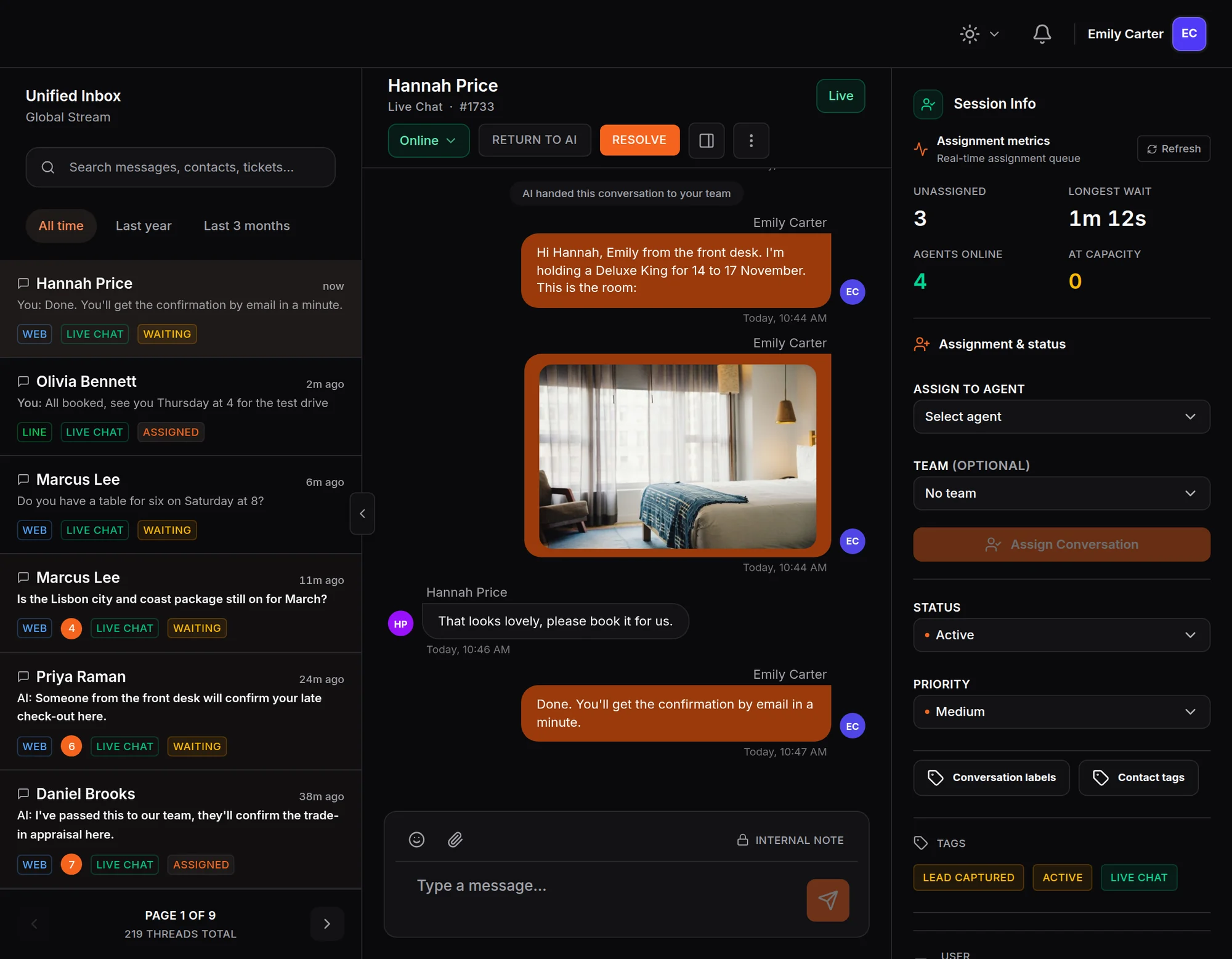
Every chat in one inbox
Website chat, WhatsApp, Instagram, Messenger, Telegram and LINE land in the same list, and your team answers from there.
- Open, Mine and Unassigned views
- Each chat marked with its channel
Choose who answers each inbox
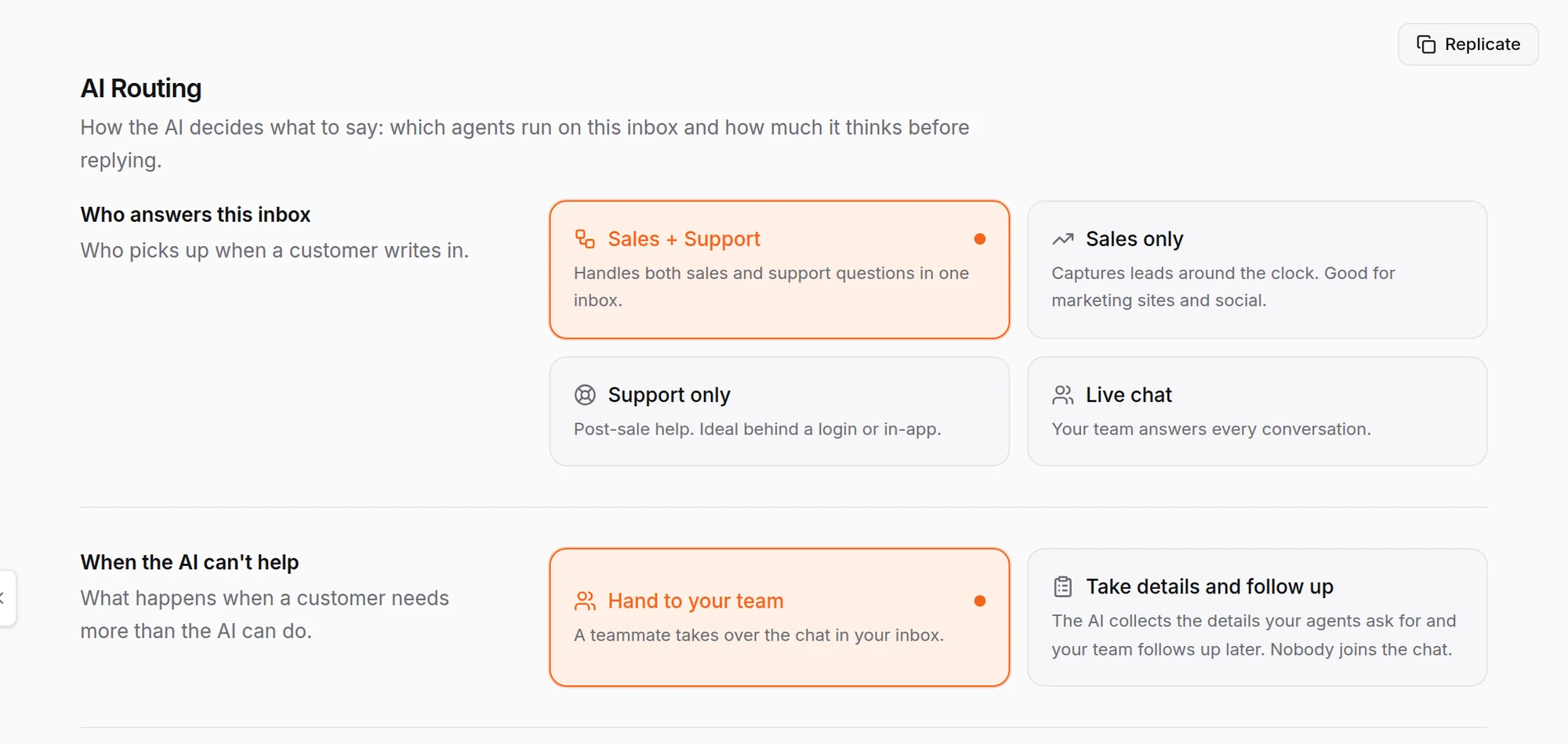
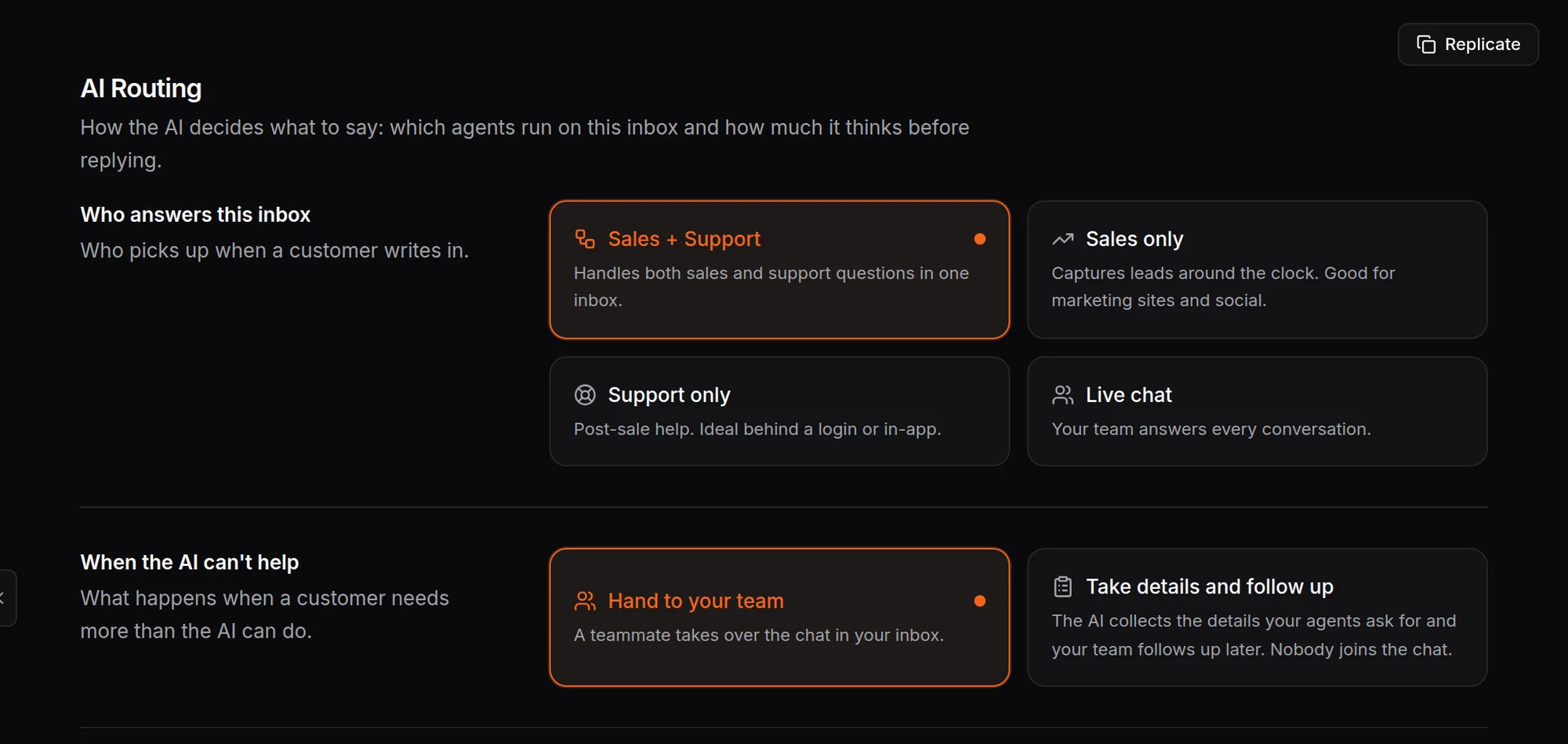
Pick Live chat and your team answers every conversation, or let the AI take the first reply. When the AI cannot help, it hands the chat to your team.
- Live chat or the AI, per inbox
- Hand to your team, or take details and follow up
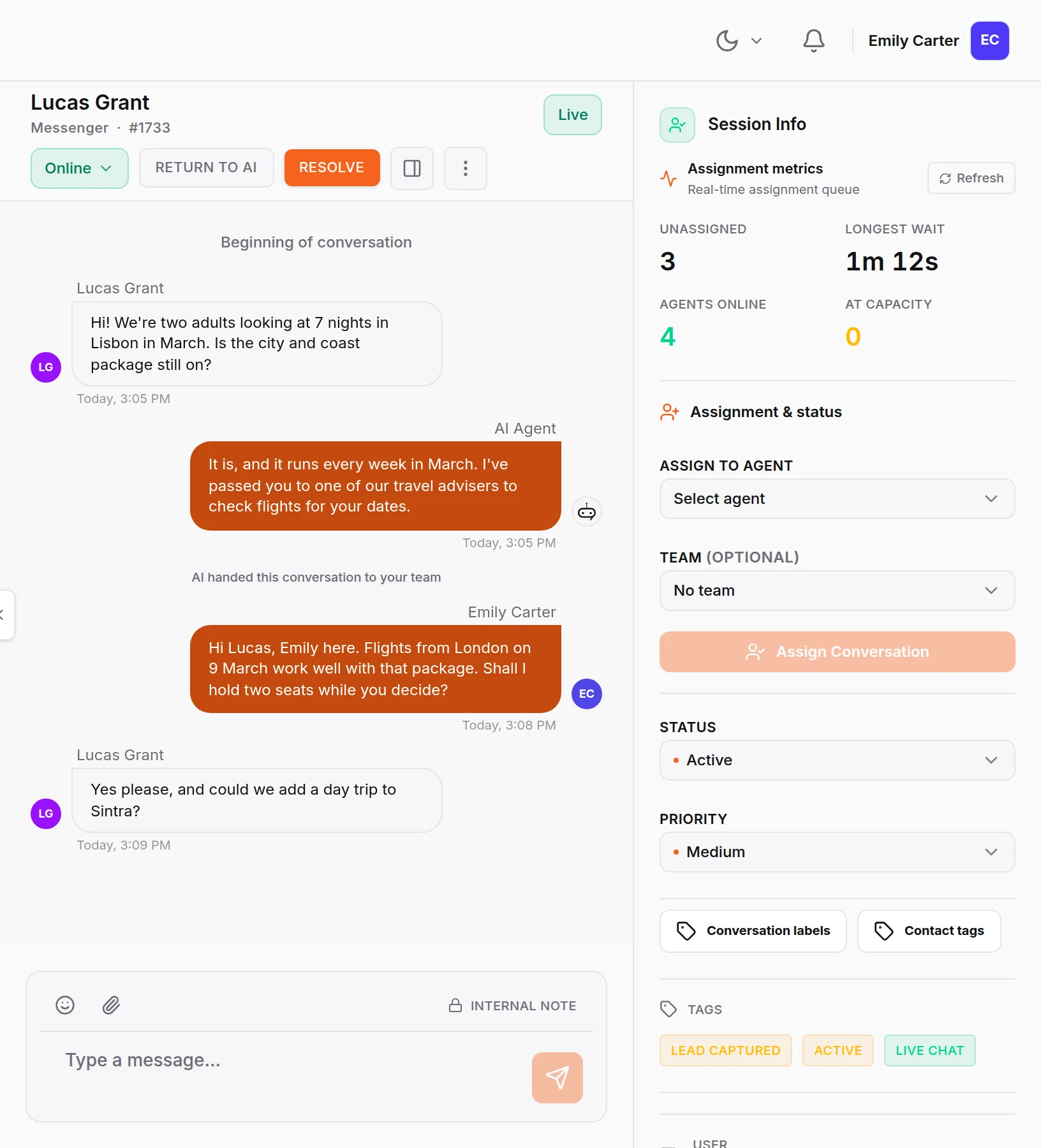
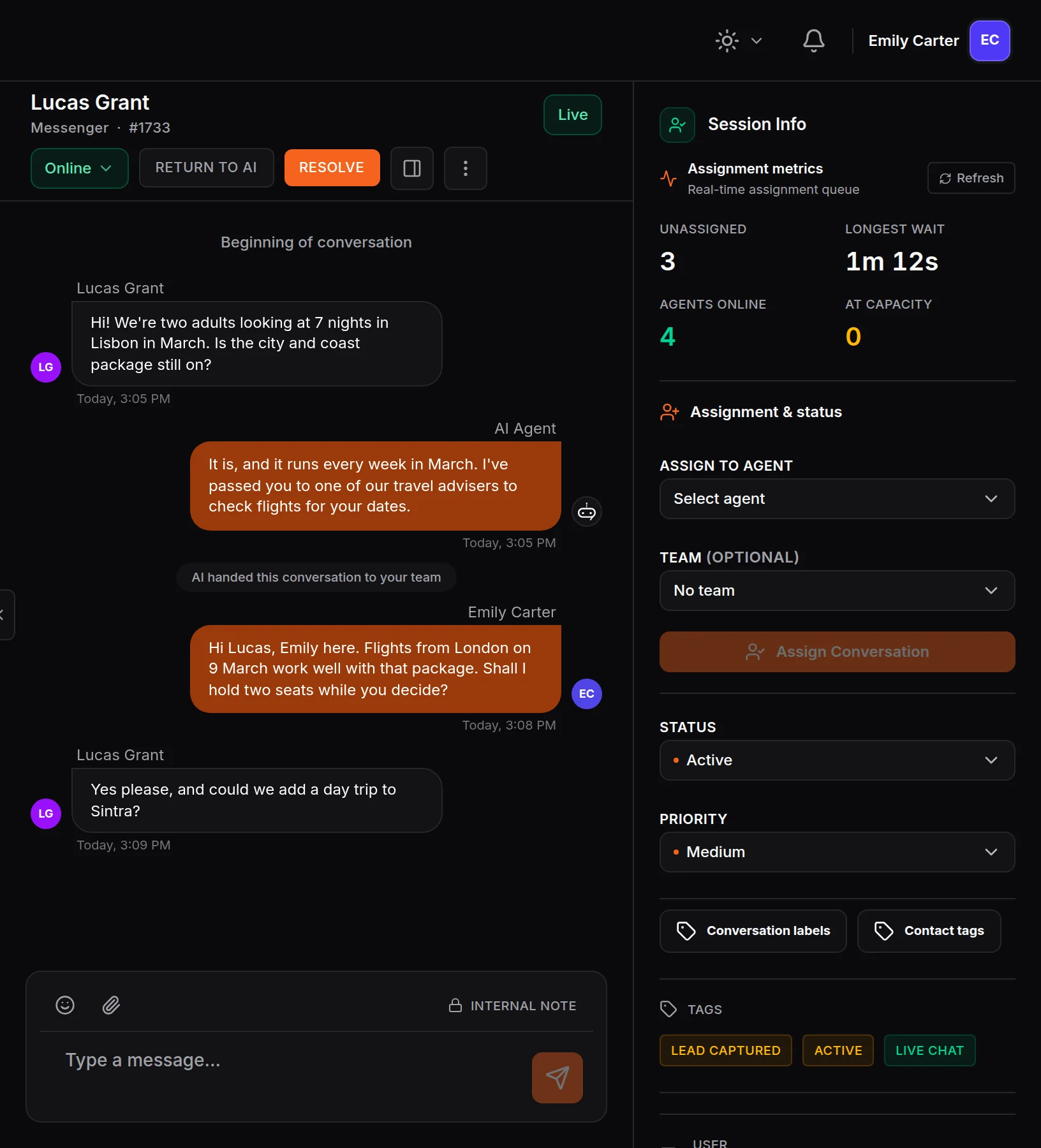
Step in, then hand it back
Take over any conversation and the AI stops replying. Press Return to AI when you are done, and the whole thread stays in place.
- Take Over stops the AI
- Return to AI when you are done
Chats go to whoever is free
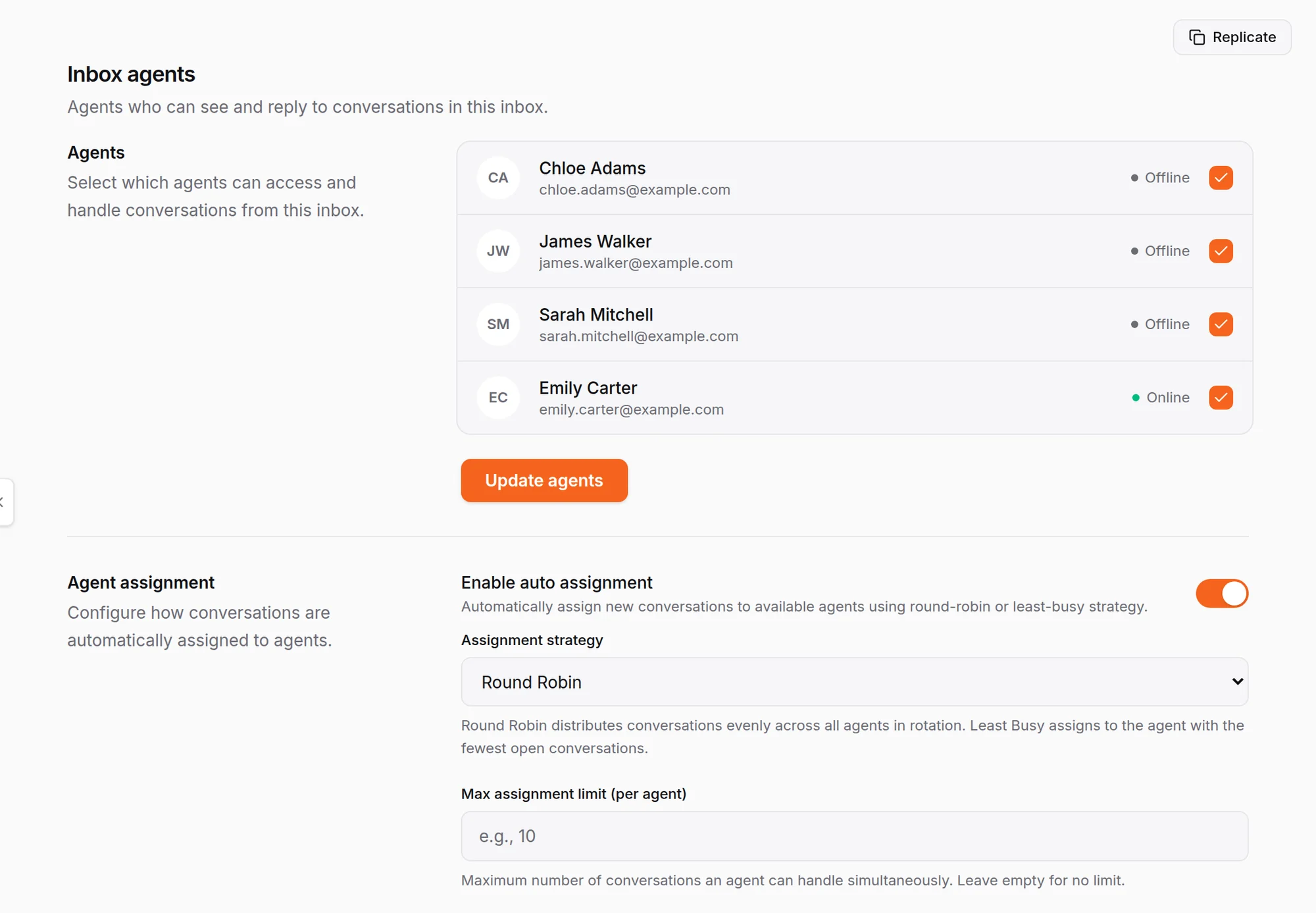
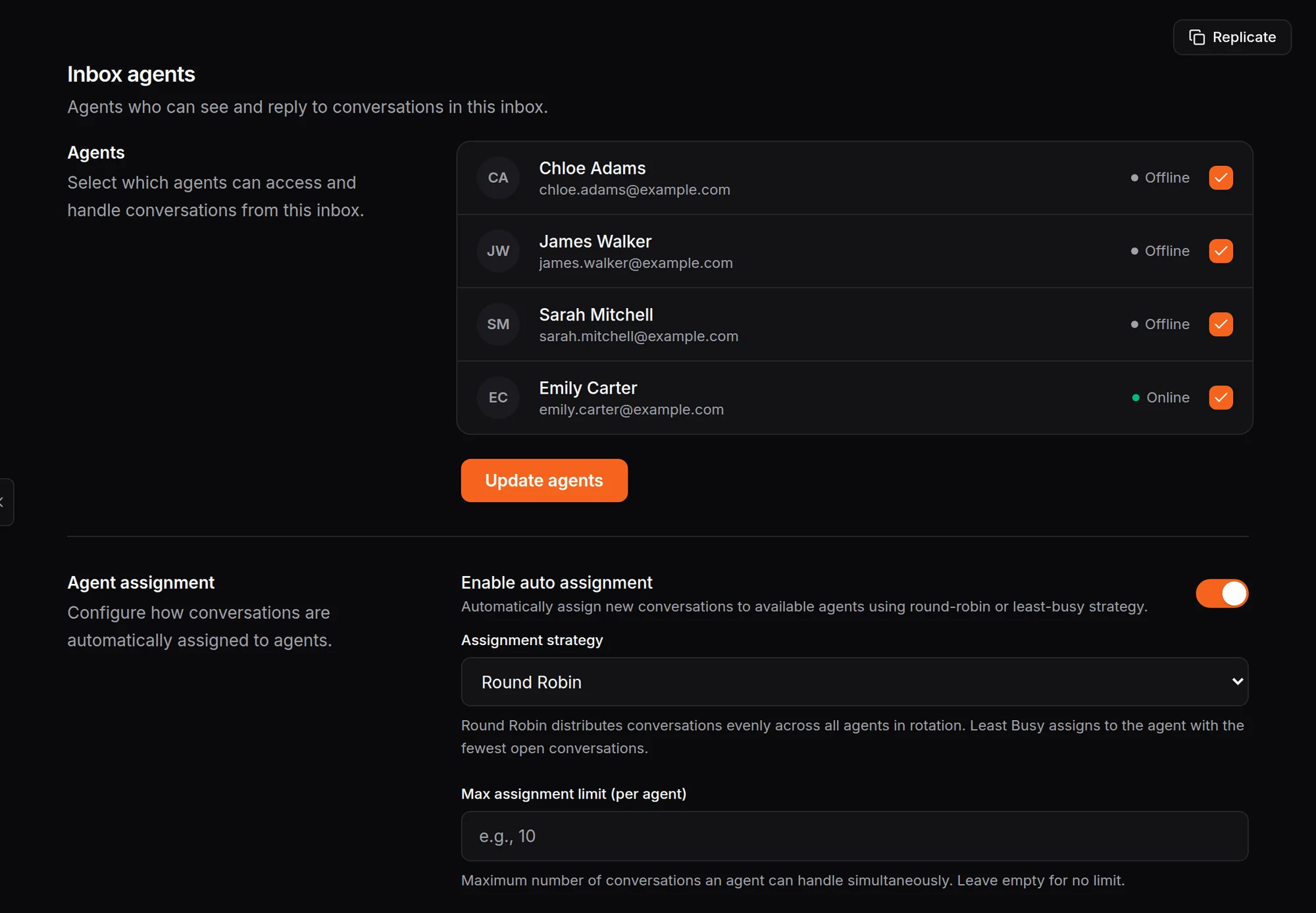
Choose which teammates answer each inbox, then assign new chats in turn or to whoever has the fewest open conversations, with a limit per person.
- Round Robin or Least Busy
- A chat limit for each agent
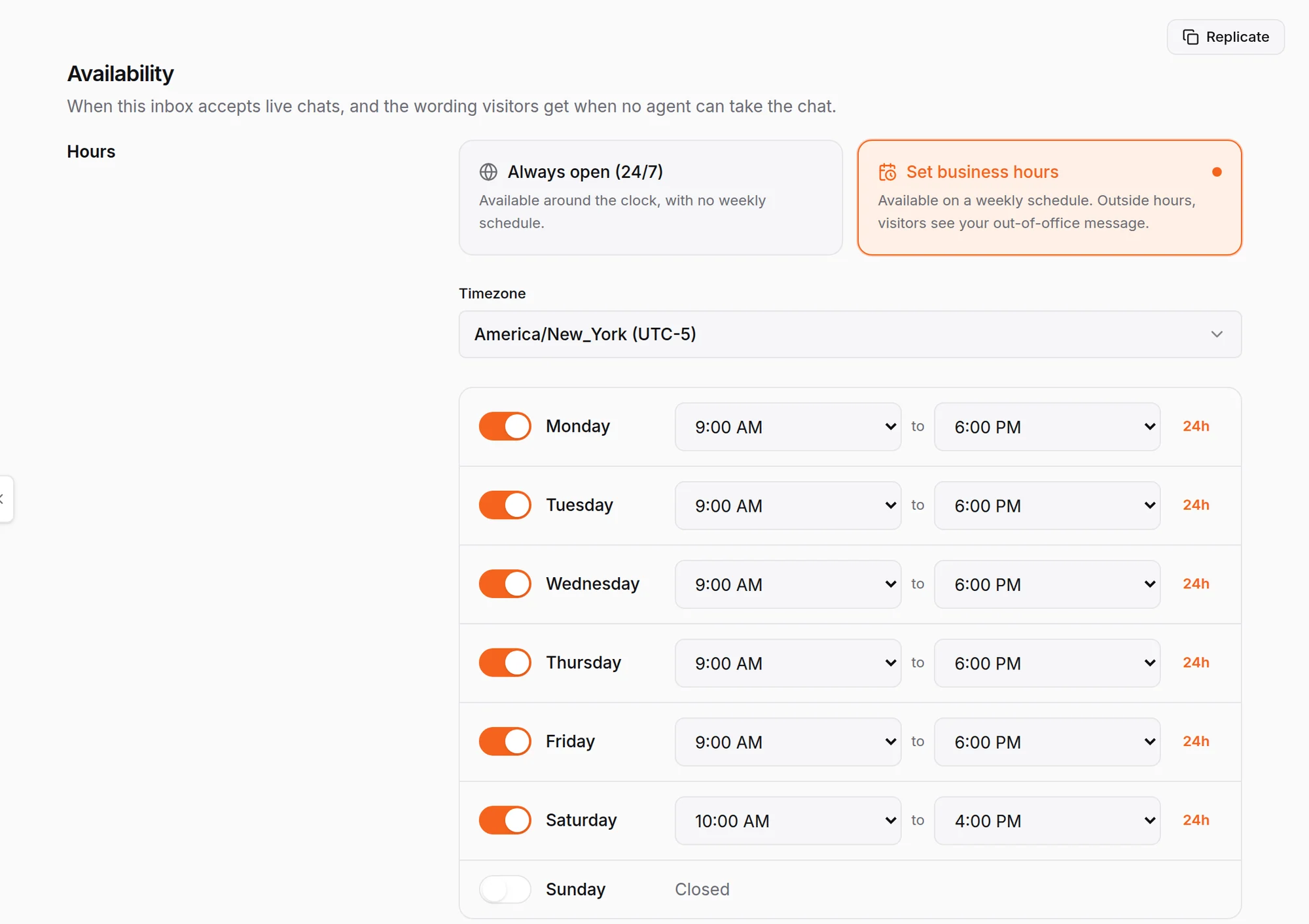
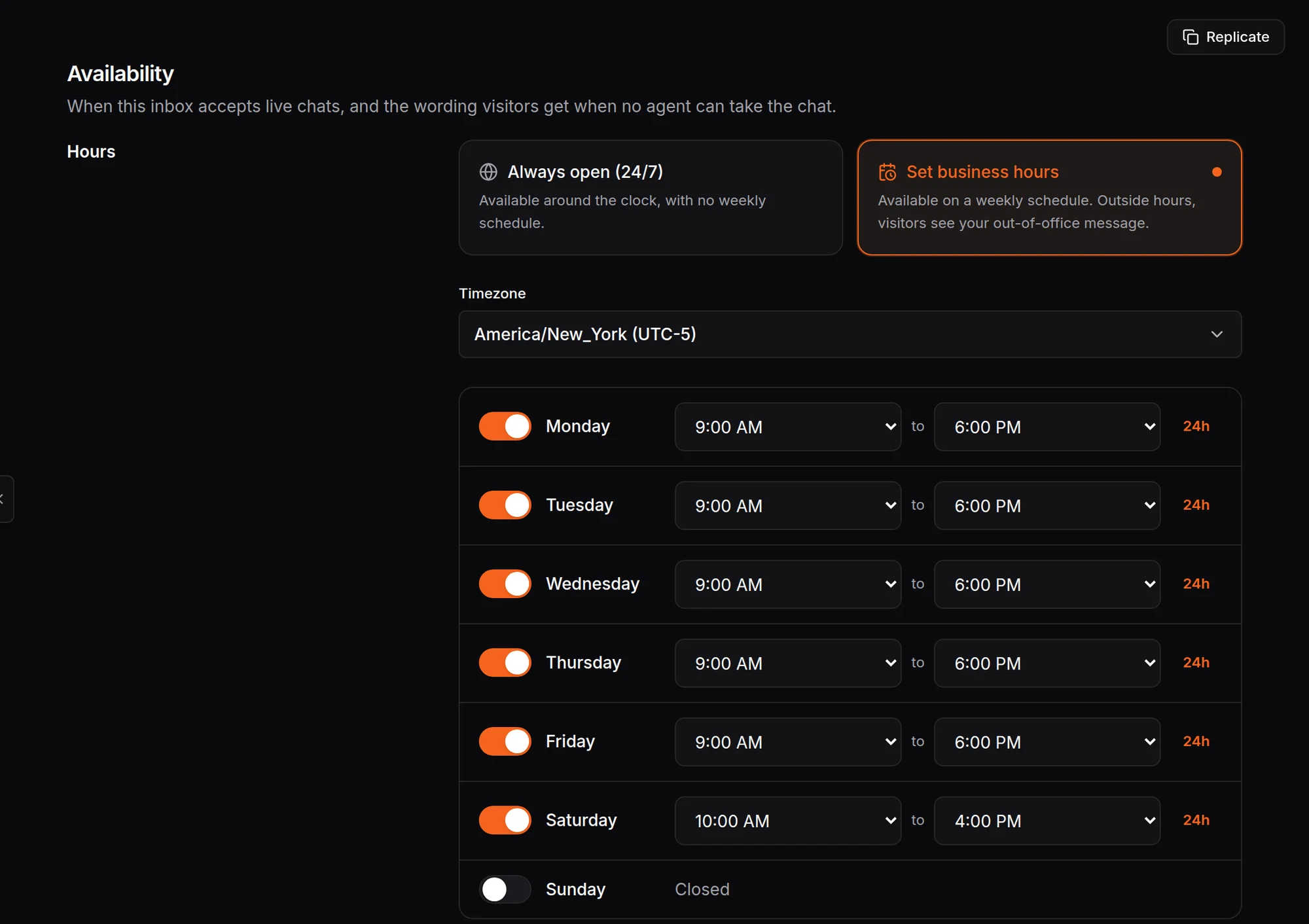
Set when your team is in
Set business hours and a time zone for each inbox. Outside them, visitors see your out-of-office message.
- Hours for each day of the week
- Your own out-of-office wording
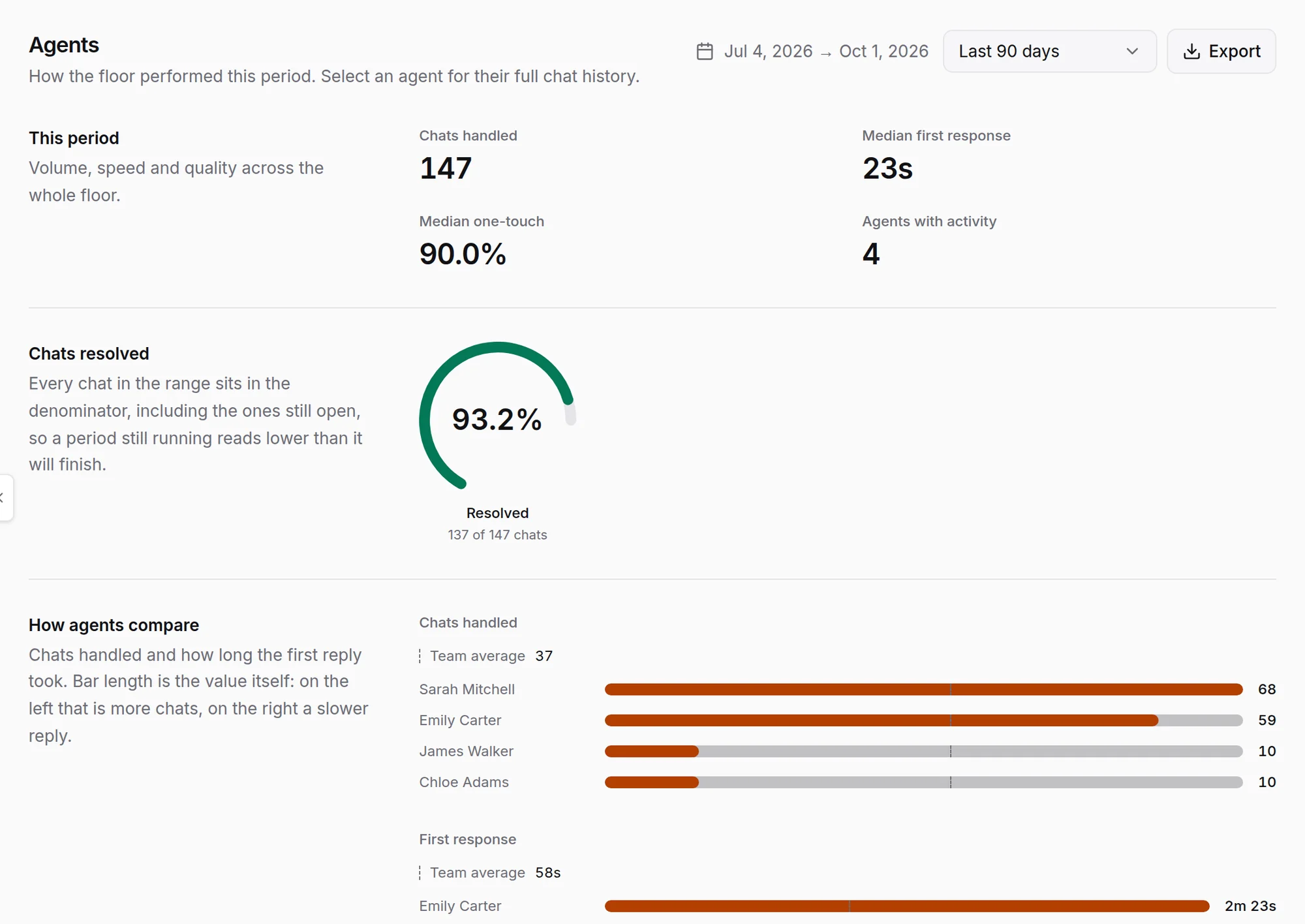
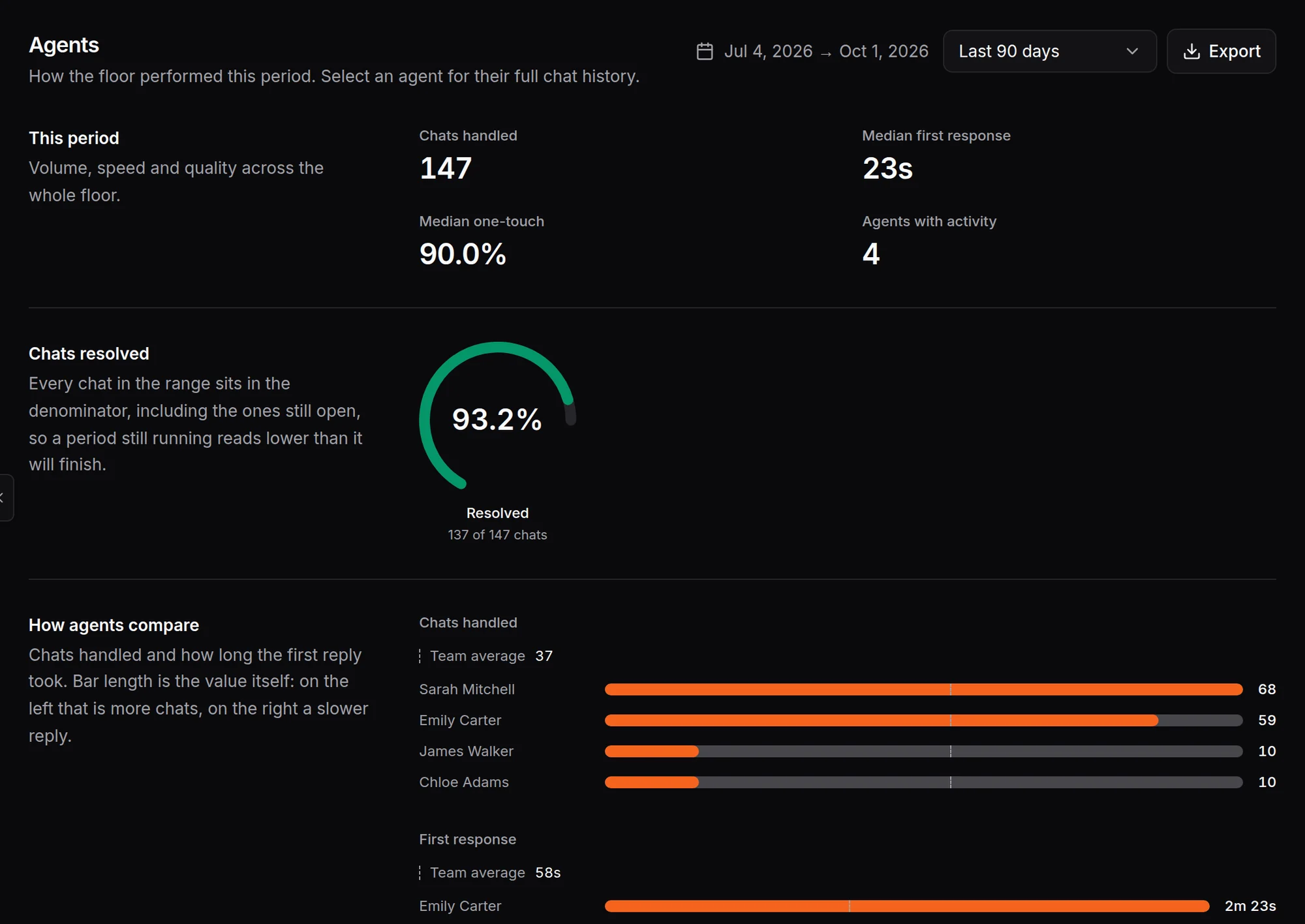
See how the team is doing
Agent reports show chats handled, first response time and how many chats were resolved, with team, inbox and label reports beside them.
- Median first response and chats resolved
- Compare agents side by side
How a conversation moves from the AI to your team
On a channel the AI answers, your team is one step behind it. The customer stays in the same chat the whole time.
Outside your working hours, the AI tells the customer when your team is back, and the conversation waits for them in the same chat.
- 01
The AI answers first
It answers from your documents, handles the questions you get every day, and notes who the customer is as the conversation goes.
- 02
It hands over with the whole thread
The conversation goes to someone free and on shift. The customer carries on in the same chat, and your teammate reads everything already said.
- 03
Your team closes it, or opens a ticket
Quick questions end in the chat. Anything that needs a fix or a callback becomes a ticket with the problem written up and the customer’s contact details on it.
Live chat support tools your team uses every day
What a live chat system needs to run every day: tools for answering customers in real time, running the team behind the chat, and seeing how it went.
In the chat
- Chat transfer to a teammate or a team
- Internal notes the customer never sees
- File and image sharing
- Customers see when your team is typing
- Labels, priority, snooze and resolve
- Chat ratings after the conversation
Team management
- Teams for sales, support or any group you need
- Roles and permissions for each teammate
- A chat limit per person
- Personal working hours for each teammate
- Business hours and an out-of-office message per inbox
Reports
- Live Floor: who is online, busy or offline right now
- Agent reports: chats handled, first response and chats resolved
- Team, inbox and label reports
- Customer satisfaction and ticket reports
- Full chat history on every contact
Live chat for every business that talks to customers
A quick, personal answer is what turns a visitor into a customer and a complaint into a repeat order. HiQBot comes tuned for six industries, and the live chat service works the same way for any team that answers customers, from a two-person shop to a support desk.
- SaaS and Technology
Answer trial users while they are still deciding, and book the demo in the same chat.
- E-commerce and Retail
Help shoppers with sizes, stock and delivery before they leave the cart.
- Automotive
Answer questions about a car on the lot and set up the test drive while the buyer is keen.
- Hospitality
Answer room and availability questions, and send guests a photo of the room they are asking about.
- Restaurants
Take table requests and answer menu and allergy questions, even during the dinner rush.
- Travel and Tourism
Help travellers compare dates and trips, then hand the booking to the agent who will close it.
Support teams use it to fix problems while the customer is still on the page, and sales teams use it to pick up buyers who are ready to talk. See how HiQBot works for each industry, how leads are qualified and the AI agent that can answer first.
One live chat inbox for six channels
HiQBot is a live chat platform for more than your website. Every channel lands in the same list, so nobody switches apps to answer a customer. When a new conversation comes in with an email address or phone number that already belongs to a contact, HiQBot adds it to that contact in your CRM. See all six channels or one inbox for every channel.
When a chat needs a follow-up, it becomes a ticket
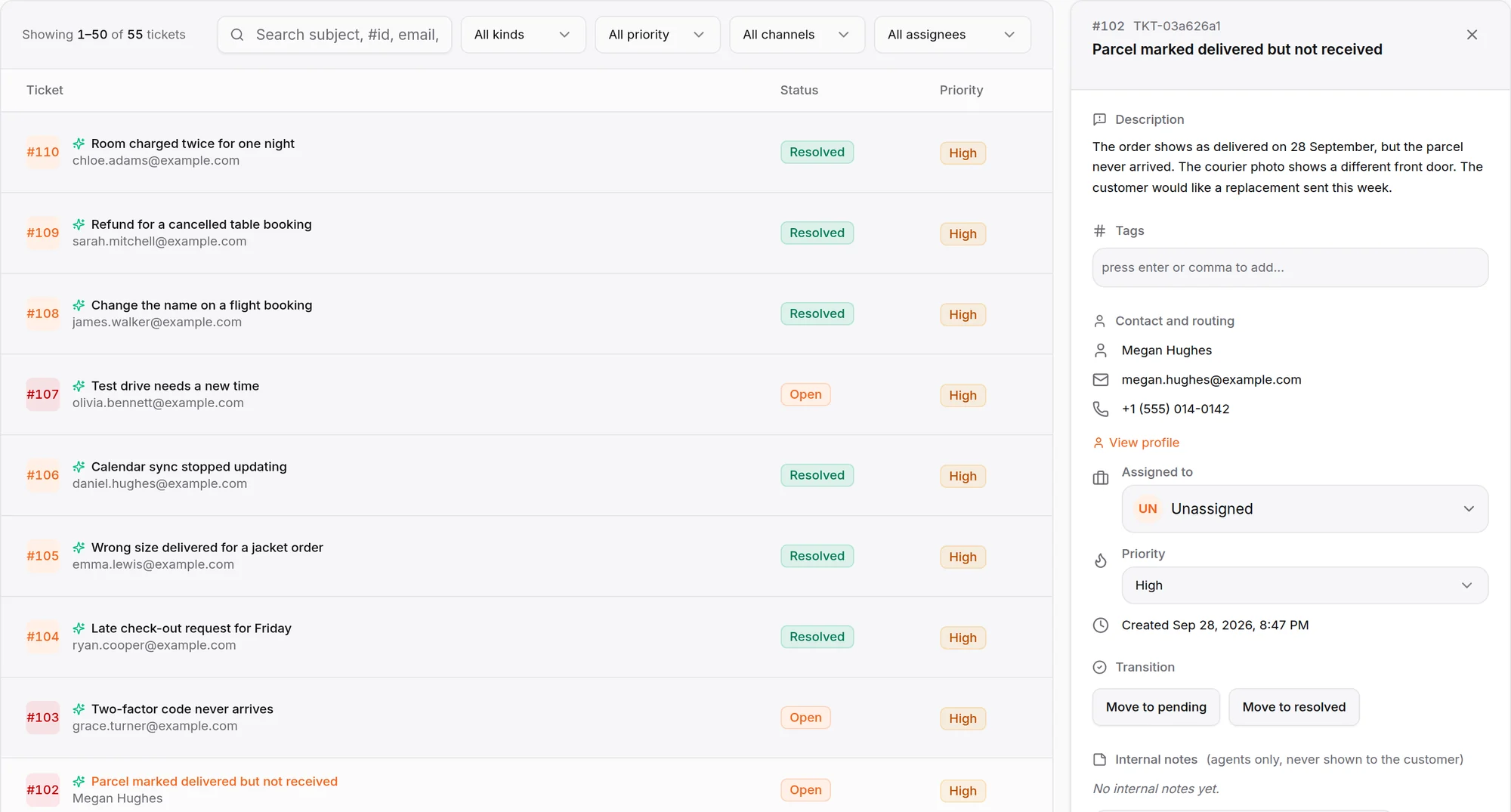
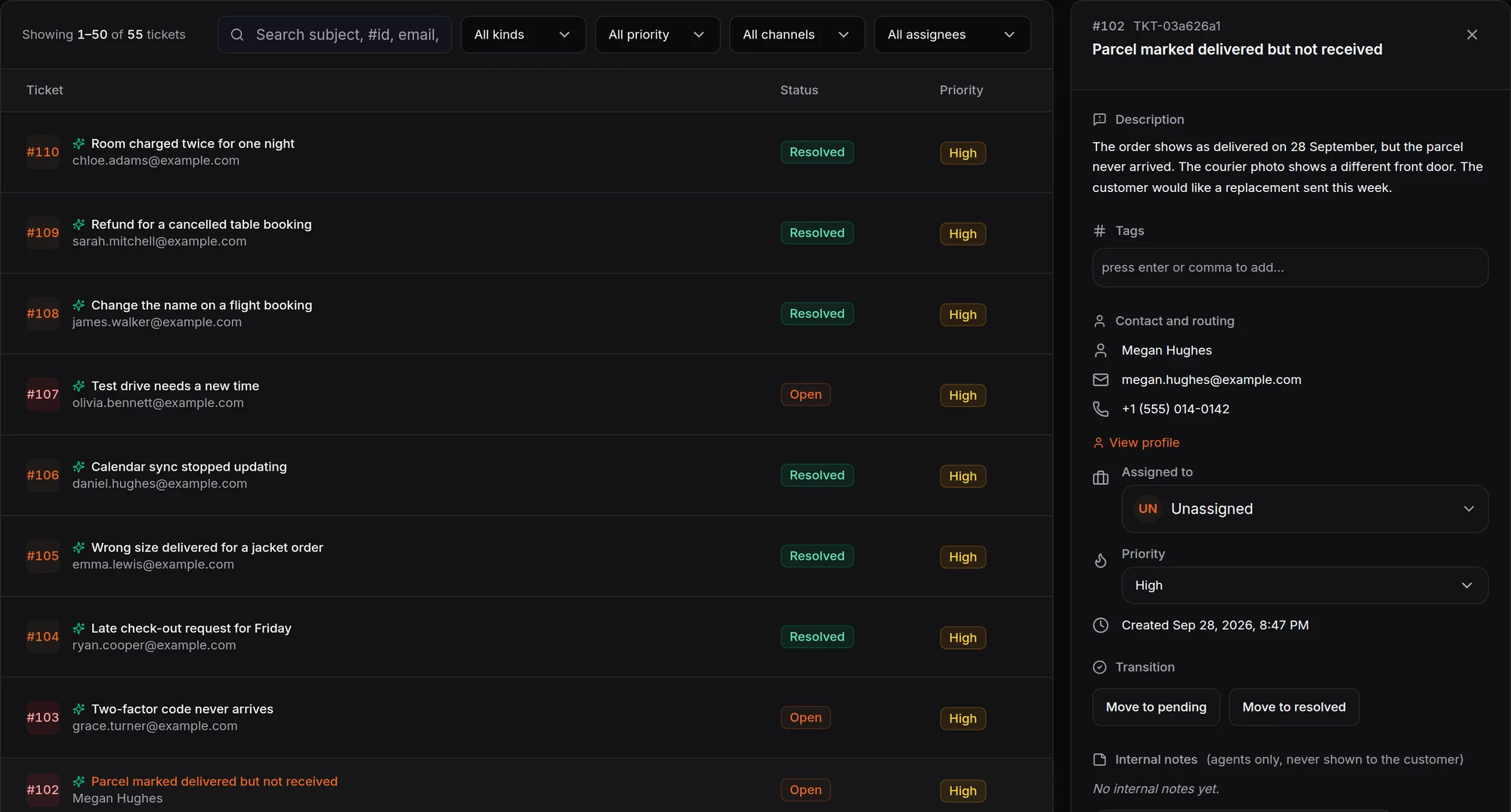
Anything that needs a fix or a callback becomes a ticket, so it has an owner, a priority and a deadline instead of living in someone’s memory. The AI support agent opens one itself once it has the customer’s email address or phone number: it writes up the problem, sets the priority and gives the customer the ticket number in the chat. Your team can add tickets too, for customer cases or internal tasks.
Connect Jira or HubSpot and send a ticket there in one click, or switch on automatic filing. When the issue moves in Jira or HubSpot, the ticket in HiQBot follows, so your engineers and account managers work from the tools they already use.
Add live chat to your website
<script src="https://widget.hiqbot.com" async></script>
<script>
  window.WIDGET_CONFIG = {
    organizationId: "org_xxxx",
    websiteToken: "wt_xxxx",
  };
</script>
Your dashboard fills in the IDs. More on the chat widget.
- 1
Paste the chat widget code into your site
Copy it from the dashboard and add it to your site’s head. It works with whatever your site is built on.
- 2
Invite your team and set their hours
Add teammates, choose who answers which inbox, and set the hours your team is on.
- 3
Choose who answers each channel
Live chat, or the AI first. Connect WhatsApp and the other channels from the same dashboard.
Your customers’ data stays yours
- Encryption in transit and at rest
- Emails and phone numbers masked before the AI reads a message
- Full activity history
- Each organization’s data kept separate
- Your customers’ data is never used to train AI models
- Help from real people by email and in-app chat, out of hours too
Questions about live chat
Last updated
What is live chat for a website?
Live chat for a website is a chat window on your site where your team answers visitors as they type. In HiQBot the same inbox also takes WhatsApp, Instagram, Messenger, Telegram and LINE, and you choose for each channel whether your team answers first or the AI replies and hands over.
Do I need to install a live chat app on my website?
No. HiQBot is chat software for your website that runs from one code snippet. Paste it into your site’s head, or add it through your site builder, and the chat window appears. There is nothing to install on your server, and your team answers from the HiQBot dashboard in the browser.
What is the difference between live chat and a chatbot?
In live chat, a person on your team answers the customer in real time. A chatbot answers automatically. HiQBot runs both in one inbox: an AI agent that answers from your documents, and live chat for your team, with the AI handing the whole thread to a person when one is needed.
Can I use live chat without the AI?
Yes. Set a channel to live chat and your team answers every message on it, with no AI reply in between. You can still switch on intake, where the AI asks the customer a few questions first and then passes them to a person with the answers attached.
How does the AI hand a conversation to my team?
The AI hands over when the customer asks for a person, gets frustrated, or needs someone who can make a decision. The conversation goes to a teammate on shift with the whole thread in front of them, and the customer carries on in the same chat. When your teammate is done, they can return it to the AI.
What happens when a customer writes outside working hours?
The AI tells the customer when your team is back, and the conversation waits for them in the same chat. Nothing else answers until a person picks it up, so the customer does not have to write again or open a new chat in the morning.
How many people can answer live chats?
Your team answers from one inbox, and you can add seats as it grows. Everyone works from the same inbox, and routing decides who gets each new conversation: in turn, or whoever has the fewest open chats.
Does live chat use message credits?
Replies from your team never use credits; only AI replies do. On a live chat channel with intake switched on, the AI’s questions use one credit for the conversation when it reaches a person, and nothing after that.
How is HiQBot different from other live chat software?
You choose for each channel whether your team answers first or the AI replies and hands over, so one workspace can run both. The same inbox covers website chat, WhatsApp, Instagram, Messenger, Telegram and LINE, and replies your team sends never use AI credits.
Give your team one place to answer from
Answer your website and five other channels from one inbox, with the AI in front where you want it.