An AI agent for every customer conversation
Industry-tuned for your business. It answers customers, captures leads, books appointments and raises tickets.
What is an AI customer service agent?
An AI customer service agent is an AI chatbot that answers your customers from your own documents and then acts on the conversation: it qualifies a lead, books an appointment, opens a support ticket or passes the conversation to a person.
HiQBot’s AI agent for customer service is conversational AI that works in writing, on the apps your customers already message you on. It asks the questions a good salesperson would ask, takes the booking inside the chat, and puts the lead in your CRM with everything that was said. A second agent can handle support: it answers service questions and opens a ticket when it cannot fix the problem, and your team can take over any conversation. It does not phone anyone, and it does not send cold messages to lists.
HiQBot is a conversational platform for customer service, with AI agents and live chat on website chat, WhatsApp, Instagram, Messenger, Telegram and LINE.
AI agent or customer service chatbot?
Both use conversational AI to read what a customer writes. Most AI chatbots for customer service answer the question in front of them. An AI agent answers and then takes the next step, so the conversation ends in a booking, a lead or a ticket.
A typical chatbot
- Answers the questions it was set up for
- Sends the customer to a form, a link or an email address to get anything done
- Leaves your team to work out later who the customer was and what they wanted
HiQBot’s AI agent
- Answers from your documents, in the customer’s language
- Qualifies the lead and books the appointment in the same chat
- Puts the lead in your CRM with the conversation attached
- Raises the support ticket or hands the whole thread to your team
If you only need common questions answered, a chatbot may be enough. If you are comparing AI chatbot platforms for customer service, ask what happens after the answer: whether the conversation can end in a booking, a lead in your CRM or a ticket your team can work.
See the agent at work in your dashboard
What you set up, and what your customers get, in six screens from a HiQBot workspace.
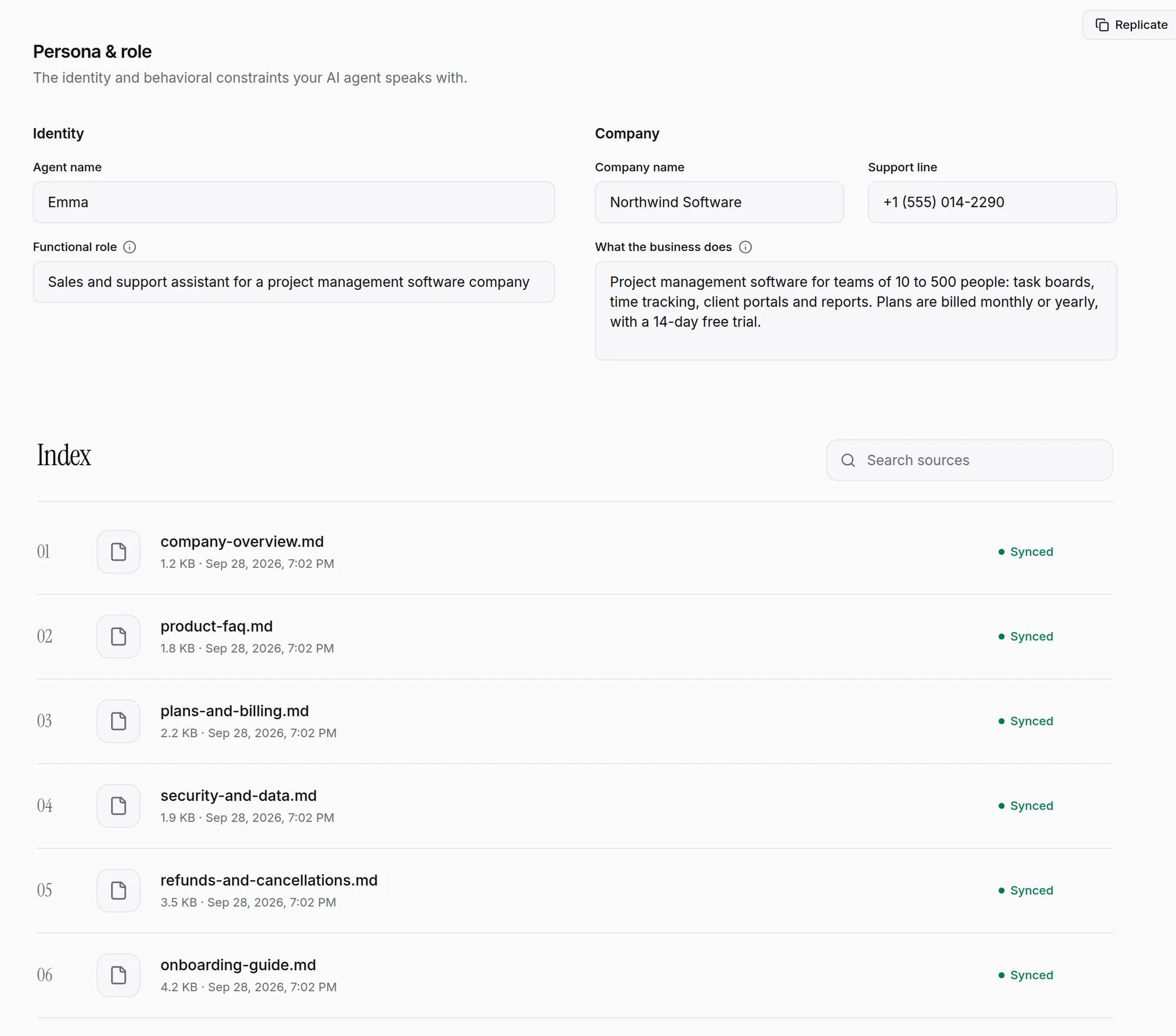
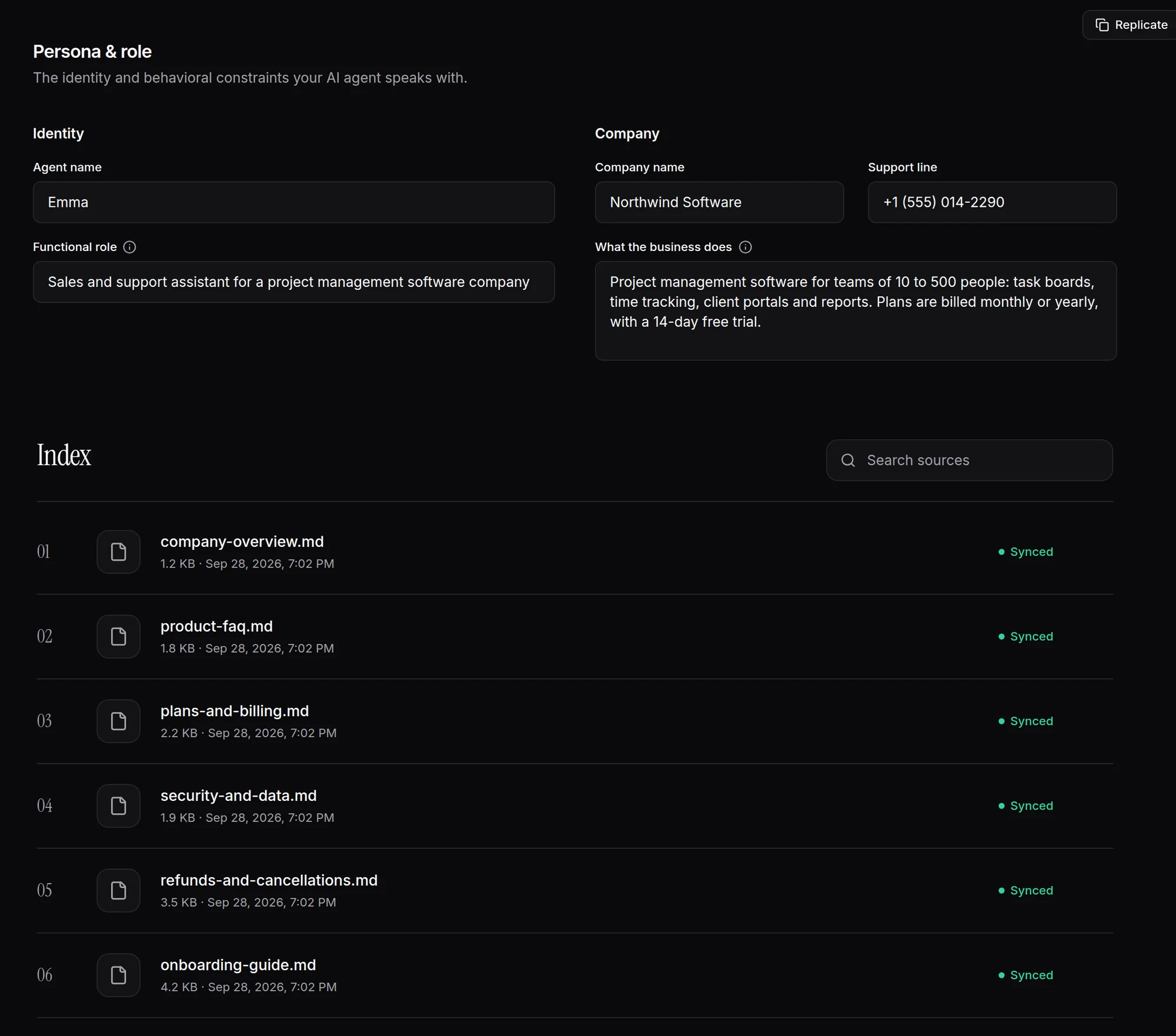
Answers from your own documents, in your voice
Give the agent a name, a role and a description of your business, then upload the documents your team already uses. It answers customers from them, in the tone you set.
- Persona and Role set its name and tone
- Answers come from the files you upload
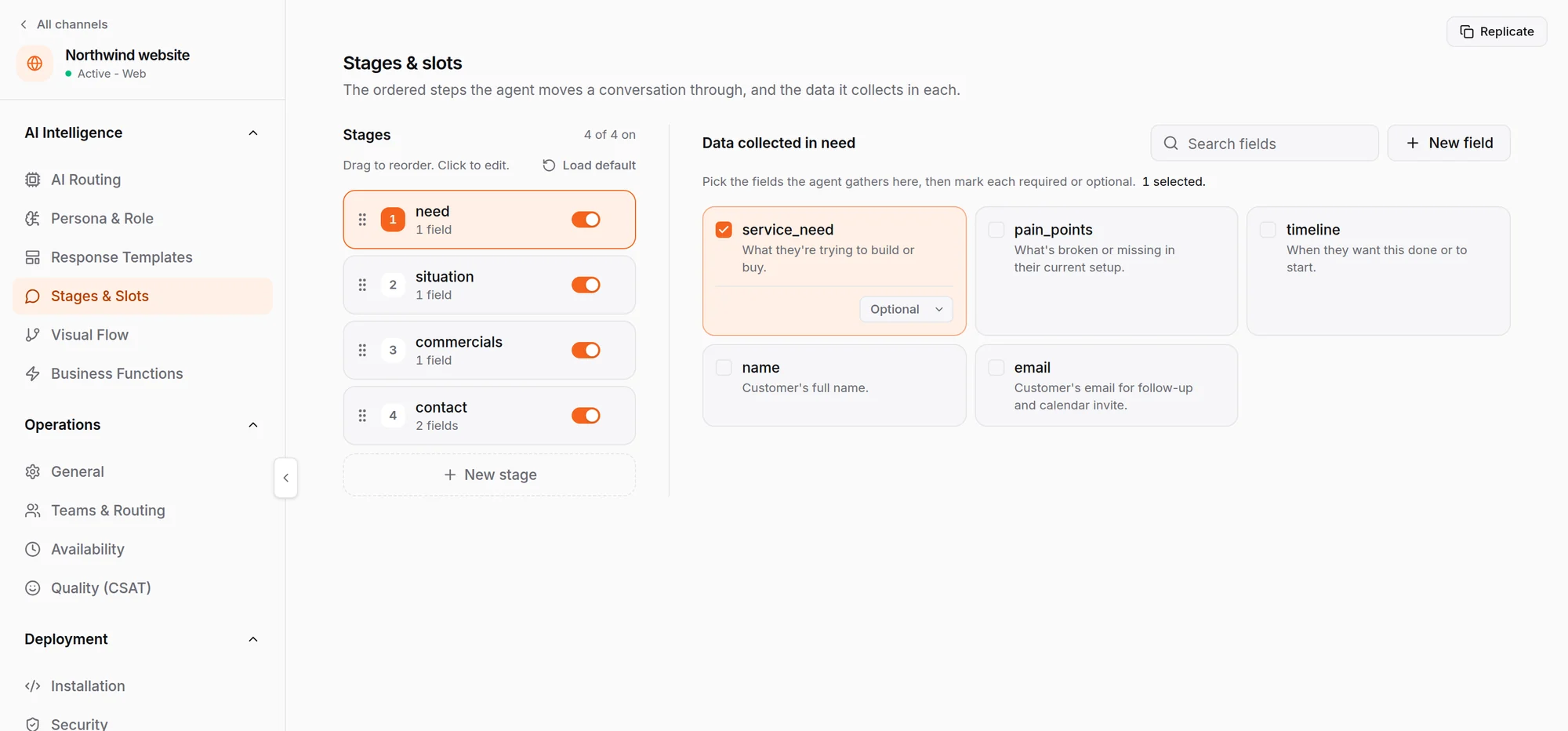
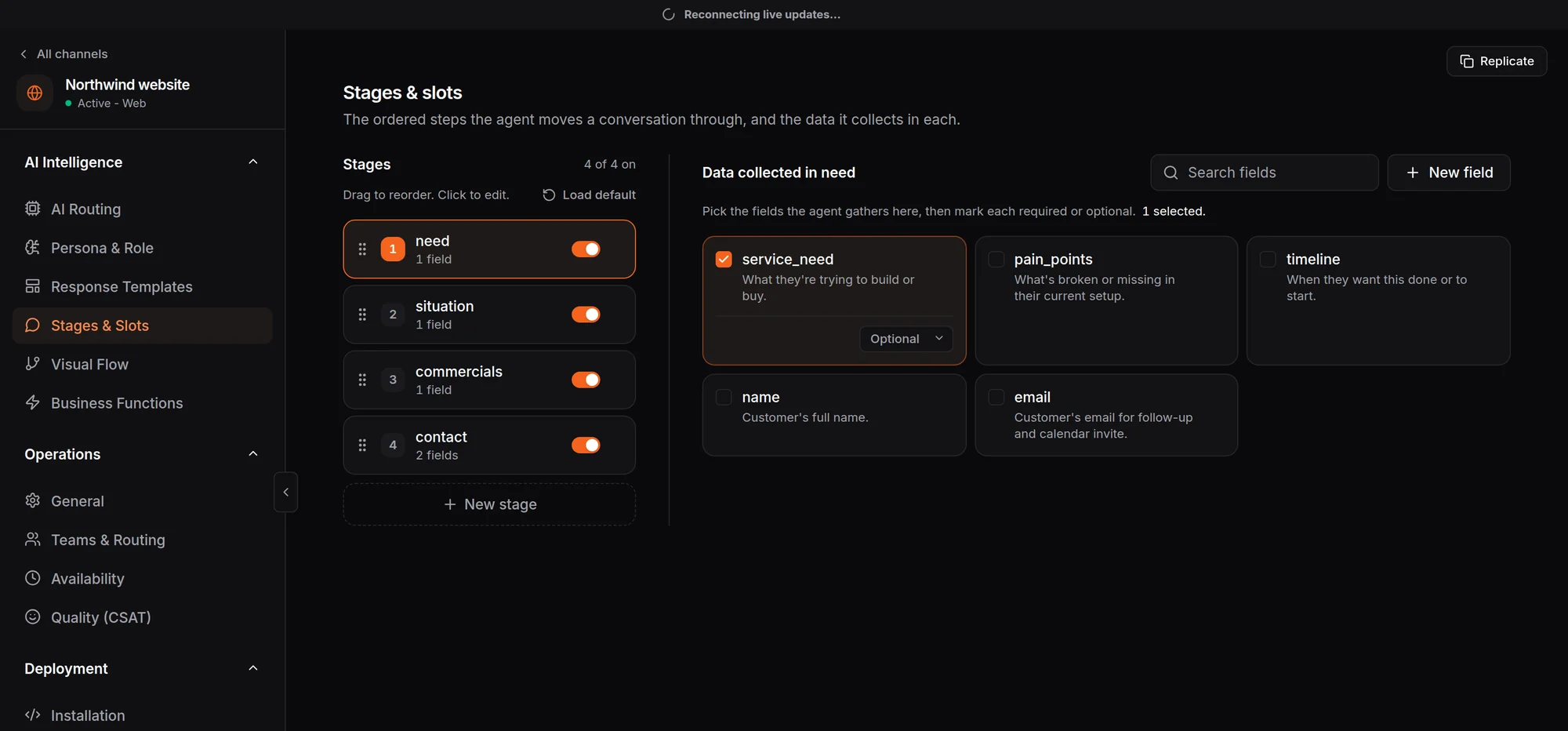
Set the steps it walks customers through
Decide the stages a conversation moves through and the details the agent collects at each one, such as what the customer needs, their situation and their timeline.
- Stages in the order your team sells
- Each detail marked required or optional
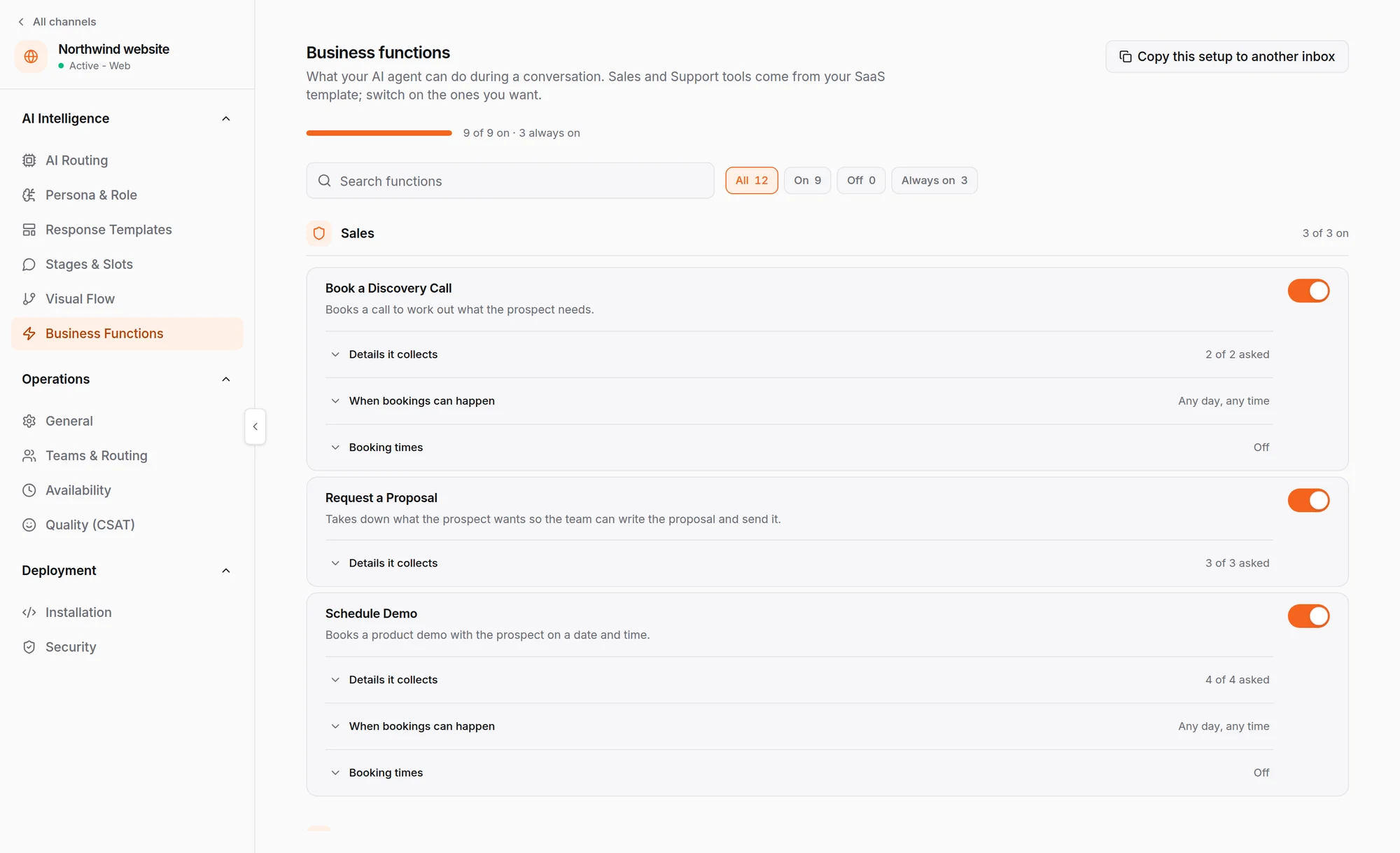
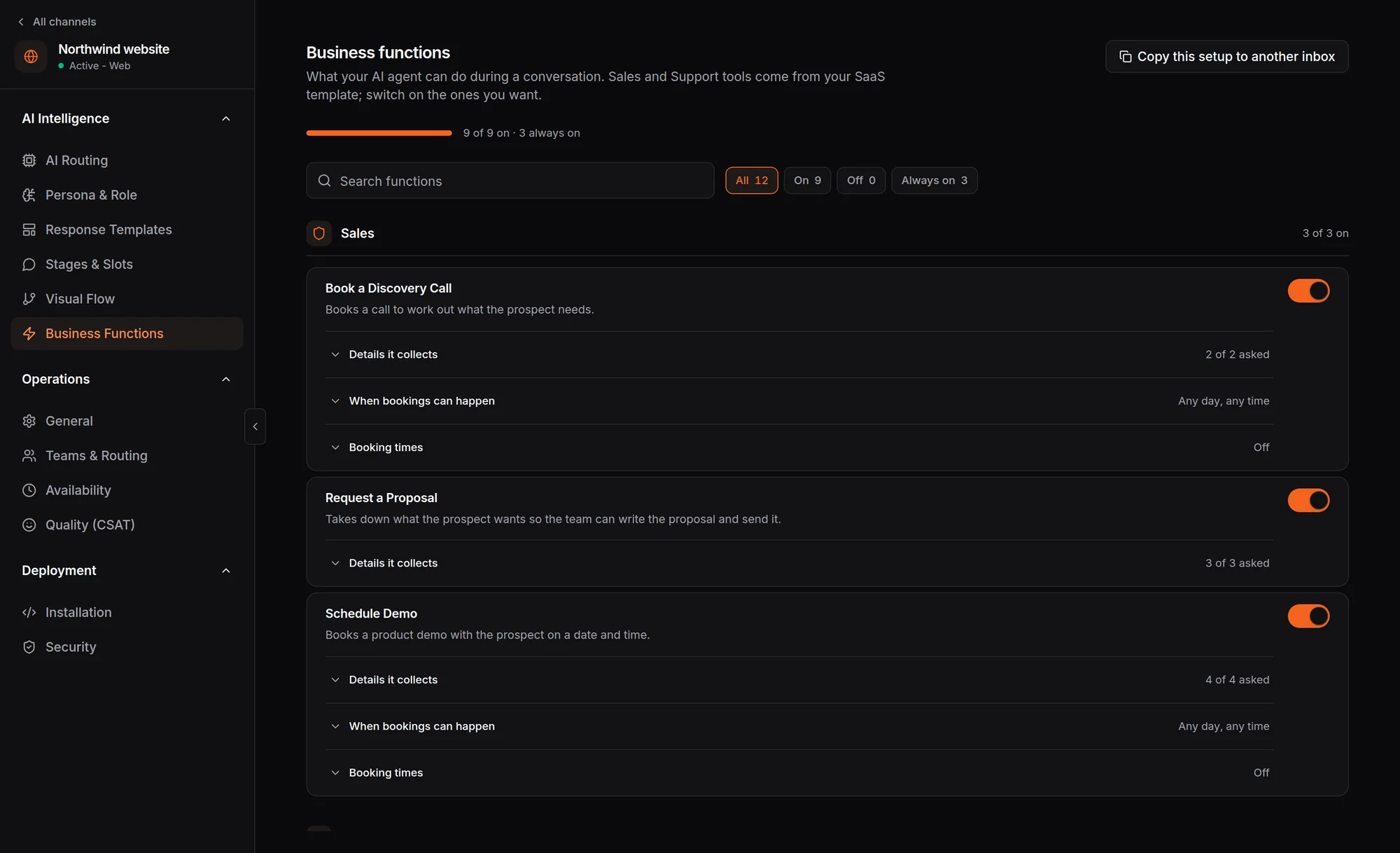
Switch on what it can do mid-conversation
Functions arrive ready-made for your industry. Pick the ones you want, the details each one collects, and when bookings can happen.
- Sales functions, ready-made and switched on
- Choose when bookings can happen
- Copy this setup to another inbox
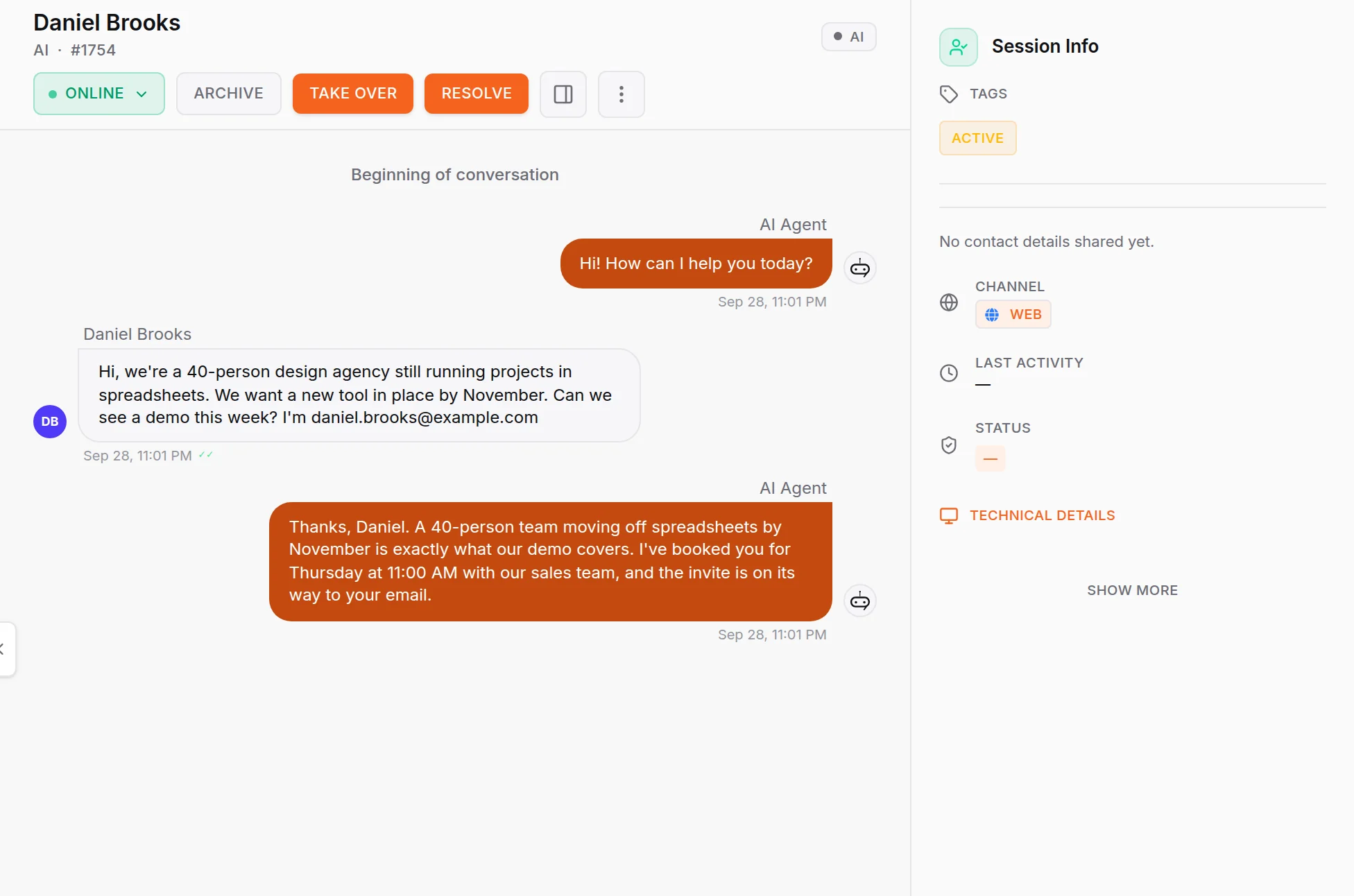
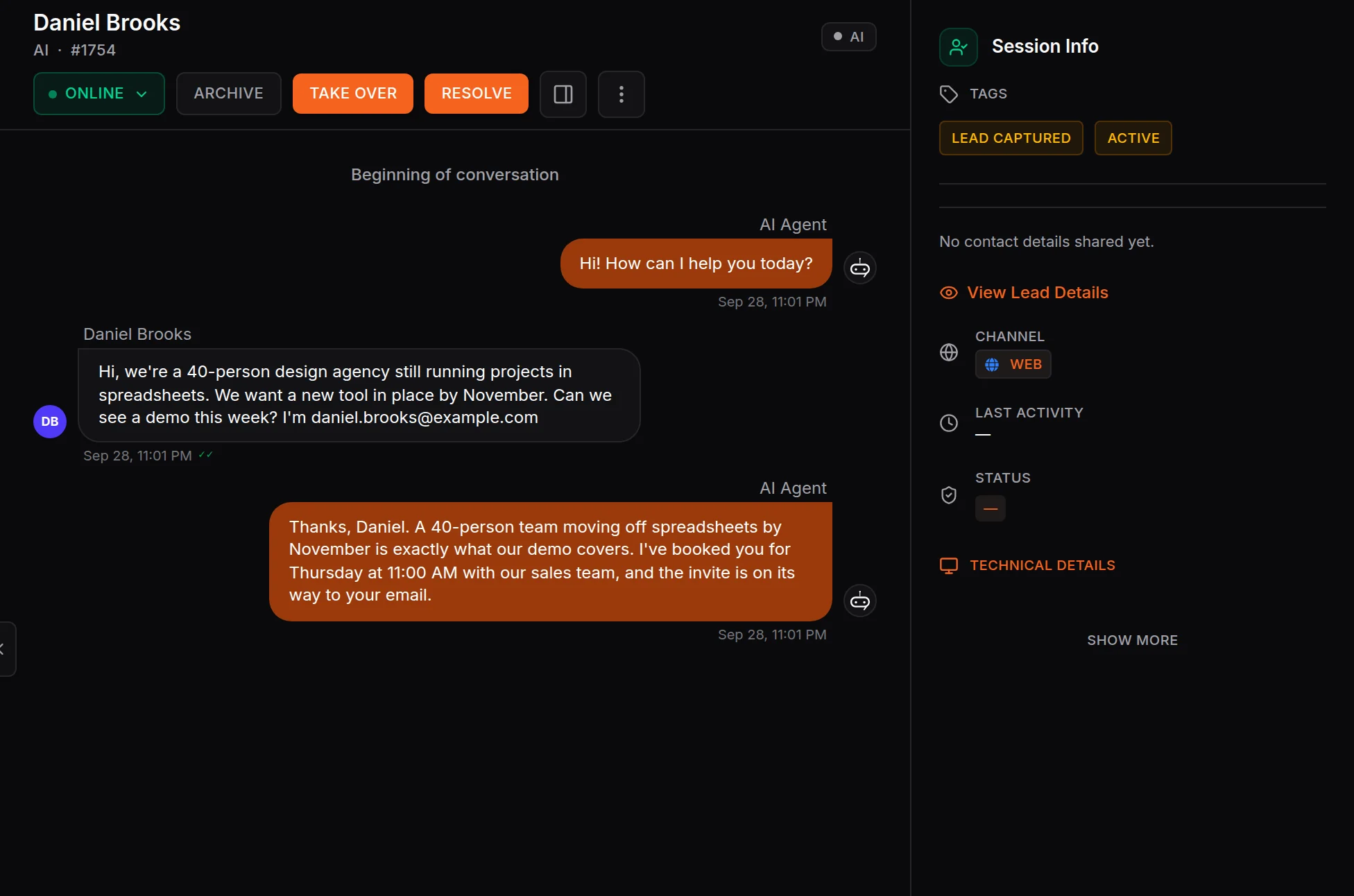
It answers, qualifies and books in the same chat
The agent works out what the customer needs, asks what your team would ask, and books the next step. The lead lands in your inbox already captured.
- Each reply marked as sent by the AI agent
- Lead captured from the chat, no form
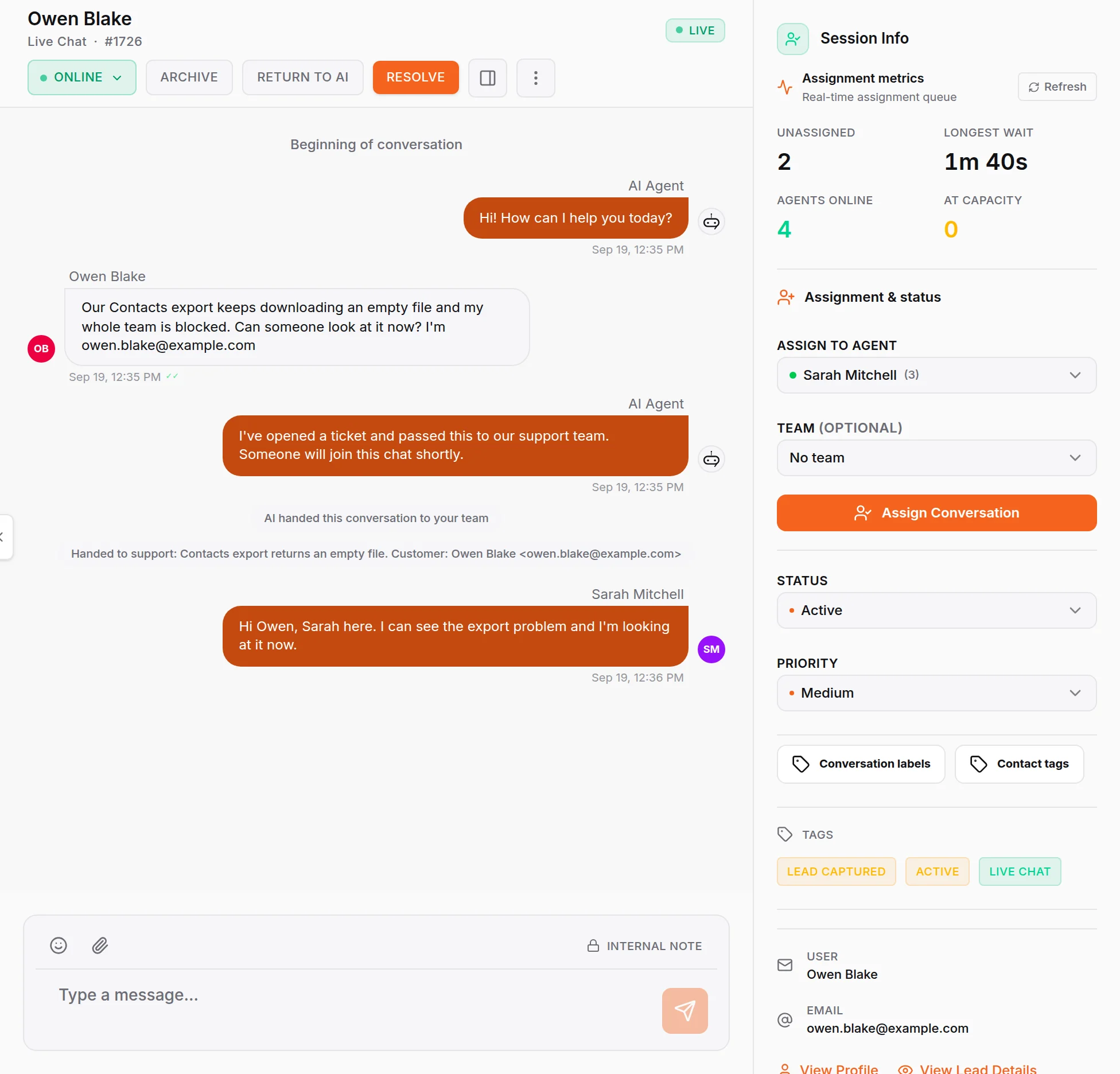
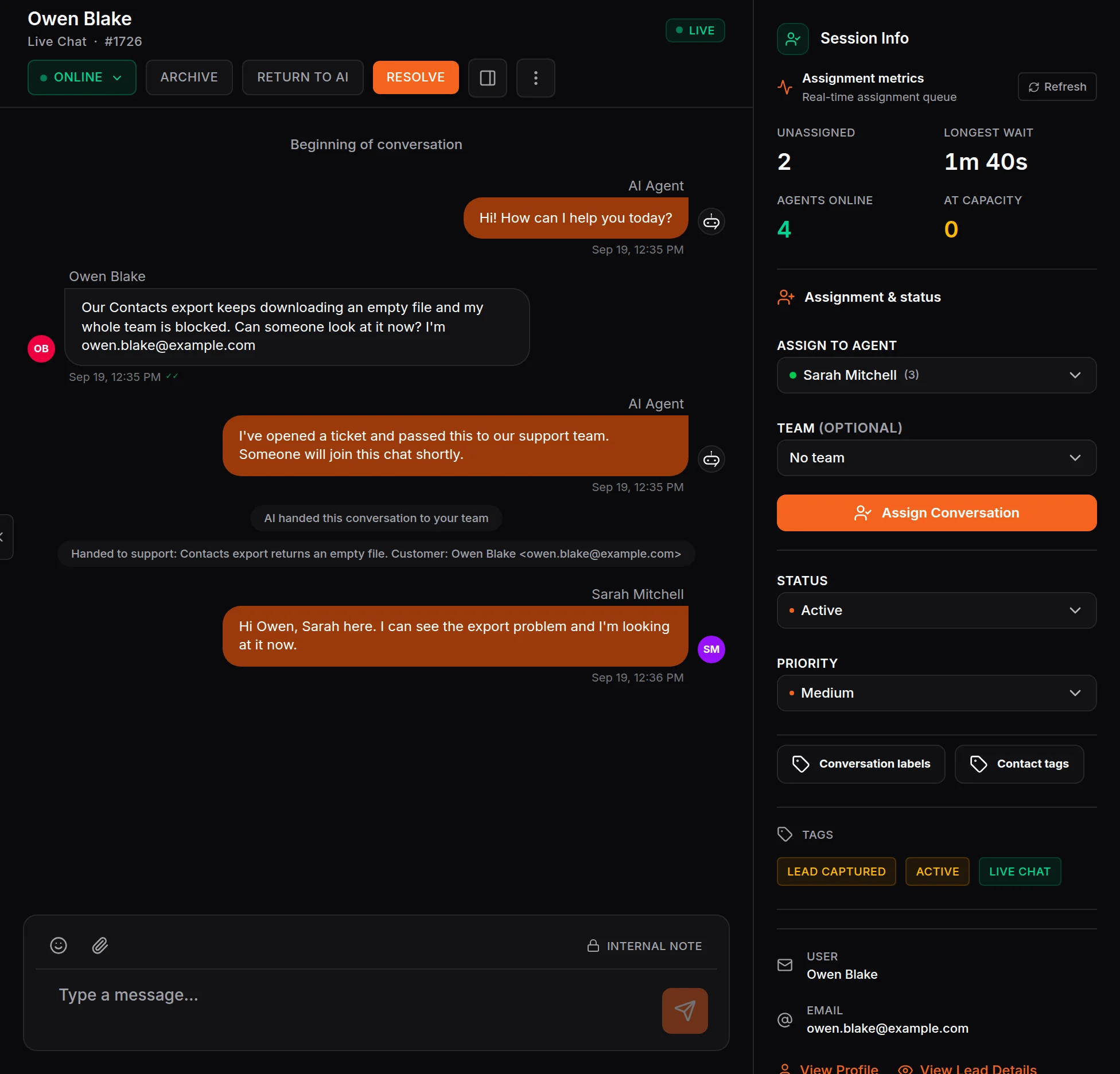
Your team steps in with the whole thread
When the AI hands a conversation over, a teammate joins the same chat and sees everything already said. Return it to the AI when you are done.
- The AI hands over with a summary
- Return to AI in one click
Every booking in one list
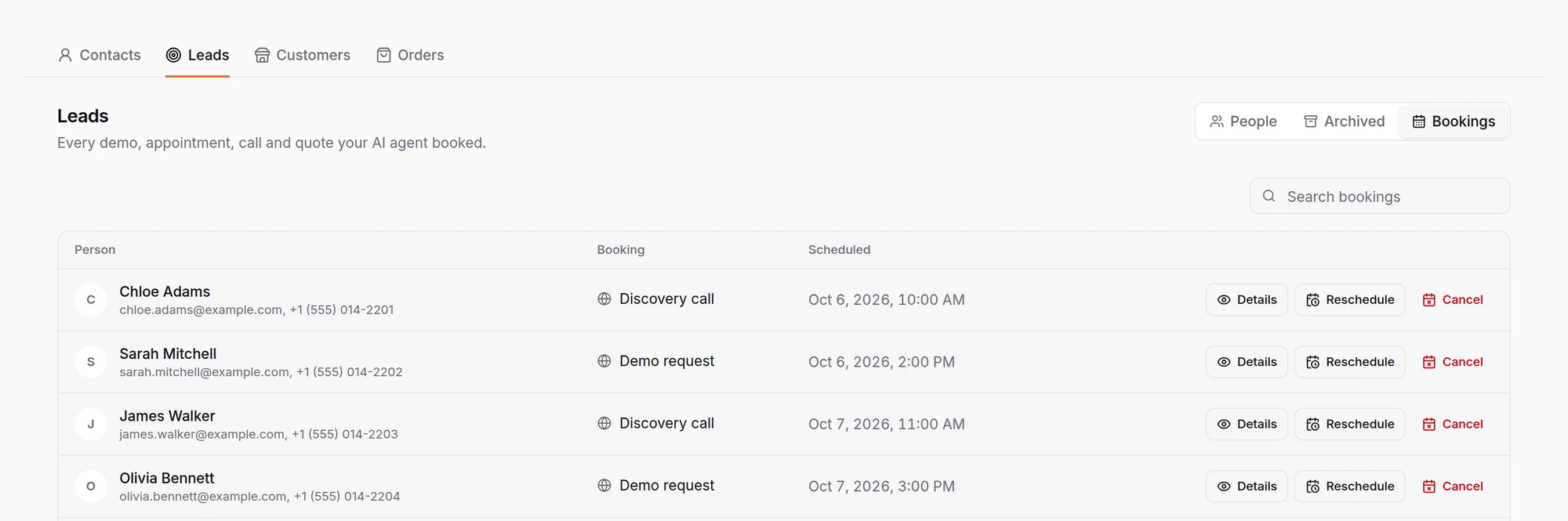
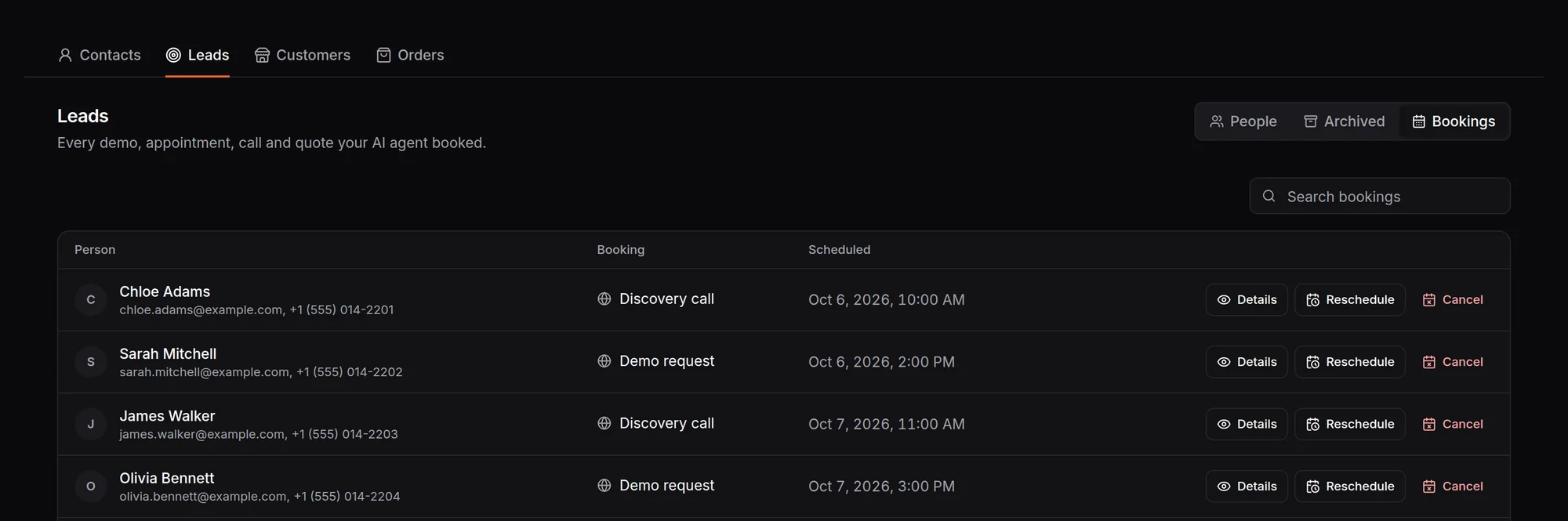
Discovery calls and demos the agent booked land in one list, ready to open, reschedule or cancel. On a connected WooCommerce store it can also send a checkout link.
- Discovery calls and demos in one list
- Reschedule or cancel in a click
An AI sales agent that qualifies leads and books the meeting
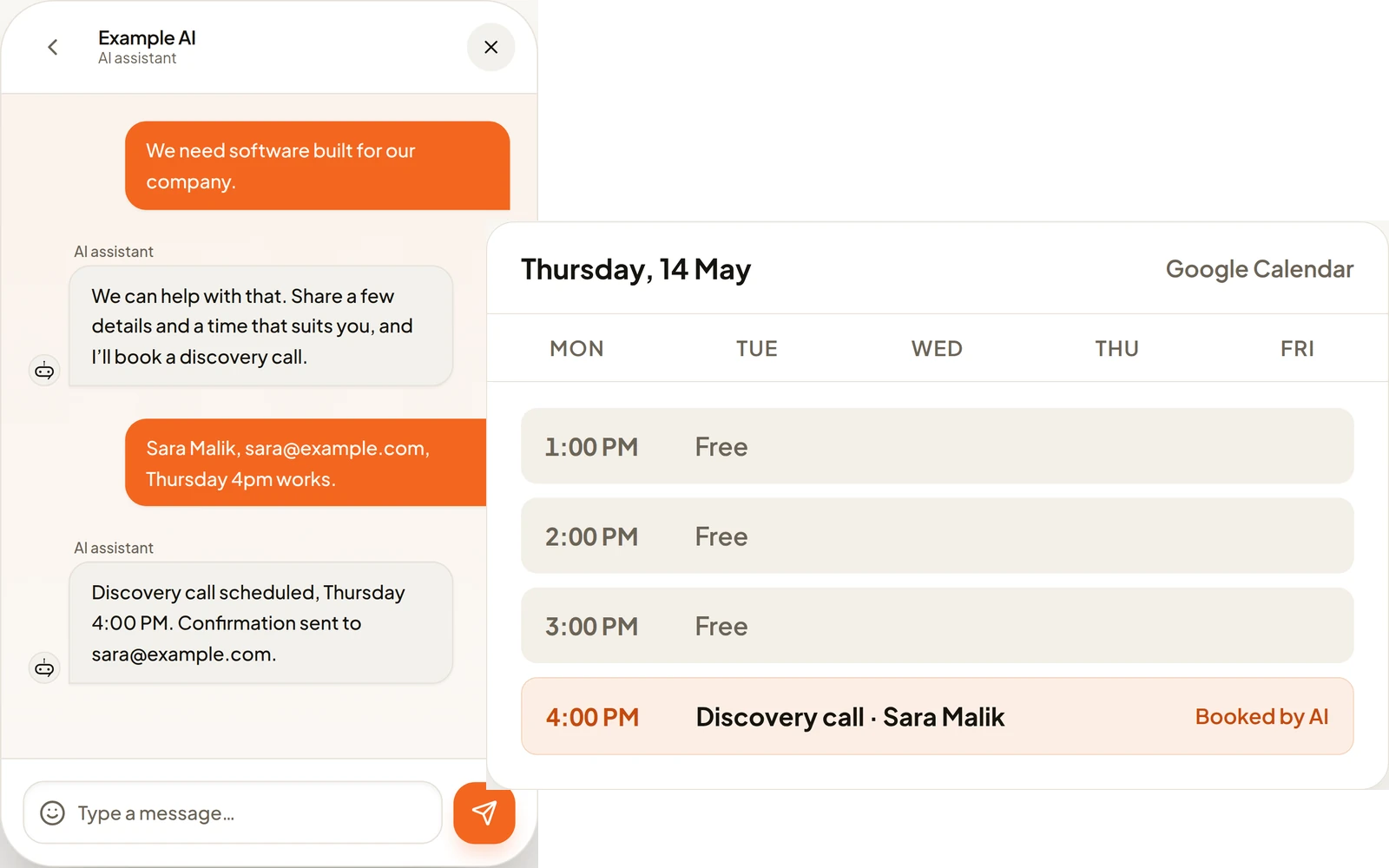
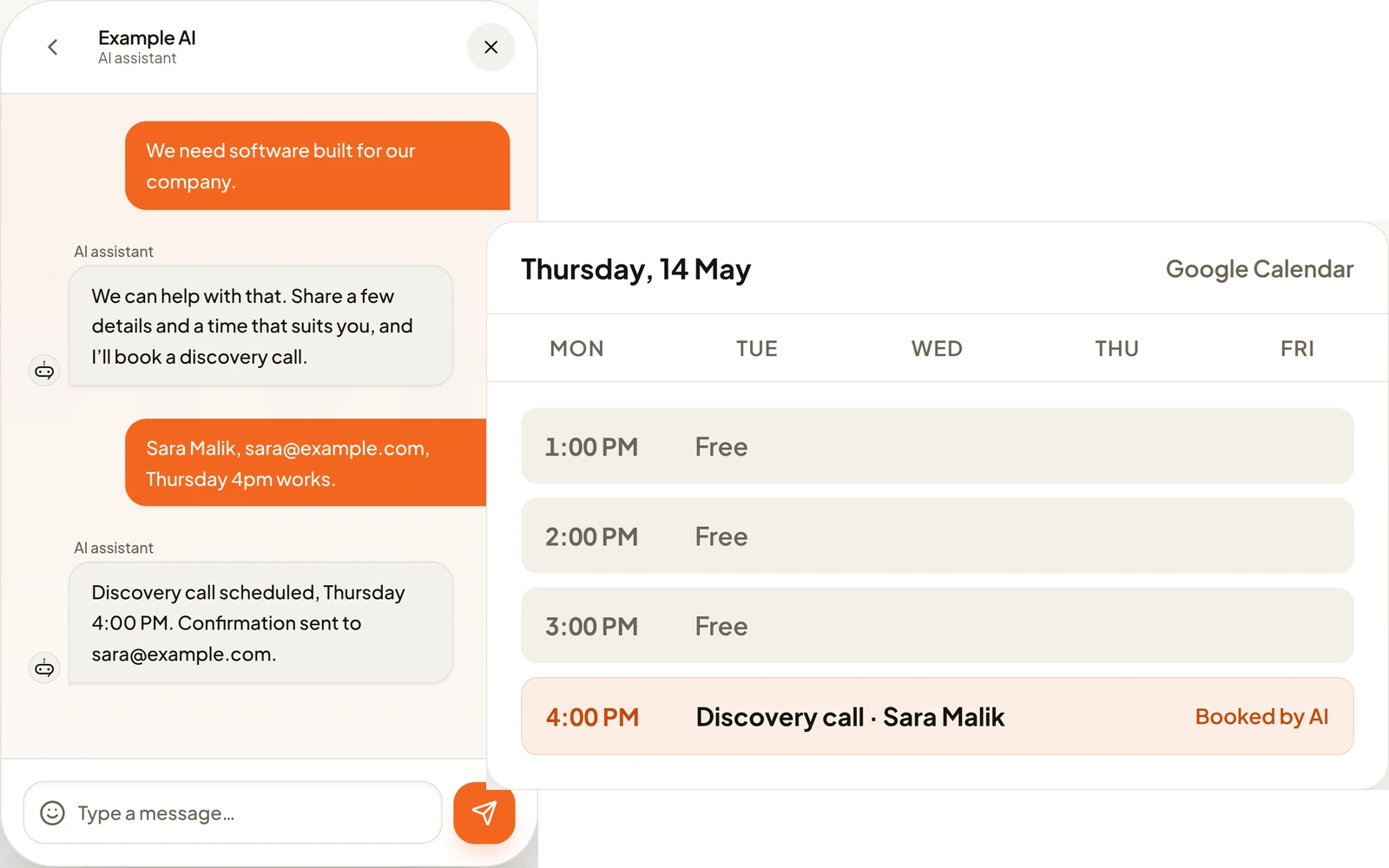
Most AI sales agent software sends cold emails. This one is a sales chatbot for the people who message you first. It asks what a good salesperson would ask, in the order your industry needs: what the customer is after, when they need it, and how ready they are to buy. When they are ready, it books the meeting in the same chat, with no form to fill in.
Each lead lands in your CRM with the conversation that produced it, and in HubSpot as a contact and a deal if you connect it. The agent answers 24/7, so someone who writes at 11 pm gets an answer and a booked slot before your team is back.
How it qualifies a leadAn AI support agent that resolves or raises the ticket
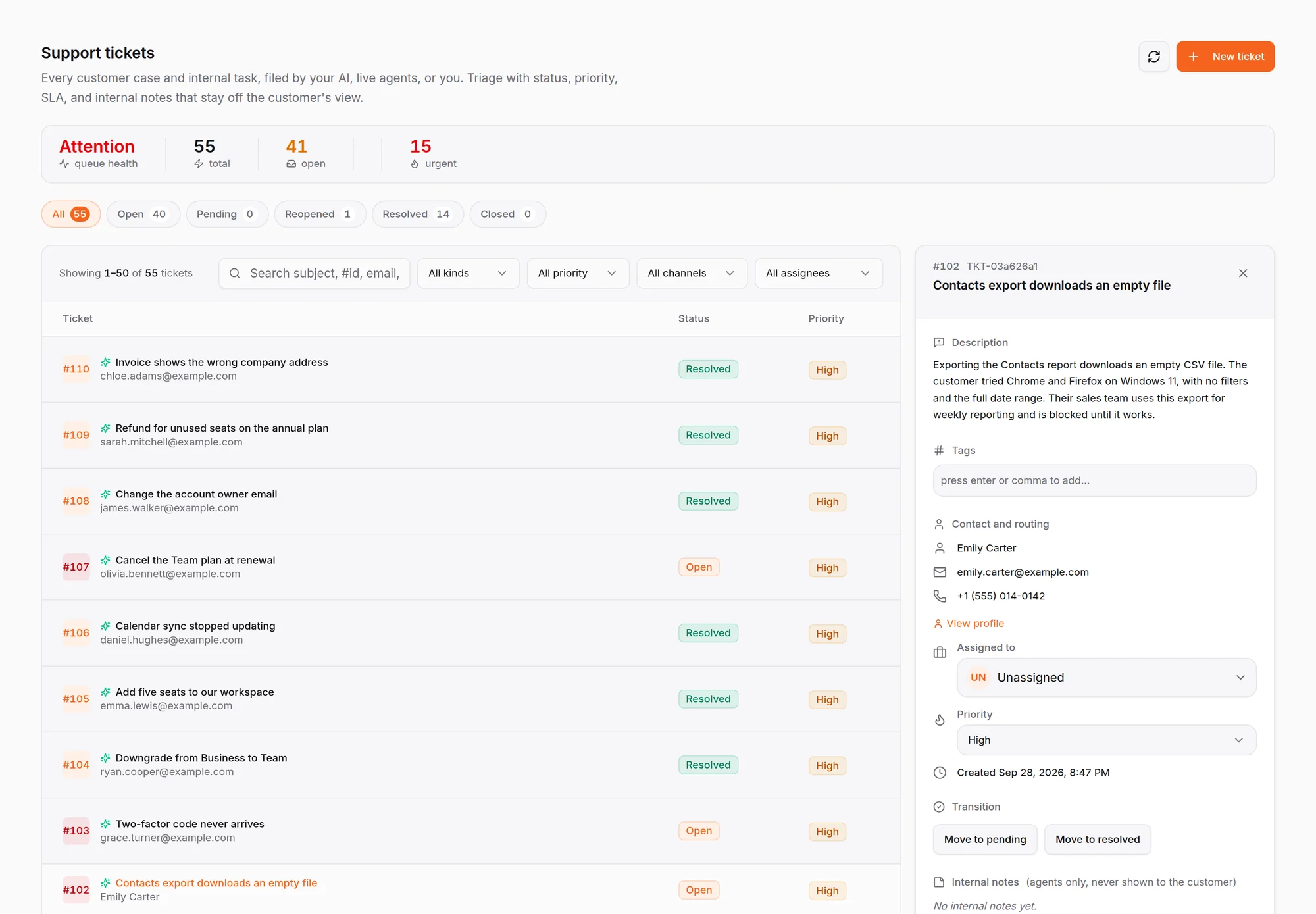
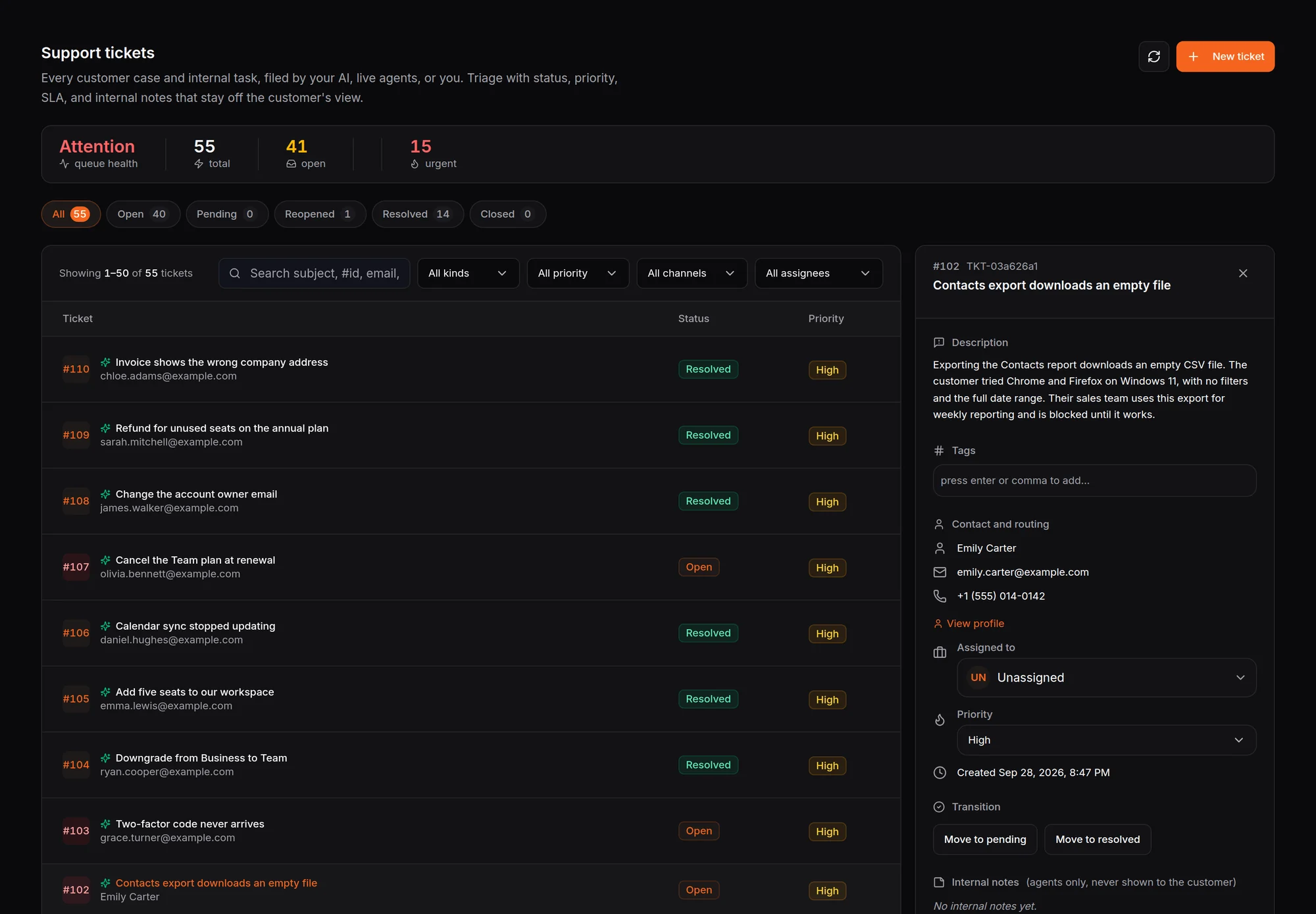
A second agent handles AI customer support. It answers service questions from your documents, and when it cannot fix the problem it opens a ticket itself, once it has the customer’s email or phone number. Tickets can go on to Jira or HubSpot, and you can switch ticket creation off for any inbox.
The customer explains the problem once. Whoever picks up the ticket, or takes the conversation over in live chat, sees the whole thread.
On a connected WooCommerce store, the agent files refund, exchange and cancellation requests for a person to approve. Nothing changes on the order until someone on your team says yes.
For marketing: capture every lead your campaigns send you
Set an inbox to Sales only and the agent captures leads around the clock from the people your ads, posts and emails bring to your site and your DMs.
On Instagram, comment to DM turns a comment on your post into a private conversation in your inbox. WhatsApp broadcasts send approved templates to contacts who opted in. Used this way, the agent is your AI marketing agent for the conversations a campaign starts, with nothing extra to set up.
An AI appointment setter that messages instead of calling
Most software sold as an AI appointment setter phones the lead. HiQBot’s agent works in writing, on website chat, WhatsApp, Instagram, Messenger, Telegram and LINE, and books inside the conversation the customer already started.
People ignore calls from numbers they don’t know. A written thread lets them reply when it suits them, reread what was agreed, and book without talking to anyone.
- 01
It decides whether this is worth a meeting
Industry-tuned questions tell someone comparing options from someone ready to book. You decide which details it needs first.
- 02
It collects the details and checks them
Date, time, name and whatever else the booking needs. Your booking rules decide which days, hours and notice are allowed.
- 03
The appointment lands in your dashboard
Saved against the contact, beside the conversation that produced it, so your team reads what was said before what was booked.
- 04
Google Calendar gets it too
Connect Google Calendar and each booking the agent takes also lands on your team’s calendar.
- 05
If the customer can’t make it
The agent can move or cancel the booking in the same chat, and your team can do it from the dashboard.
Business functions: what the agent can do mid-conversation
Business functions are the things the agent can do while it is talking to your customer. They arrive ready-made for your industry, grouped into Sales and Support, and you switch each one on or off per inbox. A SaaS company gets Schedule Demo, Book a Discovery Call and Request a Proposal.
Each function lists the details it collects before it acts, and you can add your own. Booking functions follow your rules: which days and hours, how much notice, how far ahead, and the dates you are closed. When one inbox is set up the way you want, copy the setup to another.
| Function | What it collects | Rules you set |
|---|---|---|
| Schedule DemoSales | Date, time, company and email | Days, hours, notice, how far ahead, dates closed |
| Book a Discovery CallSales | Date and time, plus an email or phone number | The same booking rules |
| Request a ProposalSales | What they need, company, email and how to follow up | None needed |
| Cancel DemoSupport | Which booking to cancel | Whether cancelling is allowed, and the cutoff |
Industry-tuned for your business
Pick your industry and the agent starts with questions written for how your buyers talk, and the right way to close. Six industries are ready to pick from.
Closes on a booking
- SaaS and Technology
Asks about the need, the company, the timeline and the budget, then books a demo or a discovery call.
- Automotive
Asks about the vehicle and the budget, then books the visit.
- Hospitality
Answers menu, dietary and opening-hours questions, then takes the booking or the order.
- Restaurants
Works out whether a guest wants a table or a takeaway, then files the table request or the order.
- Travel and Tourism
Works out dates, party size and budget, then books a consultation.
Closes on a checkout link
E-commerce and RetailFinds the product a shopper describes, answers price, stock and shipping, and sends a checkout link with the items already in the cart. It needs a connected WooCommerce store.
Choose who answers each inbox
Each channel you connect is its own inbox, and each inbox has a setting for who replies.
A message arrives
On website chat, WhatsApp, Instagram, Messenger, Telegram or LINE.
Sales and Support
The AI sells and handles service questions.
Sales only
The AI captures leads around the clock.
Support only
The AI answers service questions.
Live chat
Your team answers every conversation.
Your team steps in
Whoever takes over sees the whole thread, so the customer never repeats themselves.
A live chat inbox can ask a few questions first and then hand the customer to a person. Teams and Routing assigns conversations by round robin, to whoever is least busy, or by capacity, and Availability sets the hours your team is on.
Answers from your documents, in your customer’s language
Your documents are its knowledge base
Upload the files your team already answers from: policies, price lists, product sheets and FAQs. Every inbox answers from the same knowledge base, so a customer gets the same answer on WhatsApp as on your website.
The agent answers from the conversation in front of it and your documents. It does not read the customer’s threads on other channels.
Replies in your customer’s language
Someone who writes in Portuguese gets an answer in Portuguese. There is no list of languages to set up.
Voice notes, as an add-on
Customers can send a voice note. The agent understands it and can reply with one, and the transcript shows in your dashboard. It works in chat and does not take phone calls.
Six channels and the tools you already use
The agent answers on website chat, WhatsApp, Instagram, Messenger, Telegram and LINE, and it connects to WooCommerce, HubSpot and Google Calendar. Support tickets can go on to Jira and HubSpot. See all six channels and every integration.
What a reply costs
AI replies use message credits, according to the level you pick for each inbox. Nothing bills past your credits: when they run out, AI replies pause until renewal or a top-up.
- Core
- 1credit a reply
- Balanced
- 4credits a reply
- Max
- 8credits a reply
Your customers’ data stays yours
- Encryption in transit and at rest
- Emails and phone numbers masked before the AI reads a message
- Full activity history
- Each organization’s data kept separate
- Your customers’ data is never used to train AI models
- Help from real people by email and in-app chat, out of hours too
Live on your website today
Upload your documents
Add the files your team already answers customers from.
Pick your industry
Choose one of six, then switch on the business functions you want.
Add the widget and your channels
Paste one code snippet into your site, then connect WhatsApp and the rest from the dashboard.
Questions buyers ask before they start
Last updated
What is an AI customer service agent?
An AI customer service agent is software that answers your customers in chat from your own documents and then acts on the conversation. HiQBot’s agent qualifies leads, books appointments, opens support tickets and hands conversations to your team.
Is an AI customer service agent the same as a customer service chatbot?
They overlap. A customer service chatbot answers questions, often from a script. An AI customer service agent answers from your documents and then takes the next step itself: it qualifies the lead, books the appointment, raises the ticket or hands the thread to a person.
Does the agent phone my leads?
No. It works in writing, on website chat, WhatsApp, Instagram, Messenger, Telegram and LINE. Many tools sold as appointment setters place an AI phone call instead. A written thread lets the customer reply when it suits them, reread what was agreed and book without talking to anyone.
What can the agent do besides answer questions?
It runs business functions during the conversation. It books appointments, takes proposal requests and, on a connected WooCommerce store, sends a checkout link with the items in the cart. Leads go to your CRM and to HubSpot if you connect it. It also opens support tickets and moves or cancels bookings.
Where do its answers come from?
From the documents you upload to your knowledge base, and from the conversation in front of it. Every inbox answers from the same knowledge base. The agent does not read a customer’s threads on other channels. If a question keeps coming up that your documents do not cover, add a document that answers it.
Can my team take over a conversation?
Yes. Press Take Over and the AI stops replying in that conversation. Press Return to AI when you are done and the agent carries on with the whole thread in front of it. Teams and Routing decides who on your team gets each conversation.
Does it answer in my customer’s language?
Yes. The agent replies in the language each customer writes in, so someone who opens in Portuguese gets an answer in Portuguese. You do not set up a list of languages, and your team keeps working in whatever language they use.
What does a reply cost?
Plans include message credits. An AI reply uses 1 credit at Core, 4 at Balanced and 8 at Max, and you choose the level for each inbox. Nothing bills past your plan: when credits run out, AI replies pause until renewal or a top-up.
How long does setup take?
Website chat can go live the same day: upload your documents, pick your industry and paste one code snippet into your site. WhatsApp signup happens inside the dashboard, and Instagram, Messenger, Telegram and LINE connect from the same place when you are ready.
Is my customers’ data used to train AI models?
No. Your customers’ data is never used to train models. Conversations are encrypted in transit and at rest, each organization’s data is kept separate, and email addresses and phone numbers are masked before the AI reads a message.