Realtor chatbot for agents and small teams
HiQBot answers the buyers and sellers who message you on website chat, WhatsApp, Instagram and Facebook Messenger, day or night. It books showings and listing appointments into your Google Calendar and hands you each client who is ready to talk.
7-day free trial.
What is a realtor chatbot?
A realtor chatbot answers the buyers and sellers who message a real estate agent, at any hour, from the agent’s own listings. It works out whether each person is buying or selling and books the next step: a showing for a buyer, a listing appointment for a seller. HiQBot does this on website chat, WhatsApp and Instagram.
HiQBot’s realtor chatbot runs on the same Real Estate & Property agent as our real estate chatbot for brokerages, set up for one agent or a small team. The typical US firm is that small: one office and two full-time licensees, according to the NAR 2025 Profile of Real Estate Firms.
HiQBot is a conversational platform for customer service, with AI agents and live chat on website chat, WhatsApp, Instagram, Messenger, Telegram and LINE.
It answers while you’re at a showing
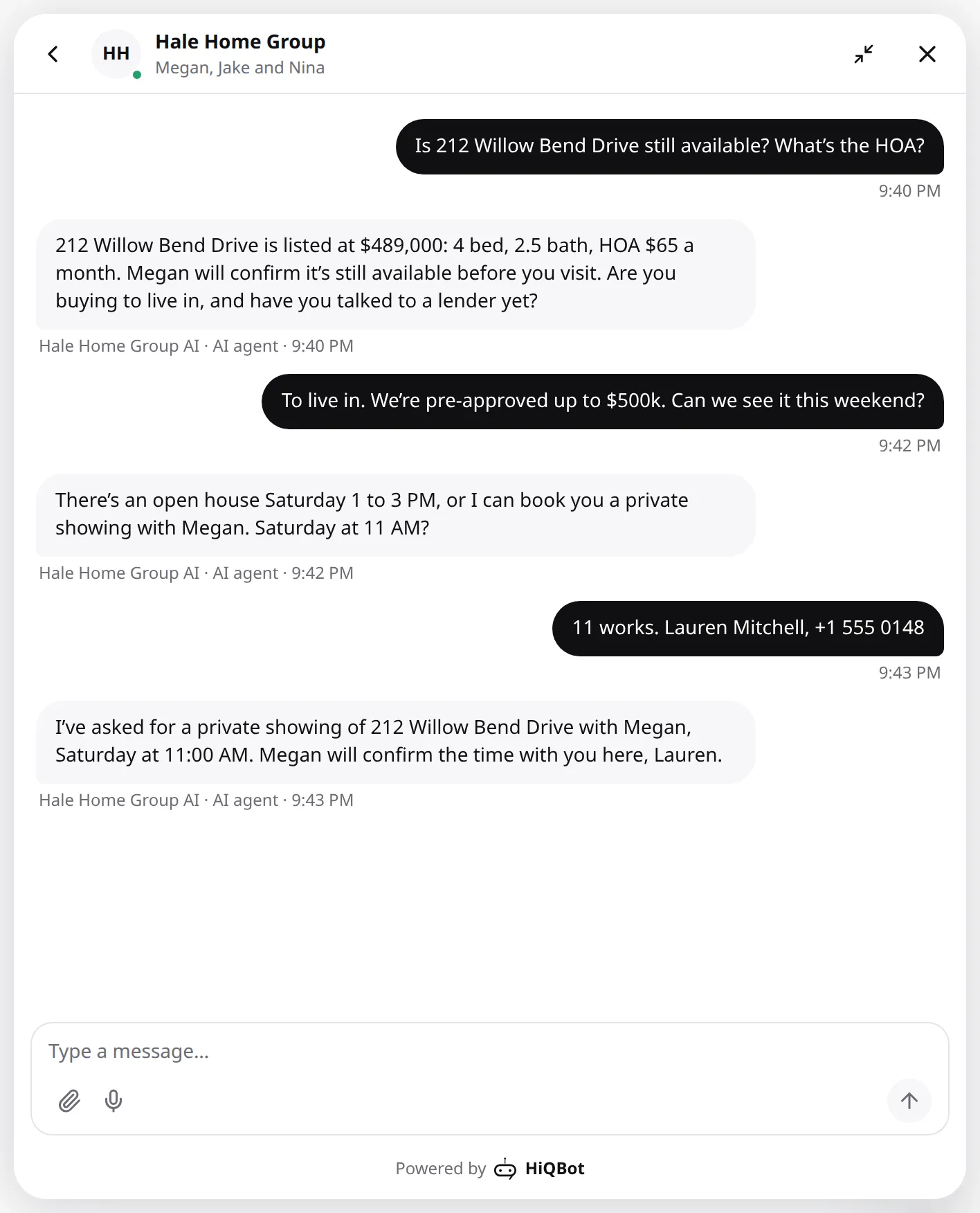
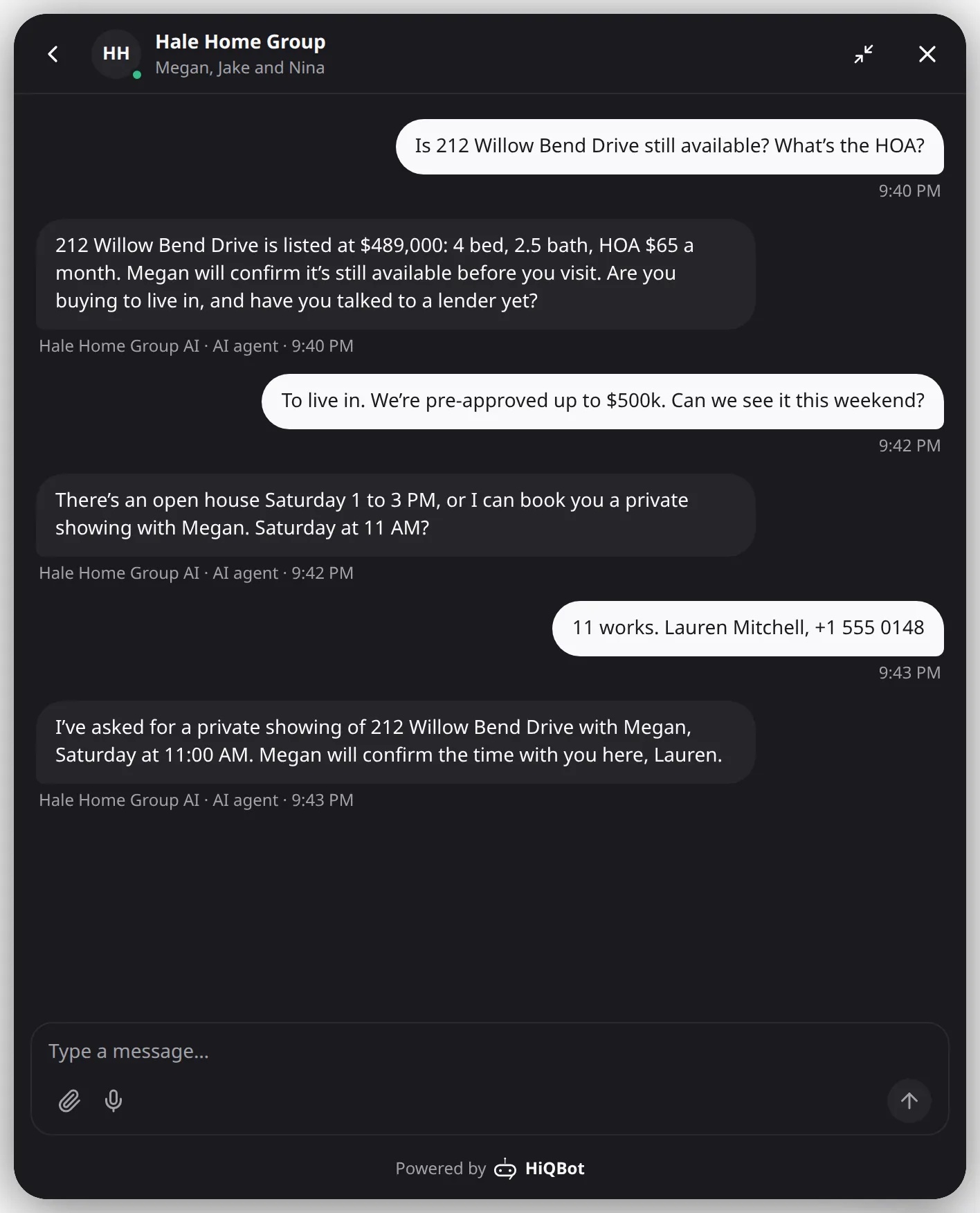
Leads message while you are showing a house, sitting in a closing or driving between the two. HiQBot works as an AI assistant for realtors and answers straight away from your listing sheet, so a buyer who saw your listing on a portal and messaged you through your website or Instagram gets an answer while they are still looking.
- Price, beds, baths, HOA and anything else your listing sheet says
- Open-house times and the address, or a private showing for anyone who can’t make it
- When your sheet doesn’t say a home is still available, it tells the buyer you will confirm
- Replies in the language the buyer writes in
Qualifies buyers without asking about income or credit
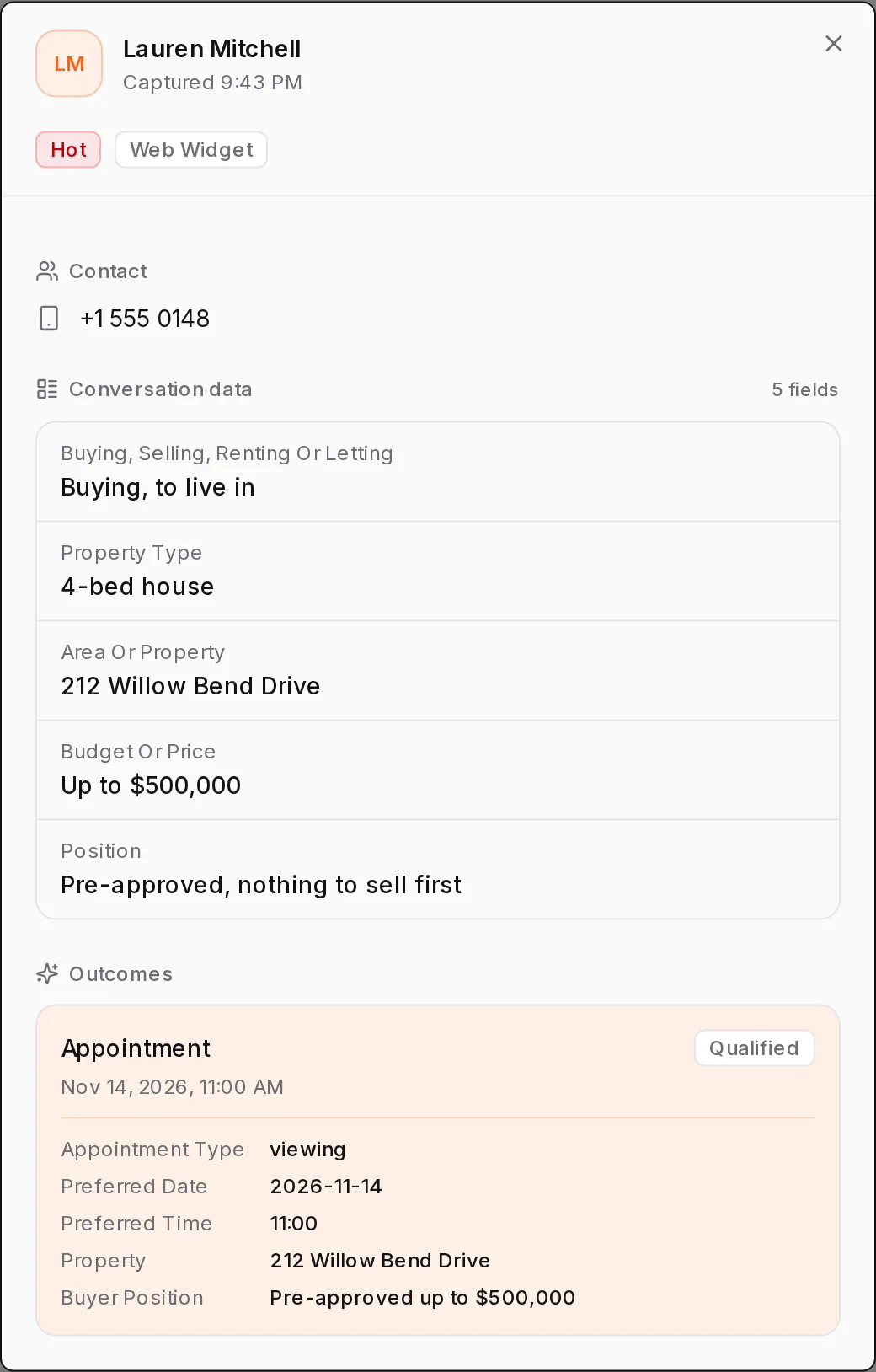
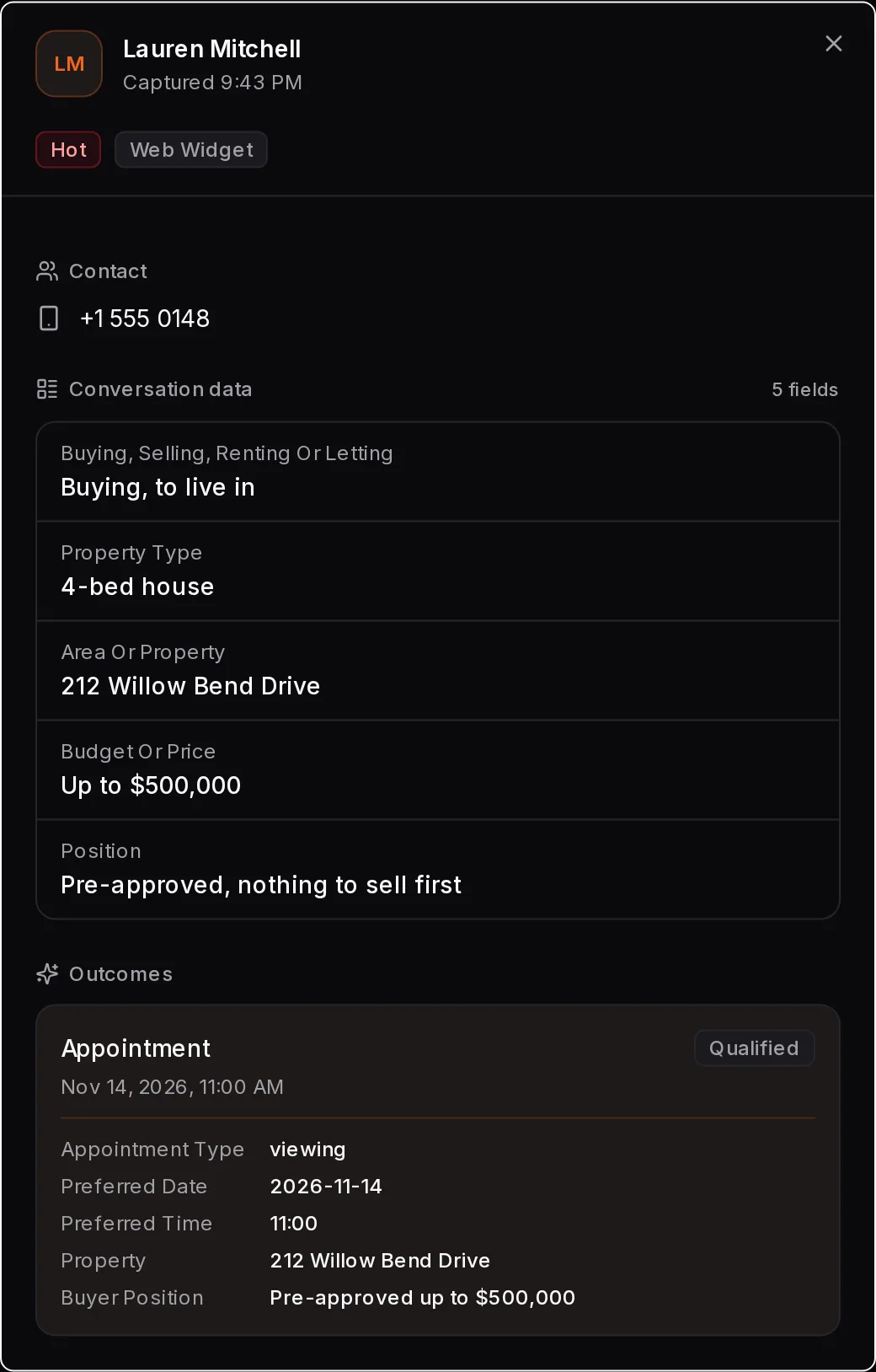
It asks what you would on a first call: the area, price range, beds, when they want to move and whether they have a home to sell first. It asks lightly whether they have talked to a lender. When someone asks what a neighborhood is like, it describes the homes and the area from your notes, never the people who live there.
- A buyer with a home in mind is offered a showing
- A buyer still looking has their brief passed to you, so you can send listings
- A seller is never asked a buyer’s questions
Seller leads from Instagram, booked for a listing appointment
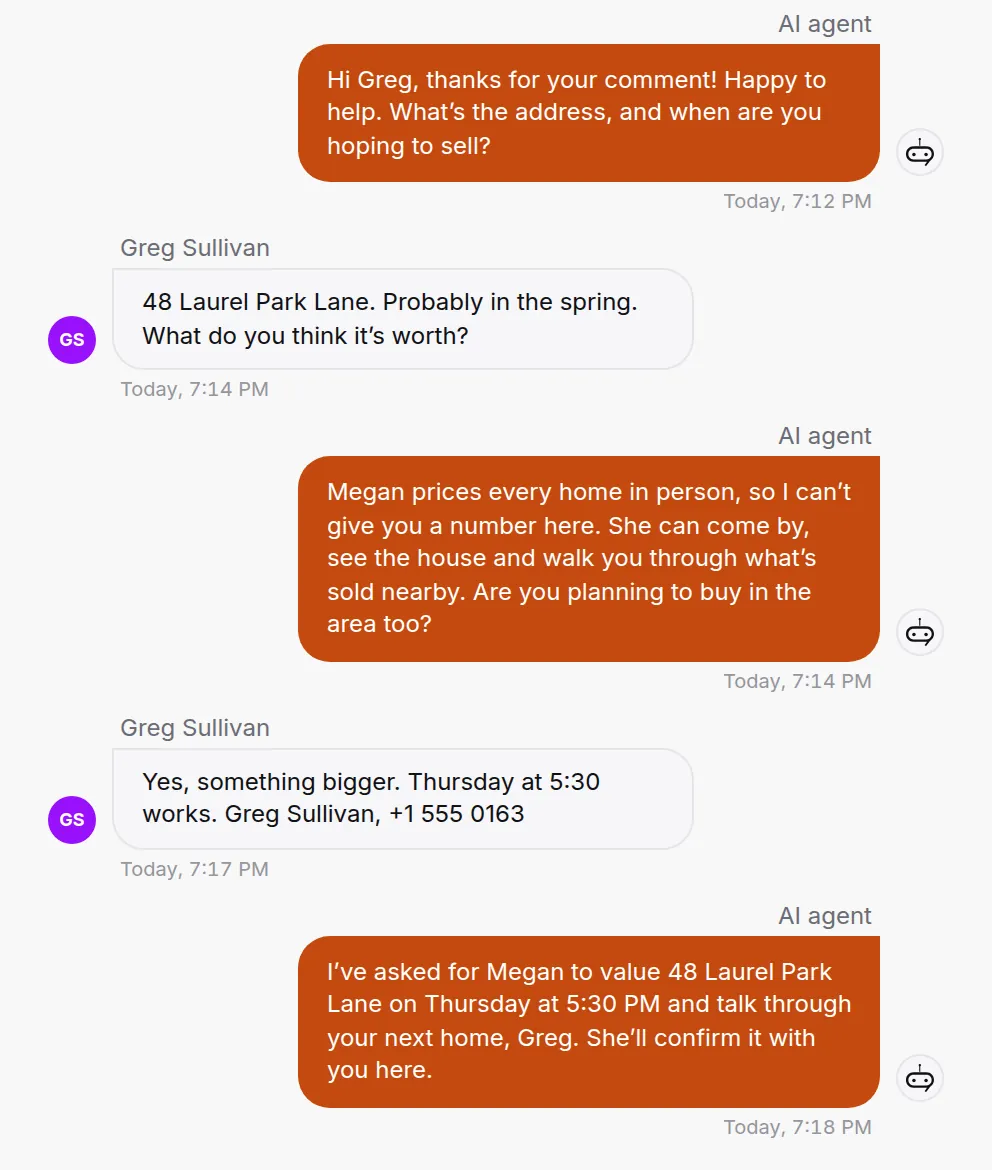
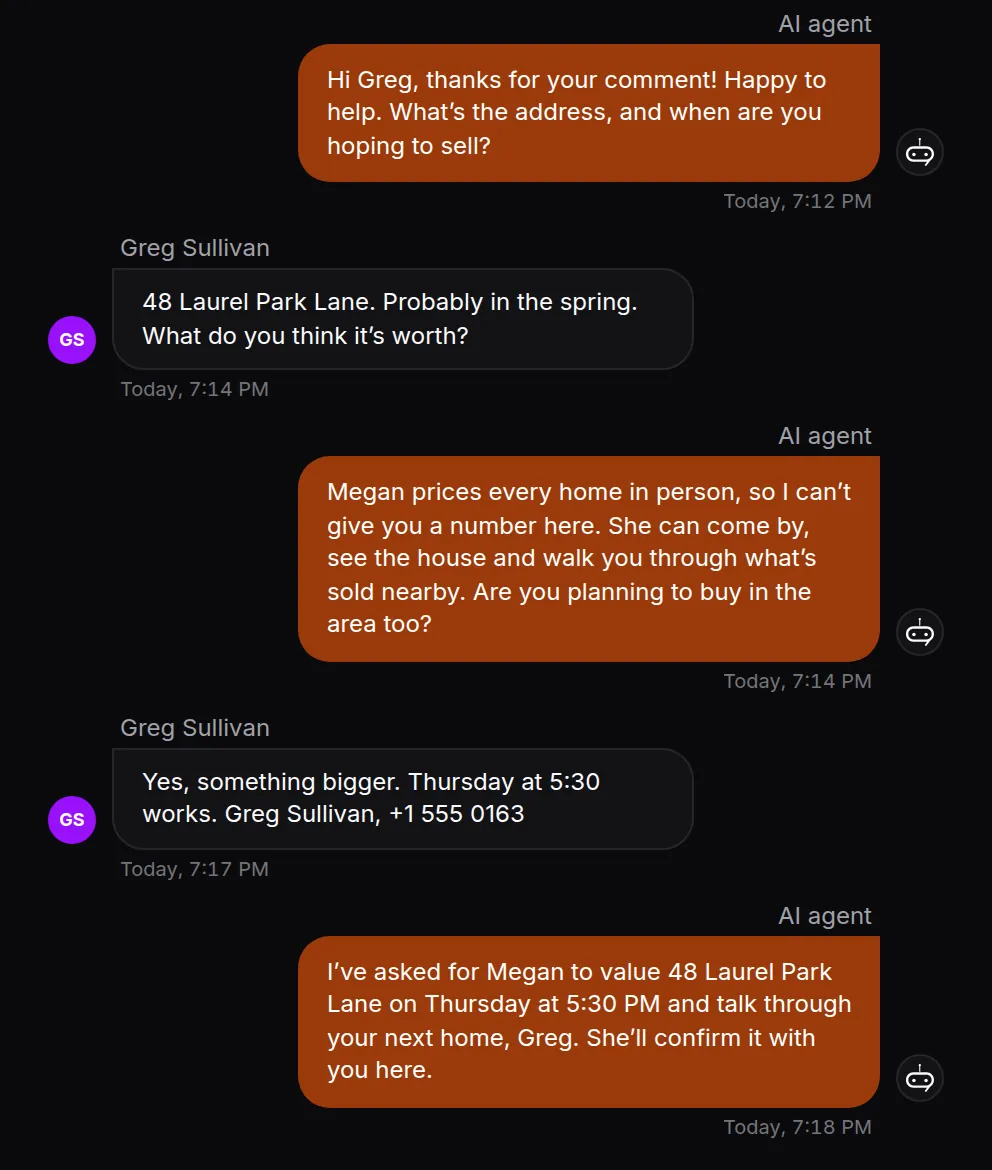
Post a home you just sold and ask people to comment a word, such as VALUE. Everyone who does gets a public reply and a DM. When they answer, the AI asks for the address, when they hope to sell and whether they are buying next, then books a listing appointment with you. It never puts a number on a home, because pricing is your job at that appointment.
How Instagram comment to DM workshalehomegroup Thinking of selling in the spring? Comment VALUE and Megan will set up a time to see your home.
greg.sullivan VALUE
6mReply
halehomegroup Sent you a DM, Greg.
Keep your number and your phone
Your WhatsApp Business number keeps working in the app on your phone. When you reply from the phone, the AI steps back, so it never talks over you.
- Buyers who call your WhatsApp Business number ring you in the HiQBot inbox, beside the chat
- HiQBot can send a confirmation for each showing, then a reminder before it starts
- Buyers move or cancel in the same chat, and your Google Calendar follows
Lead management for a small team
When a chat needs a person, it goes to someone on your team, who sees the whole conversation. Each lead carries what the client wants, marked hot, warm or cold with the reason. Our real estate lead generation guide covers how fast to answer a new lead and how to follow up. Ideas that bring those leads in are in our real estate marketing guide.
- Stages you can rename, from new to won
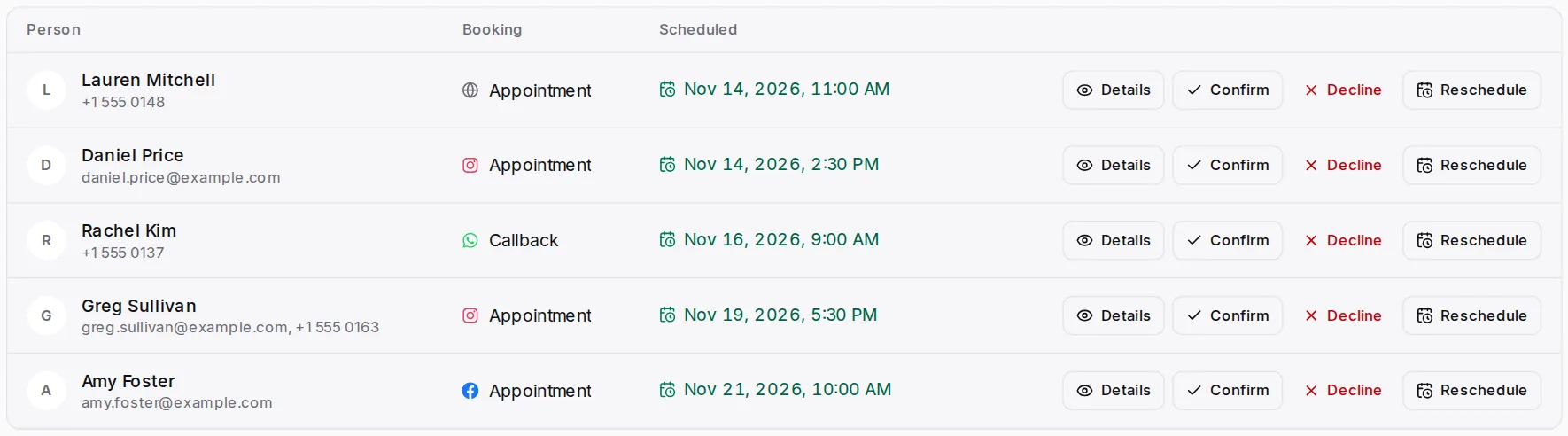
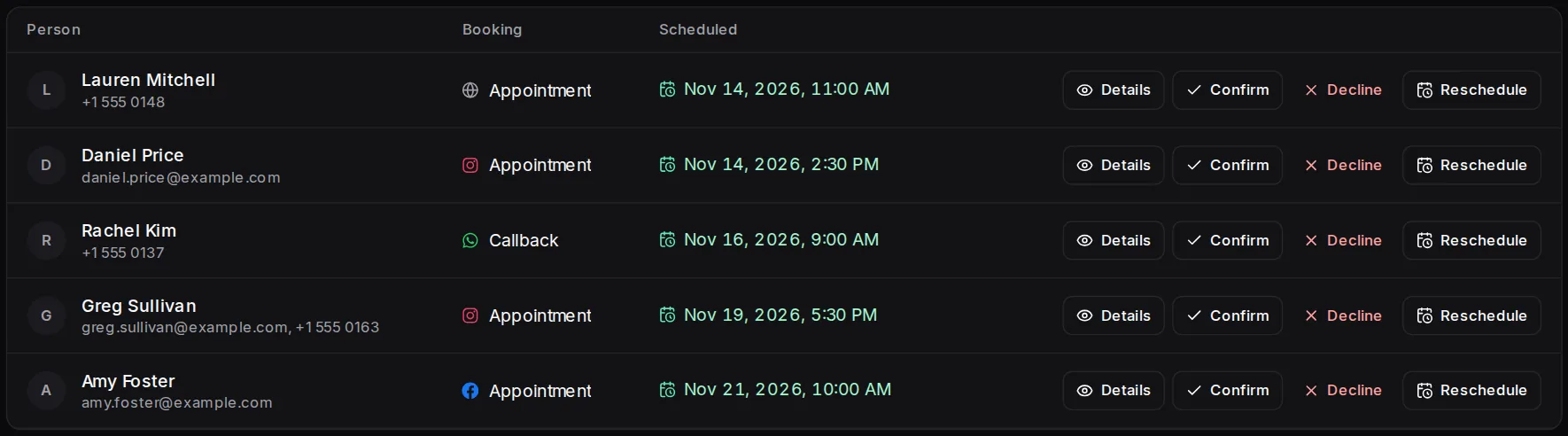
- Showings and listing appointments in one Bookings list and on Google Calendar
- Contacts and deals sent to HubSpot, if your team uses it
How to choose an AI chatbot for realtors
Most lists of the best lead generation software for realtors, and of AI for realtors, mix listing-description writers, virtual staging and chatbots. If what you need is your leads answered in chat, check these five things first.
Start the 7-day free trial| Does it answer where your clients message you? | Yes, on six channels in one inbox: website chat, Instagram, WhatsApp, Facebook Messenger, Telegram and LINE. SMS is not one of them. |
|---|---|
| Does it know real estate before you train it? | Yes. Pick Real Estate & Property and it asks buying or selling first, then the area, price range, timing and whether they have a home to sell. |
| Can it book into your calendar? | Yes. Showings and listing appointments land in HiQBot and on Google Calendar. A callback comes to you as a request with the time the client asked for. |
| Can you take over the chat? | Yes, in the same conversation, with everything already said in front of you. Or the AI takes the details so you can call back. |
| Does it work with your CRM? | Partly. Leads go to the CRM built into HiQBot, and contacts and deals can go to HubSpot. It does not sync with the MLS or real estate CRMs. |
What it won’t do
Pricing a home and negotiating an offer stay with you.
- Text leads by SMS
- Sync with the MLS, IDX feeds, Zillow or Realtor.com
- Price a home or say whether it is a good investment
- Ask about income, savings or credit
- Call leads for you. Buyers who call your WhatsApp Business number ring you in the HiQBot inbox
- Hold a home or say an offer will be accepted
How to set it up
- 1
Pick Real Estate & Property
The AI starts with buying or selling, then the area, price range, timing and whether there is a home to sell first.
- 2
Add your listing sheet
Upload a spreadsheet or link a Google Sheet with price, beds, HOA and open-house times. Add pages from your website and notes on the areas you cover.
- 3
Set showing hours and connect Google Calendar
The AI offers times inside those hours, skips times your calendar shows as busy, and puts every showing on your calendar.
- 4
Connect your channels
Website chat, Instagram, WhatsApp and Facebook Messenger, plus Telegram and LINE if your clients use them.
- 5
Choose who picks up
For each channel, decide whether a chat comes to you and your team or the AI takes the details for a callback.
Questions realtors ask
Last updated . Spotted something out of date? Email support@hiqbot.com. See how we check our pages.
What is a realtor chatbot?
A realtor chatbot answers the buyers and sellers who message an agent and books their next step. HiQBot answers from your listings while you are at showings, then books a showing for a buyer or a listing appointment for a seller into your Google Calendar.
Is a chatbot worth it for a solo agent?
A chatbot is worth it for a solo agent whose leads message while they are busy. Much of your day goes to showings and closings, and HiQBot answers those messages straight away and books the showing. You pick up the leads that are ready to talk.
Is it AI or a scripted chatbot?
HiQBot is both: an AI agent that answers in its own words from your listings, plus guided flows. The flows add buttons for set steps on WhatsApp, Instagram, Messenger, Telegram and LINE, such as a first menu to buy, sell or talk to you, and any answer can go to the AI or to you.
Can it book showings into my calendar?
Yes, HiQBot books showings into Google Calendar. Connect it and every showing and listing appointment the AI books lands on it. When you set showing hours, the AI offers times inside them and skips times your calendar shows as busy. When a buyer moves or cancels in the chat, the calendar follows.
Will it tell a seller what their home is worth?
No, HiQBot never prices a home or calls one a good investment. When a seller asks, it books a listing appointment so you can see the home and talk numbers in person.
Does it text leads by SMS?
No, HiQBot does not send SMS text messages. It works on website chat, Instagram, WhatsApp, Facebook Messenger, Telegram and LINE, all in one inbox. Text messages stay on your phone.
Does it connect to the MLS or my real estate CRM?
HiQBot keeps its own CRM and does not connect to the MLS, IDX feeds, Zillow, Realtor.com or real estate CRMs. Every lead lands in the CRM built into HiQBot, so a solo agent has one from the first chat, and a team on HubSpot can send contacts and deals there. Your listings come in as a spreadsheet or a linked Google Sheet.
Can it answer my phone calls?
No, the HiQBot AI only writes. A buyer who would rather talk can call your WhatsApp Business number, which rings you in the HiQBot inbox, or book a callback in the chat for later.
What happens when I reply from my phone?
When you reply from the WhatsApp Business app on your phone, you take over the chat and the AI steps back, so it never talks across you. Your number keeps working in the app as before. You can hand the chat back to the AI from the HiQBot inbox.
Do real estate chatbots actually generate leads?
A chatbot turns more of the messages you already get into showings and listing appointments. It answers at 9 PM on a Sunday while the buyer is still looking, asks your first questions, and books the showing before they message another agent. Finding new leads is still up to your listings and your marketing.
Let it answer while you show homes
Start the free trial with two or three of your listings, then send it the question a buyer asked you last night.