WhatsApp for clinics: bookings, reminders and recalls
HiQBot runs your clinic’s WhatsApp with an AI agent that replies in Arabic or English, live chat, booking flows and calls.
7-day free trial.
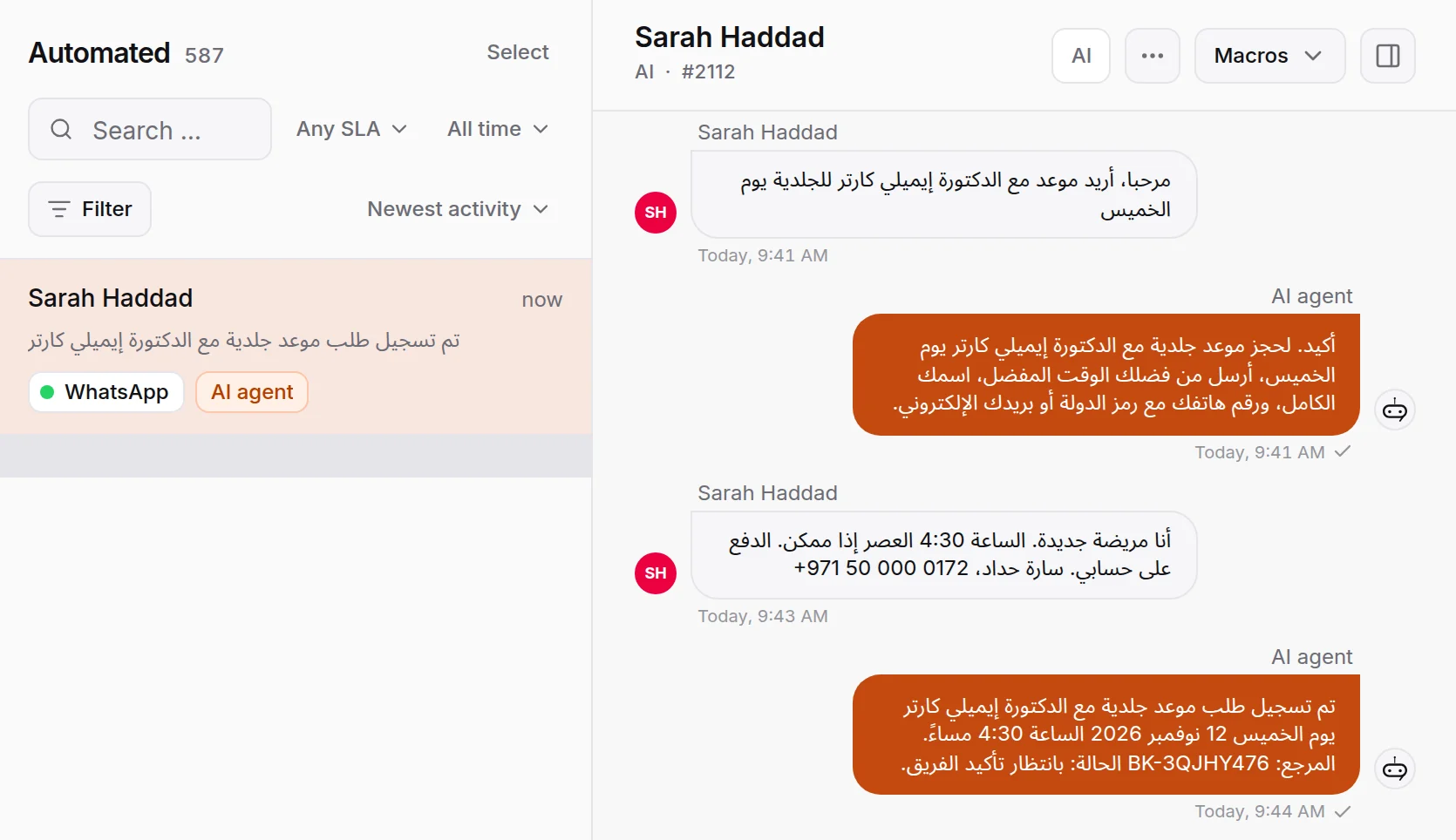
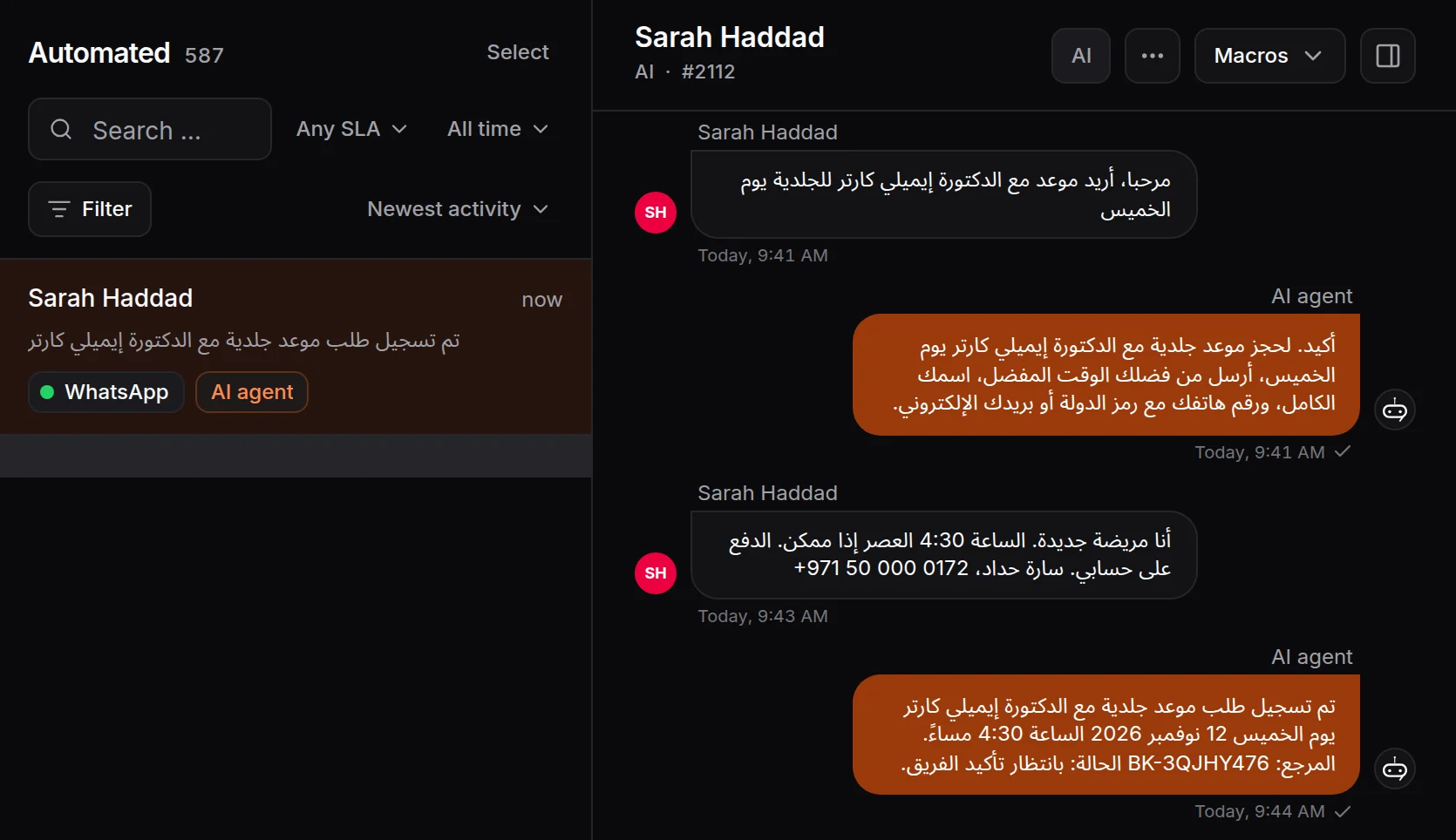
What WhatsApp for clinics means
WhatsApp for clinics means patients book, move and ask about appointments on your clinic’s own WhatsApp number, and you send reminders and recalls on the same number. HiQBot covers it with four parts that work alone or together: an AI agent, live chat for your front desk, guided booking flows and WhatsApp calling.
This page is the WhatsApp side of HiQBot’s clinic chatbot. Some clinics let the AI agent answer and hand over to reception. Others keep reception on live chat all day and let a guided flow take bookings with buttons. Either way, a patient who presses call in WhatsApp rings your front desk in the HiQBot inbox. That is how WhatsApp for healthcare works day to day.
HiQBot is a conversational platform for customer service, with AI agents and live chat on website chat, WhatsApp, Instagram, Messenger, Telegram and LINE.
Clinics that run on WhatsApp
Polyclinics and medical centres
One number covers every specialty. Patients ask for a specialty or a doctor by name, and whether you bill their insurer.
Private GP and specialist clinics in the UK and Australia
Patients message instead of waiting on hold, and same-day and follow-up requests are taken in the chat.
Outpatient practices with several doctors
Patients often want the doctor they saw last time, so the agent puts that name on the booking for your front desk.
Dental practices have their own page.
Booking on WhatsApp, in the patient’s language
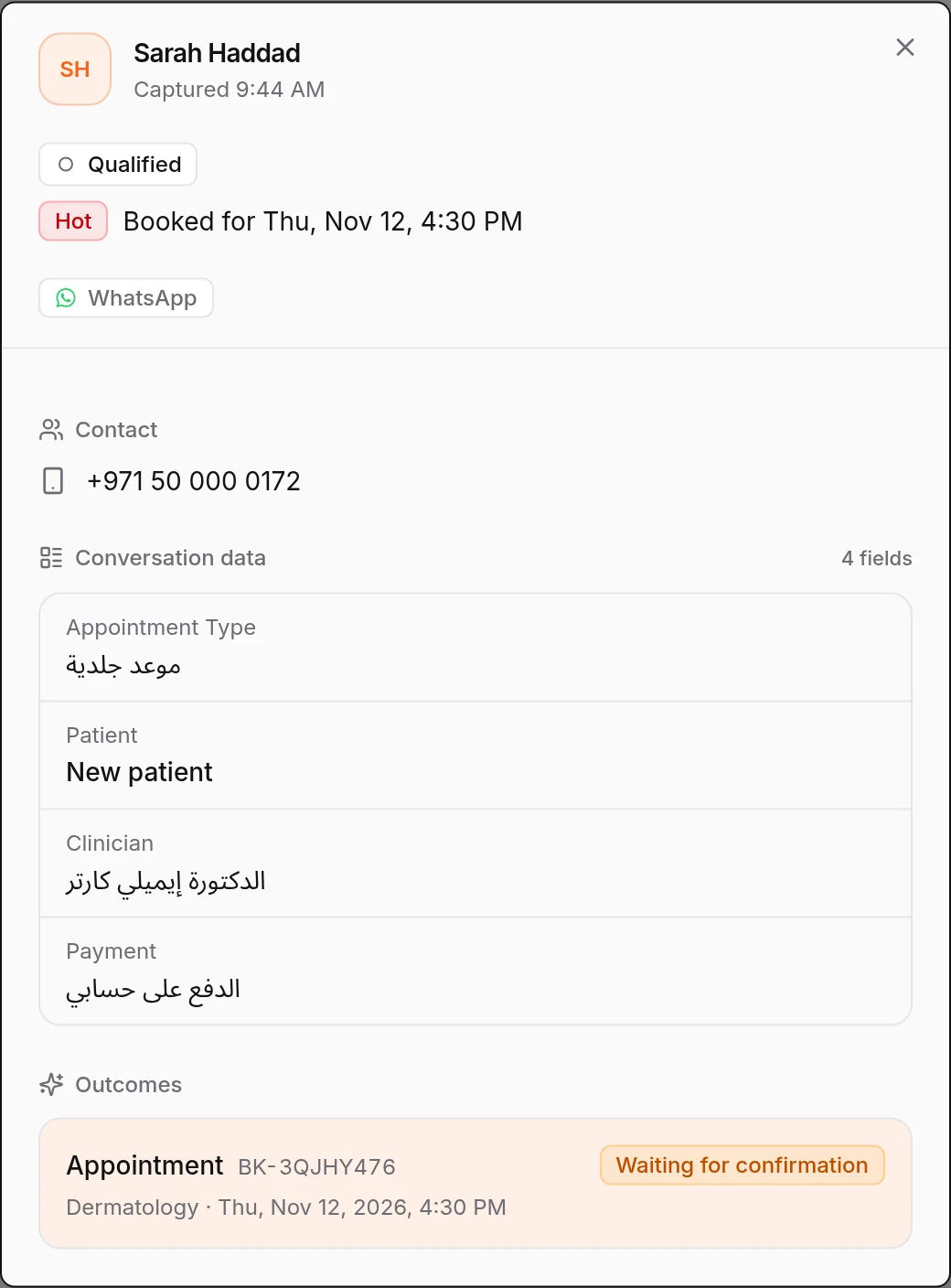
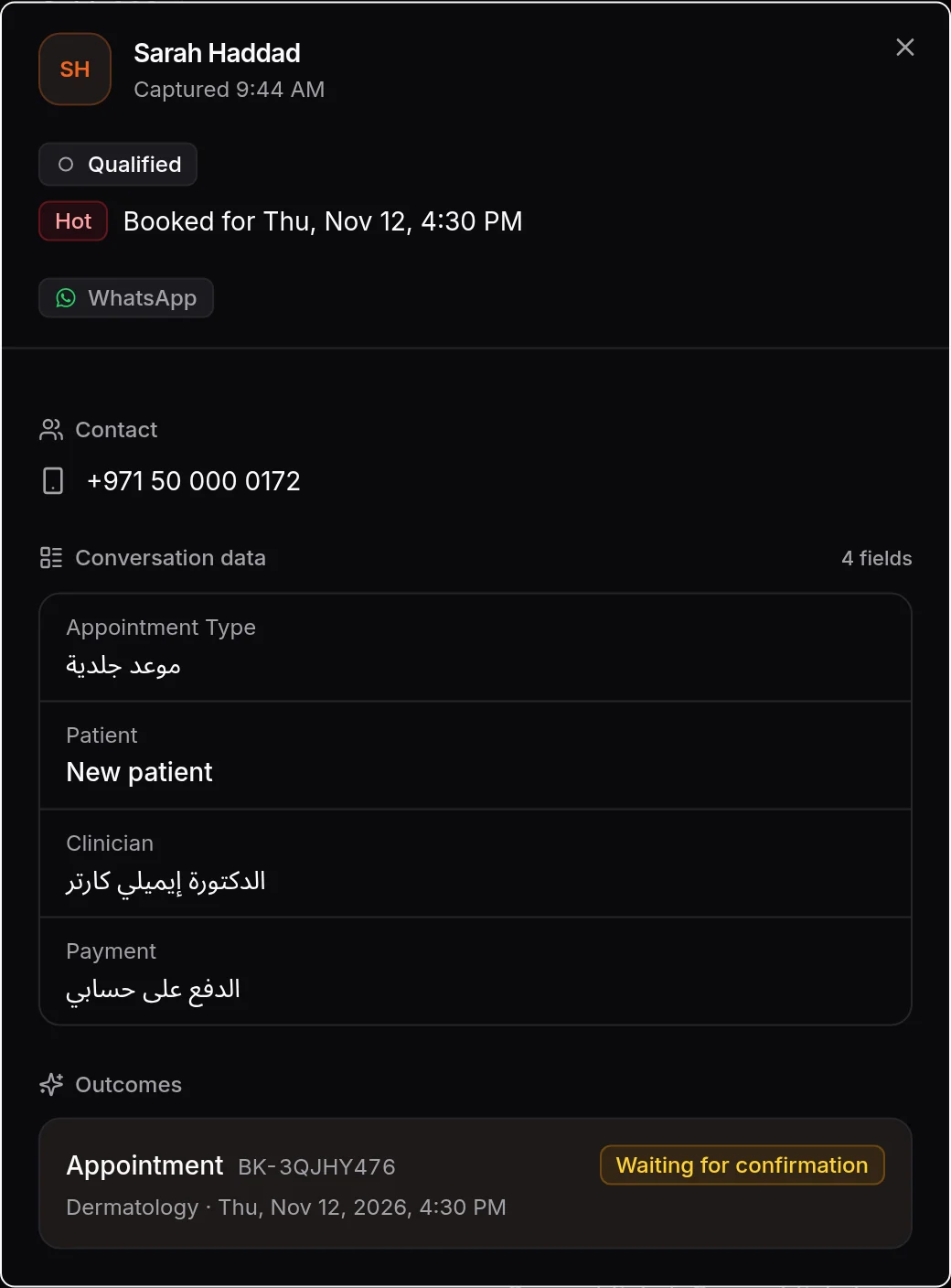
The AI agent replies in the language the patient writes in, Arabic and English included. It asks what your front desk would ask and takes the booking for a time your booking hours leave free, with the doctor’s name on it. Your front desk confirms it. If you would rather patients tap than type, a guided flow takes the appointment type and a free time with buttons, in the wording you write.
- Asks the kind of appointment, new or registered, when, and which doctor.
- Asks self-pay or the insurer’s name, never a policy number, and leaves cover for reception to confirm.
- Moves or cancels in the same chat, and your Google Calendar stays in step.
WhatsApp appointment reminders your patients can answer
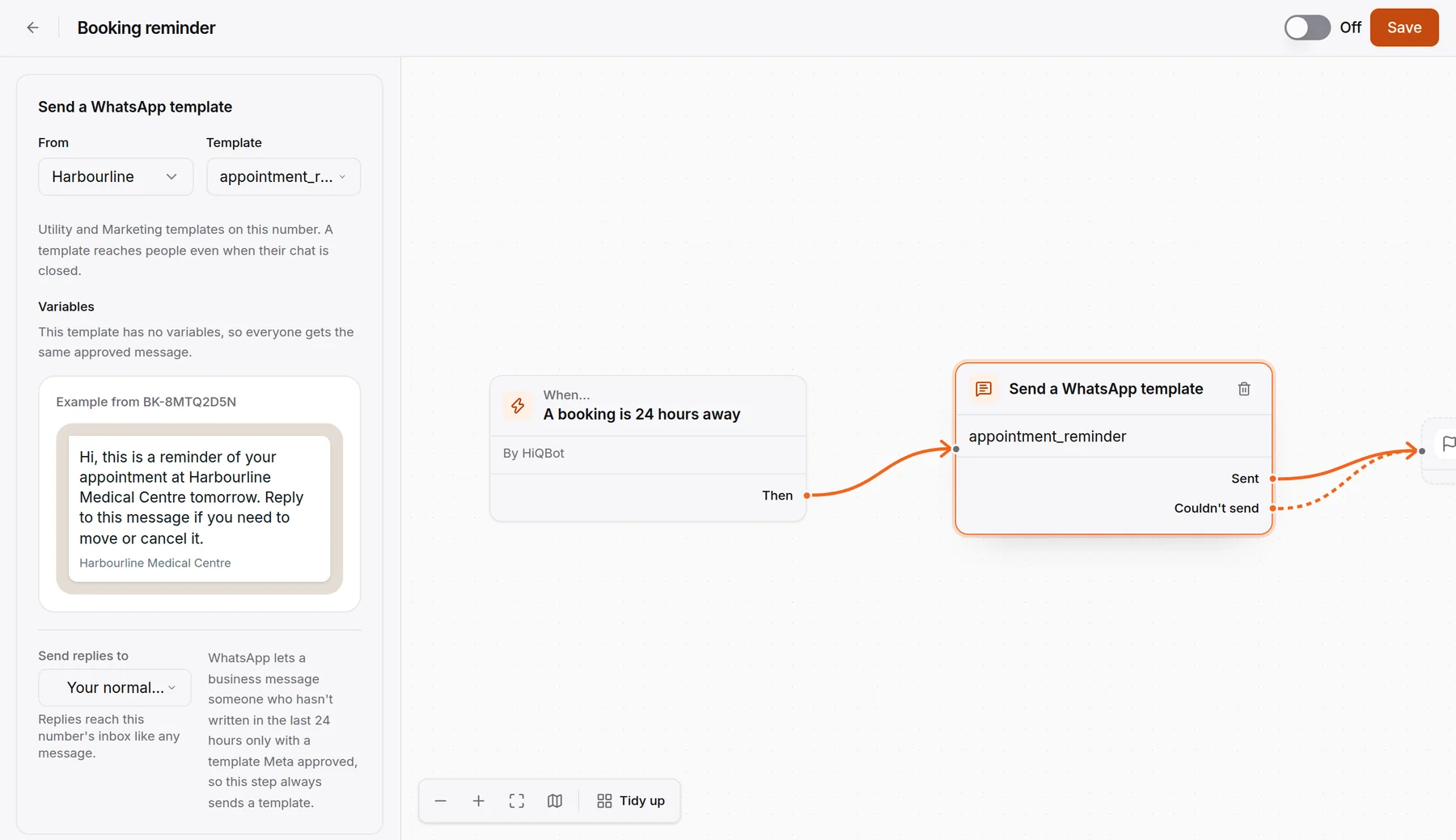
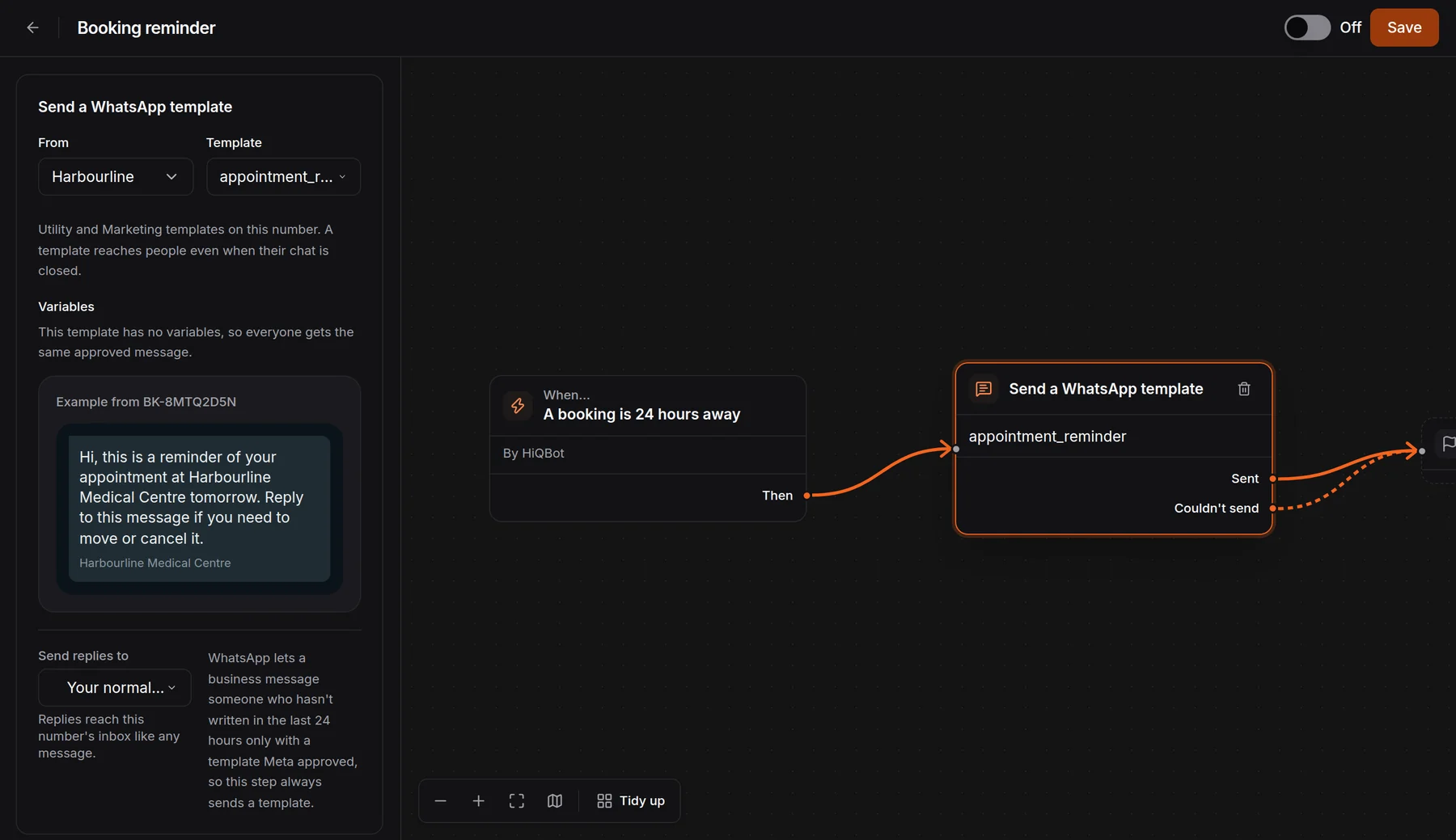
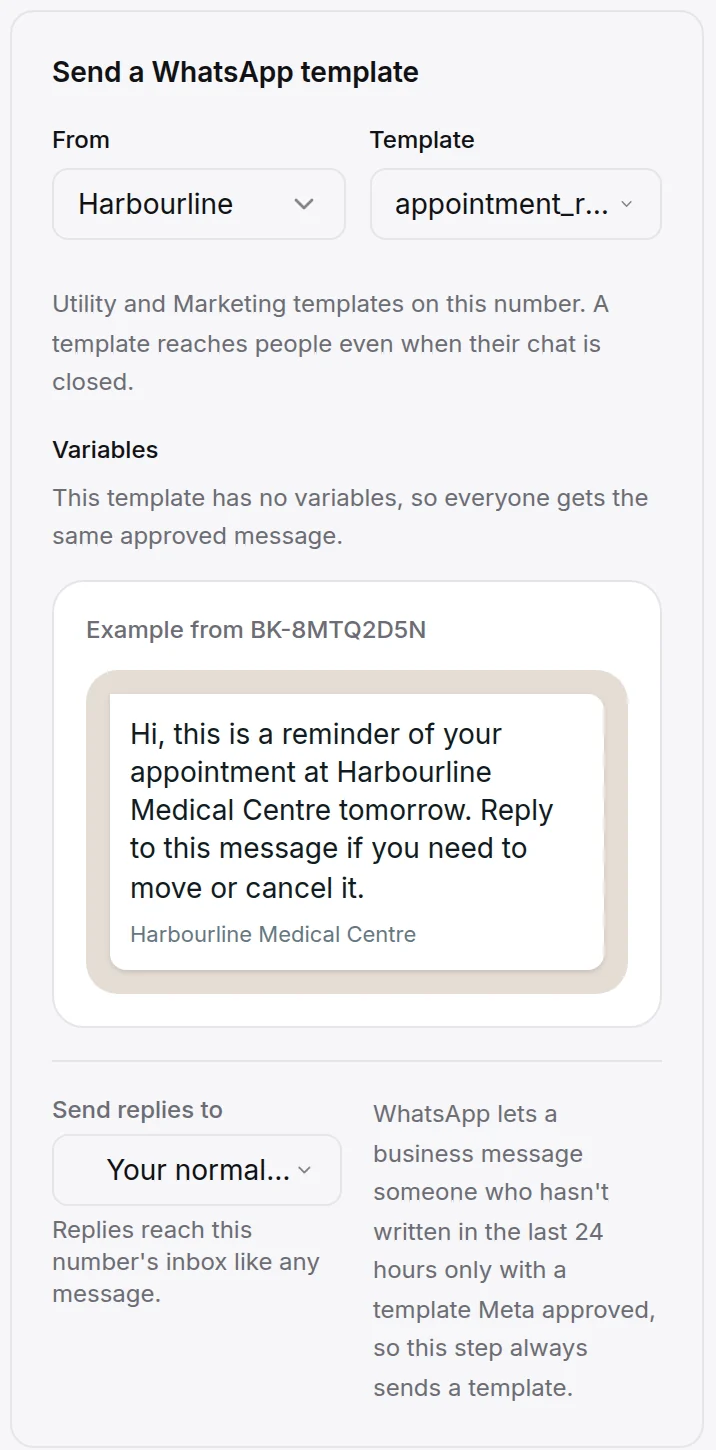
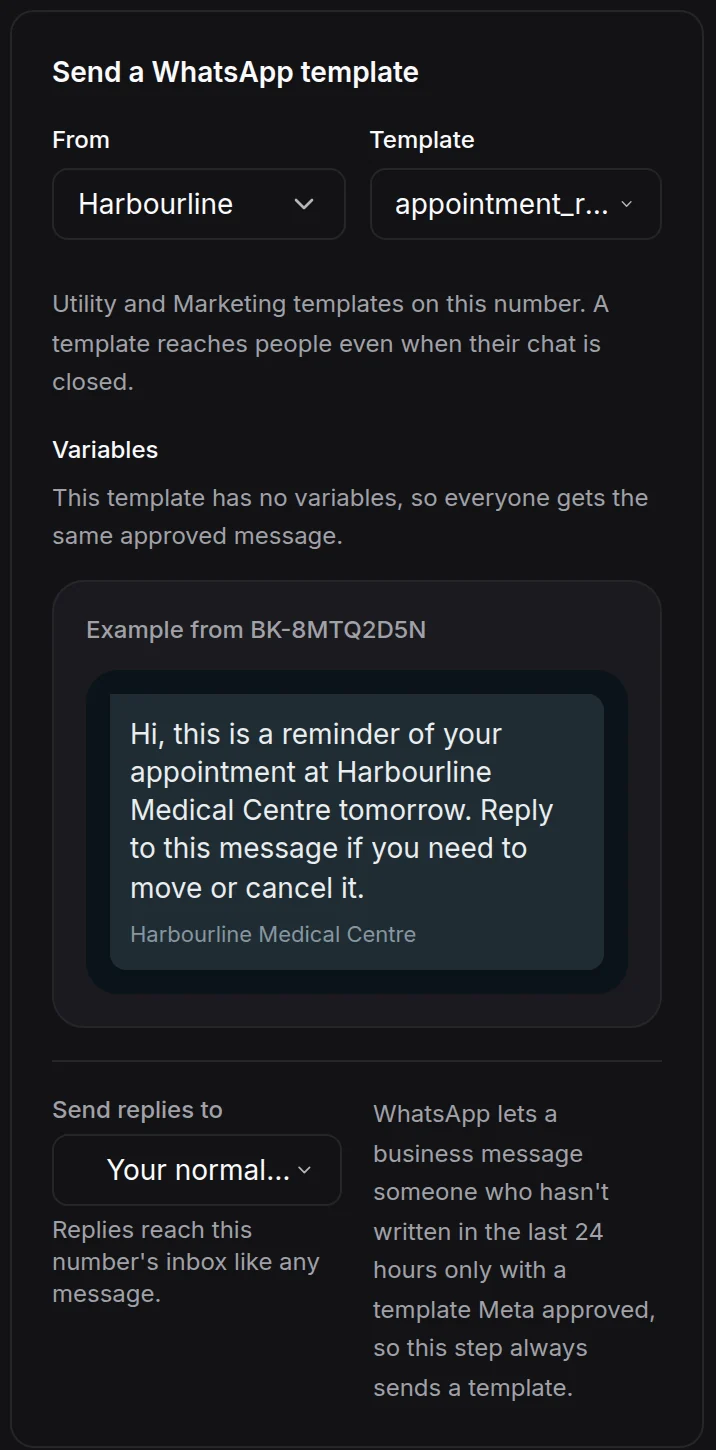
Pick when the reminder goes, from 2 hours to 7 days before each appointment. HiQBot then sends your approved WhatsApp template. It reaches patients even when their chat has closed: template messages are the only kind WhatsApp lets a business send outside an open conversation (Meta). You write the template in the dashboard, in English or Arabic, and submit it to Meta for approval. A reply lands in your inbox like any message. The AI agent or your front desk can move or cancel the appointment there.
Recalls by WhatsApp broadcast, to patients you tagged
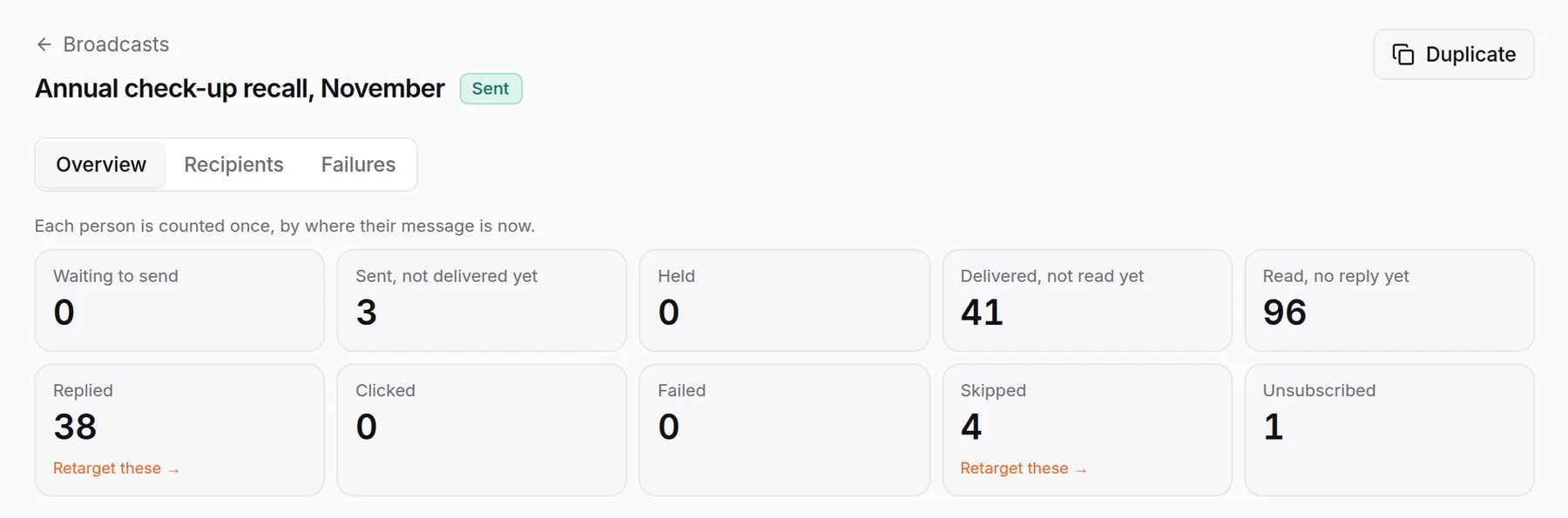
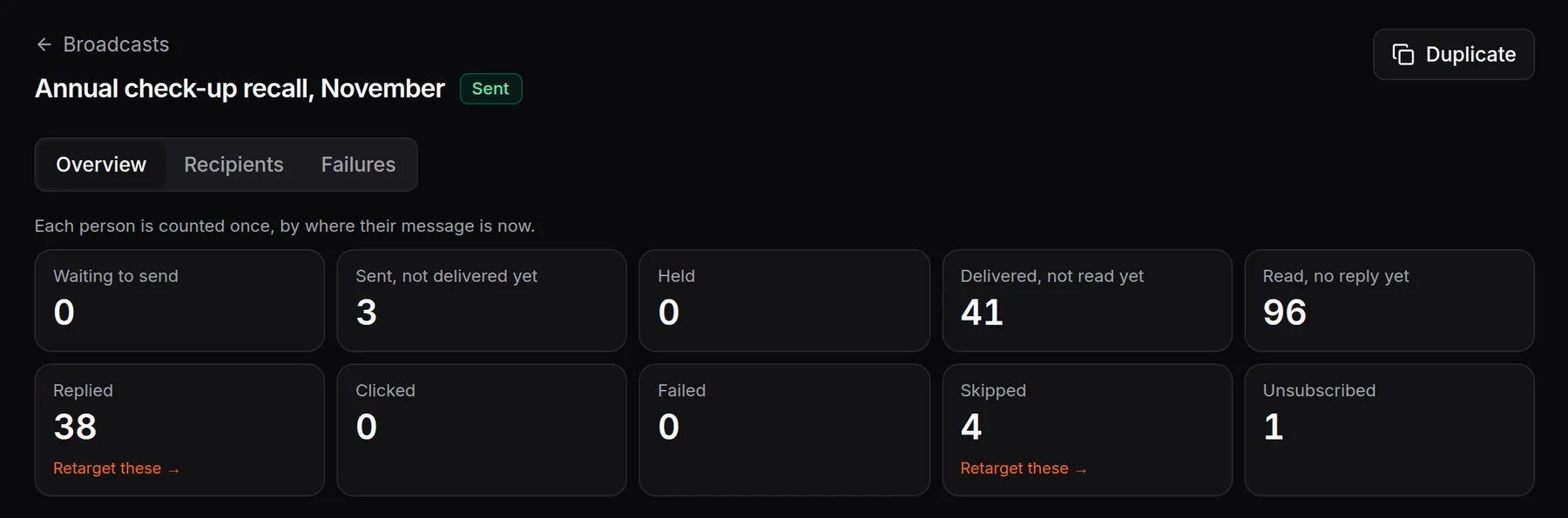
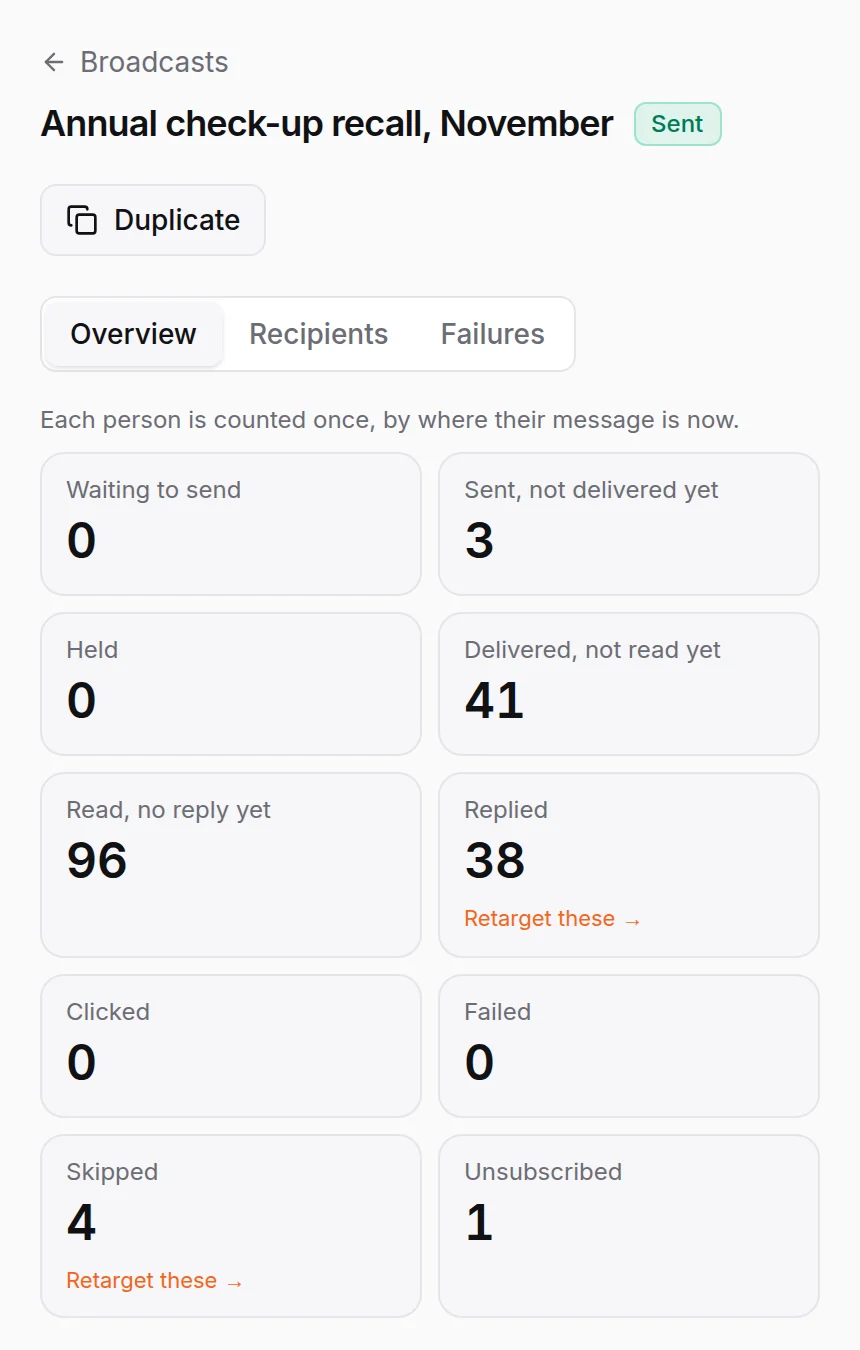
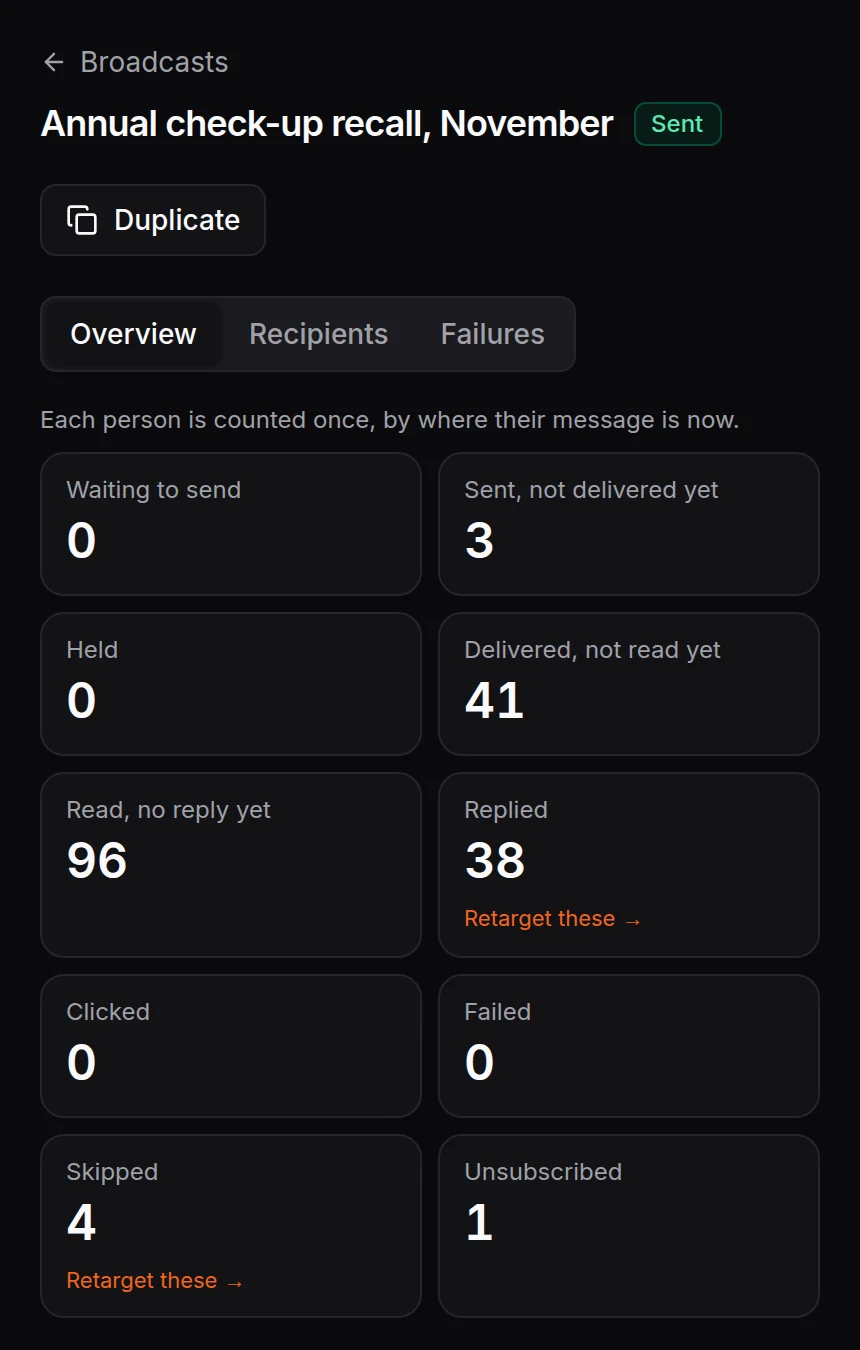
Annual check-ups and follow-ups that are due go out as a WhatsApp broadcast to the patients you tagged. The report shows who received it, read it and replied. Replies land in your inbox, where the AI agent or your front desk answers them.
- Pick patients by tag, such as everyone due an annual check-up, or import a list as a new tag.
- By default it goes only to people who have messaged your number before. Anyone who replies STOP gets no more marketing messages.
- Patient consent stays your clinic’s responsibility.
- A long list sends what your daily WhatsApp limit allows, then picks up on its own.
Reports and prescriptions go to your front desk
The AI agent never reads out, confirms or explains a result. When a patient asks for a lab report or a repeat prescription, it explains your process from your own documents, such as collecting the report at reception. Then it passes the request to your front desk or books a call back.
A patient calls your WhatsApp number, and the front desk answers
The AI agent works in writing. When a patient presses call in WhatsApp, it rings your team in the HiQBot inbox beside the chat, in the order you choose, for example the assigned teammate first. They can call patients back on WhatsApp from there too.
One number for several doctors, or a number per branch
Most clinics keep one number. Patients ask for a doctor by name and the booking records that doctor. A group with several branches can connect a WhatsApp number for each, and every number gets its own inbox and AI setup. All chats and bookings sit in one dashboard and one CRM. Your team can take over any chat. Replying from the WhatsApp Business app at reception takes it over too, and the AI steps back.
How live chat and takeover workWhat it never asks on WhatsApp
It asks for booking details only. Anyone describing an emergency is told in the first sentence to call the emergency services or your urgent line.
- Symptoms or medical history
- Medicines or doses
- Dates of birth
- Insurance member or policy numbers
- A reading of any lab report
- A view on whether something can wait
How to set it up
- 1
Connect your clinic’s WhatsApp number
Connect your WhatsApp Business number from the dashboard. It keeps working in the WhatsApp Business app at reception if you want it to.
- 2
Pick Healthcare & Dental Clinics and add your clinic
Doctors and their days, specialties, insurers you bill, opening hours, and how patients get reports and repeat prescriptions.
- 3
Set booking hours and connect Google Calendar
Appointment lengths and clinic hours, so the agent offers only free times.
- 4
Write your reminder and recall templates
Write them in the dashboard or start from Meta’s template library, then submit them to Meta for approval.
- 5
Decide who answers
For your number, choose whether the AI agent answers first, your front desk answers on live chat or a guided flow greets new chats. Then choose who picks up WhatsApp calls.
WhatsApp questions from clinic managers
Last updated . Spotted something out of date? Email support@hiqbot.com. See how we check our pages.
Can patients book appointments on WhatsApp?
Yes, patients can book on your clinic’s WhatsApp number with HiQBot. The AI agent asks what kind of appointment they need, whether they are new or registered, when they can come and which doctor. It takes the booking for a free time, and your front desk confirms it. A guided flow can take it with buttons instead. The booking lands in HiQBot and, when you connect it, on Google Calendar.
Can clinics send appointment reminders on WhatsApp?
Yes, HiQBot sends appointment reminders on WhatsApp as your approved template. You choose when the reminder goes, from 2 hours to 7 days before the appointment, and the template reaches patients even when their chat has closed. A patient who replies to move or cancel lands in your inbox.
Can it send lab results or prescriptions on WhatsApp?
No, HiQBot’s AI agent never reads out or explains a lab result or prescription on WhatsApp. It tells the patient how your clinic releases reports and handles repeat prescriptions, using your own documents, and passes the request to your front desk.
Does it reply in Arabic?
Yes, HiQBot’s AI agent replies in Arabic when a patient writes in Arabic. It replies in the language each patient writes in, so one number serves Arabic and English speakers.
Can patients call the clinic on WhatsApp?
Yes, patients can call your clinic’s WhatsApp number, and the call rings your team in the HiQBot inbox once calling is on for the number. The AI agent works in writing. Your team answers beside the chat and can call patients back from there.
Can we keep using the WhatsApp Business app on our phone?
Yes, your clinic’s number keeps working in the WhatsApp Business app at reception after you connect it to HiQBot. When someone replies from the app, they take over that chat and the AI steps back.
Does it work for several doctors or branches?
Yes, HiQBot works for one number shared by several doctors and for a number per branch. On one number, patients ask for a doctor by name and the booking records that doctor. A clinic group can connect a WhatsApp number per branch, and each number gets its own inbox and its own AI setup, all in one dashboard.
Who receives a recall broadcast?
A recall broadcast reaches only the patients you choose, by tag or from a list you import. By default a broadcast goes only to people who have messaged your number before, and anyone who replies STOP gets no more marketing messages. Patient consent stays your clinic’s responsibility.
Does it connect to our practice management system?
No, HiQBot does not connect to practice management systems. Appointments land in HiQBot’s Bookings list and, when you connect it, on Google Calendar. Your team works from there or copies them into your own system.
Answer your clinic’s WhatsApp this week
Connect your number, add your doctors and hours, then send it a question a patient asked this week.