WhatsApp for hotels: guest questions, requests and calls in one inbox
Guests message and call your hotel’s WhatsApp. Your front desk answers in one inbox, and an AI agent replies at any hour in each guest’s language.
7-day free trial.
What is hotel WhatsApp?
Hotel WhatsApp means a hotel or resort answers guests on its own WhatsApp Business number, before arrival and during the stay. With HiQBot, your front desk works those chats from one inbox, an AI agent replies at any hour from your rates and policies, and reservation requests wait for the desk to confirm.
WhatsApp for hotels runs on four parts of HiQBot that work alone or together. The AI agent answers guests, live chat lets your team take over, guided flows greet new chats with buttons, and WhatsApp calling rings the desk when a guest calls. It is the WhatsApp side of HiQBot’s hotel chatbot.
HiQBot is a conversational platform for customer service, with AI agents and live chat on website chat, WhatsApp, Instagram, Messenger, Telegram and LINE.
Properties that run on WhatsApp
Beach and desert resorts
Guests ask about transfers, the spa and dinner before they land, often in German, Russian or Arabic. The AI answers in the language they write in, from the same notes.
Independent and boutique hotels
One person covers the desk at night. The AI answers what your notes cover, and anything else waits in the inbox for the morning shift with the details already taken.
Hotel apartments and serviced apartments
Longer stays bring more requests, from housekeeping to a parking space. Each one lands in the inbox for your team to pick up.
B&Bs, guesthouses and the hotel website chat are on the hotel chatbot page.
Questions before arrival, answered at 2 AM
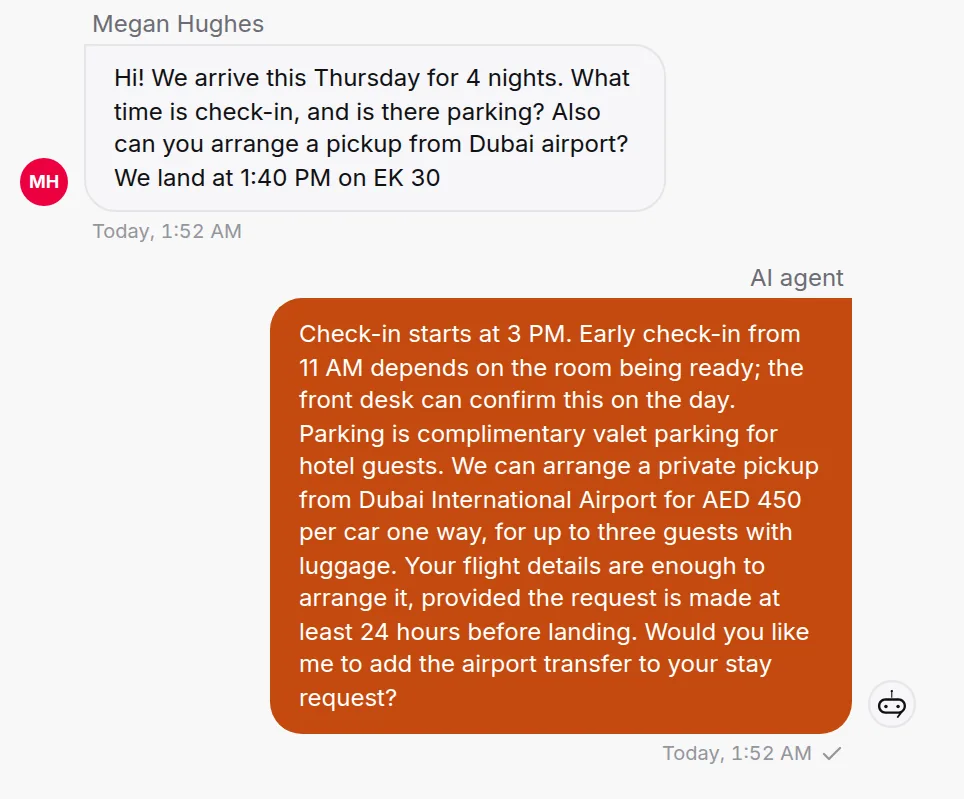
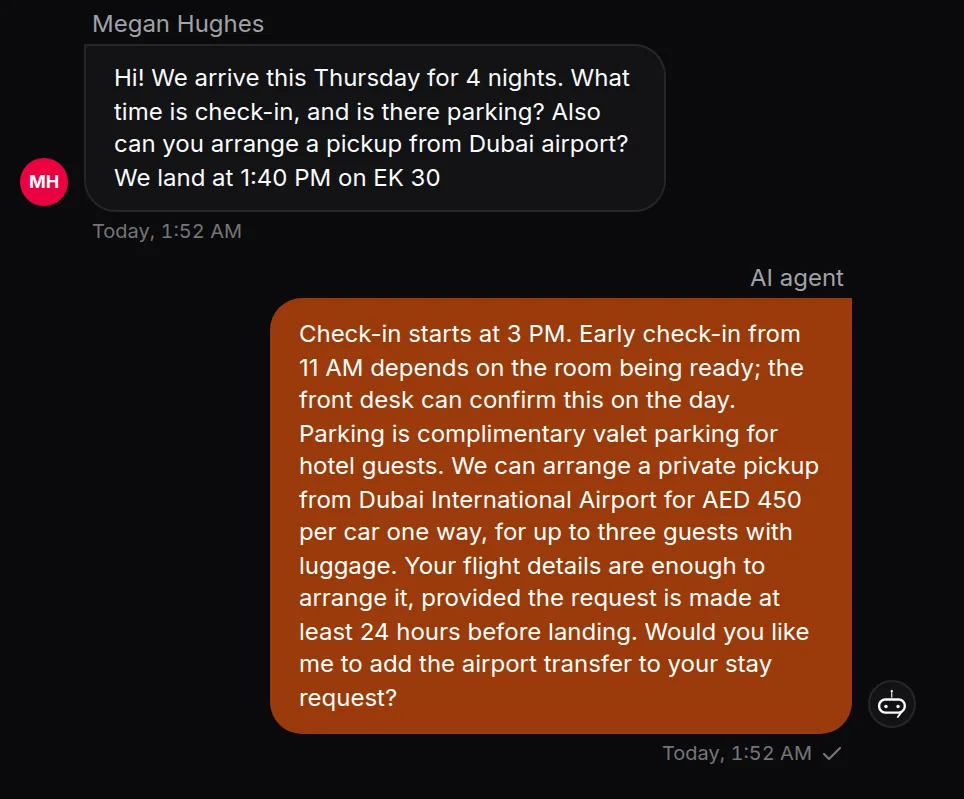
A guest landing on Thursday asks about check-in, parking and a pickup from the airport. The AI answers from your own notes and prices, and can read a booking screenshot the guest sends. Anything your notes don’t cover goes to the front desk: a person takes over the same chat, or the AI takes the details and the desk follows up in the morning.
- Check-in and checkout times, early check-in terms
- Parking, directions and airport transfers with your prices
- What the rate includes, pets and children
Pre-arrival messages as approved WhatsApp templates
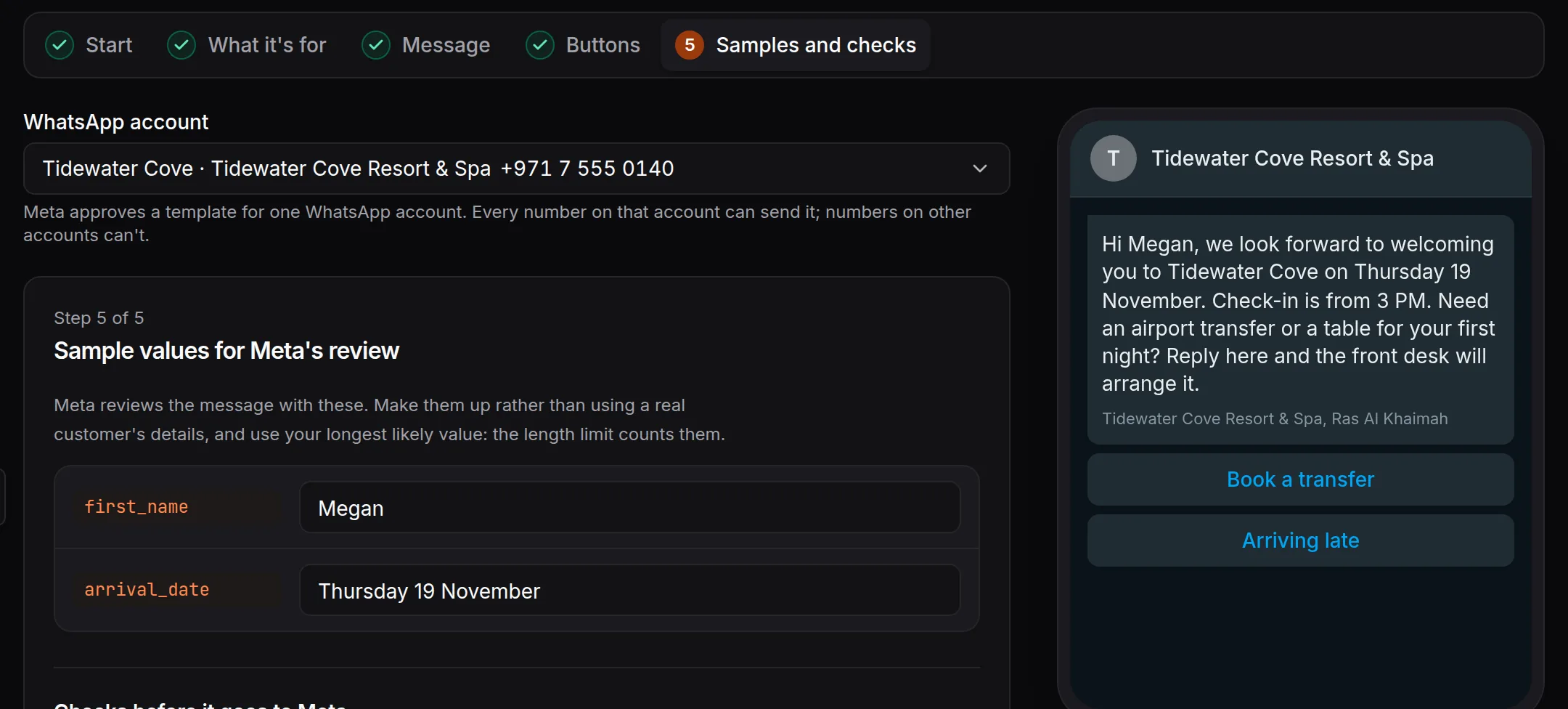
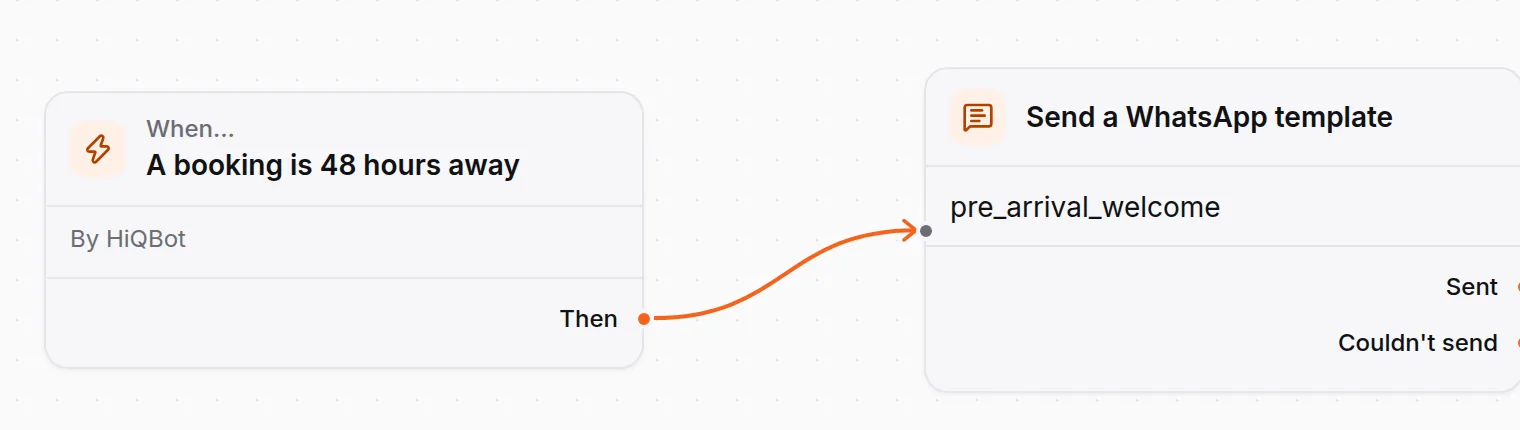
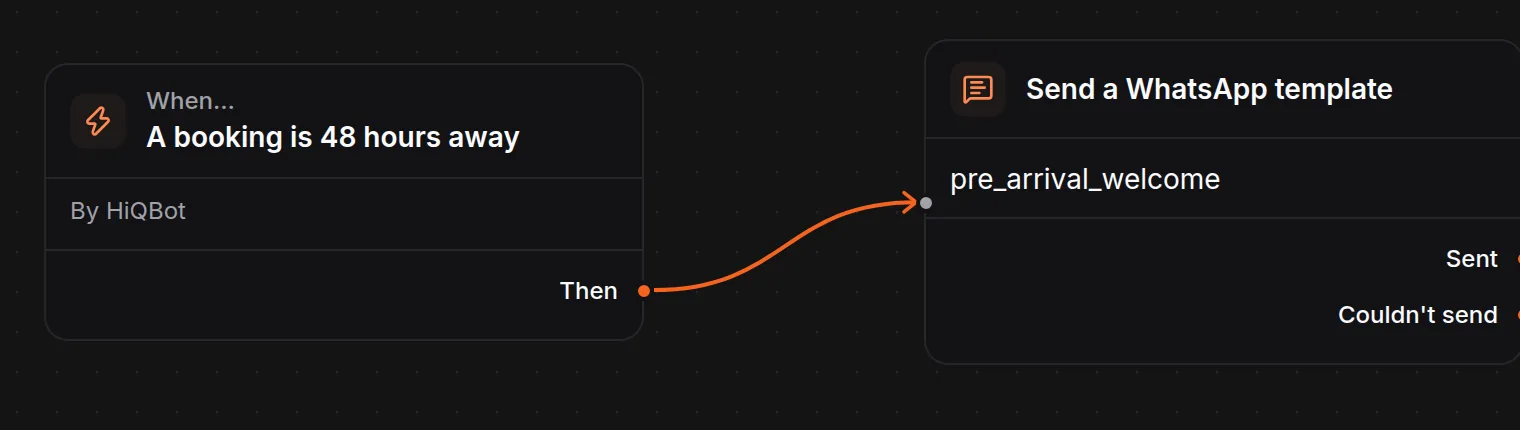
Two days before a guest arrives, an automation sends your approved WhatsApp template. You write the template in HiQBot with the guest’s first name and arrival date, then add quick replies such as Book a transfer and Arriving late. Meta reviews the template before it goes out, and WhatsApp only lets a business start a conversation, or write after 24 hours of silence, with an approved template. When the guest taps a reply, it lands in the same chat for the AI or your team. You can send it anywhere from 2 hours to 7 days before arrival.
Templates and guided flows on WhatsApp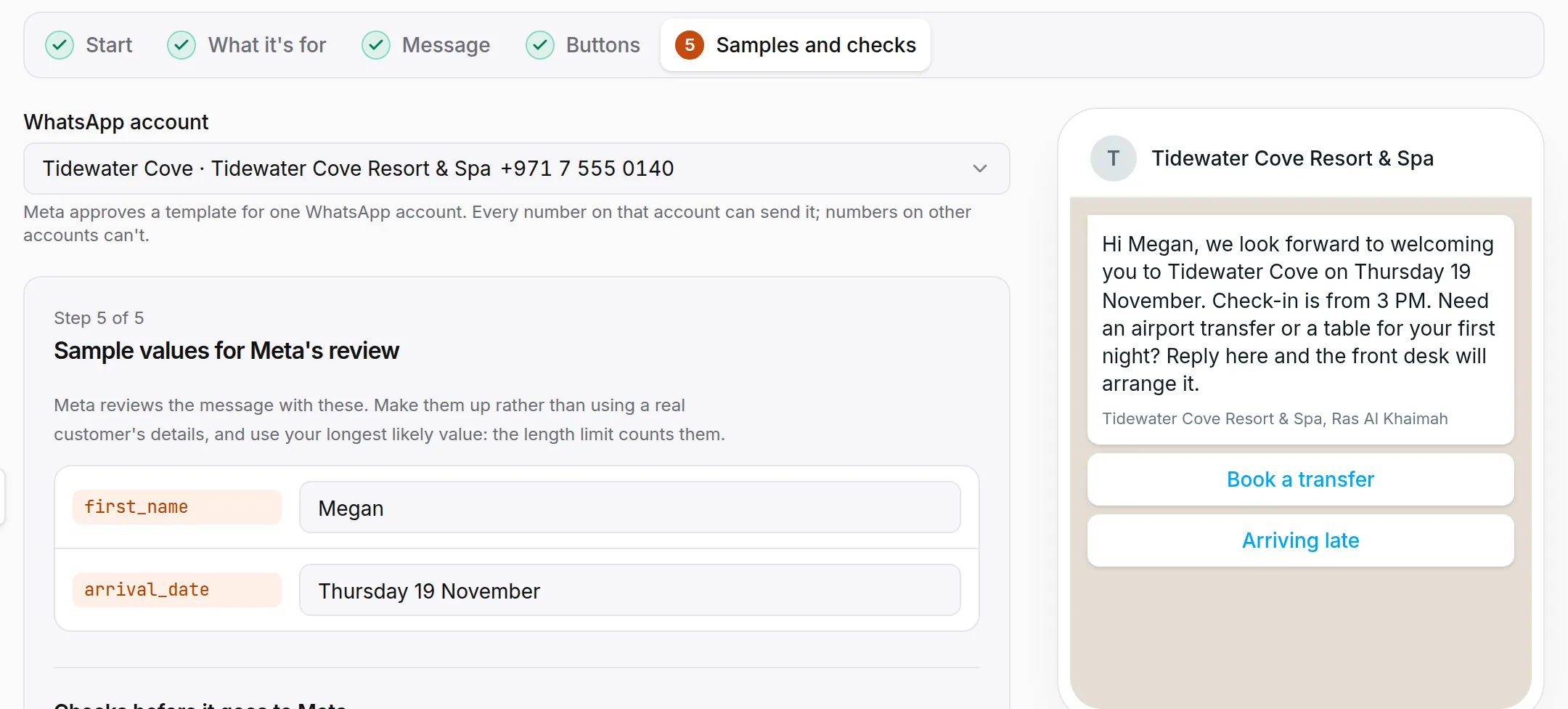
Reservation requests on WhatsApp, confirmed by your front desk
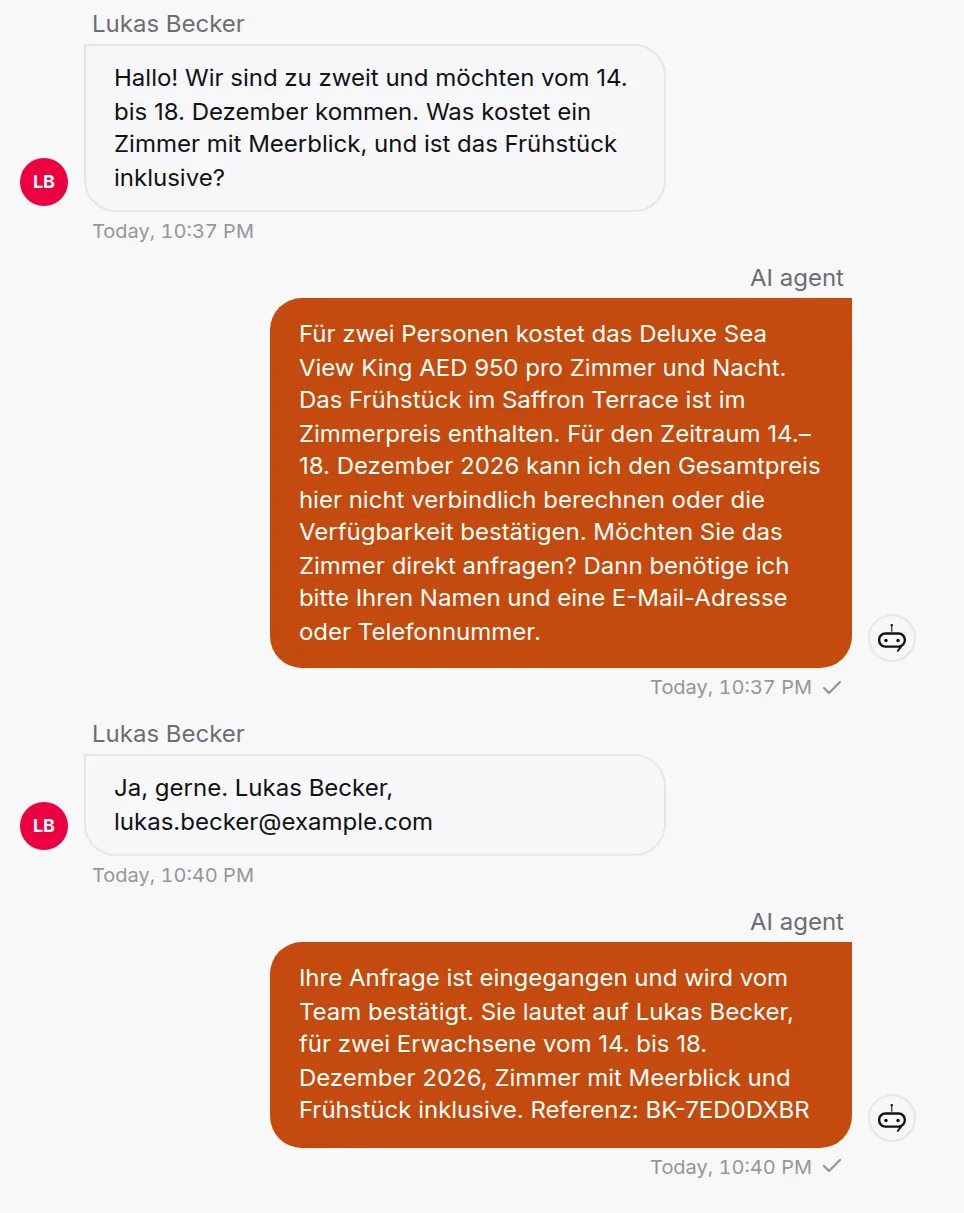
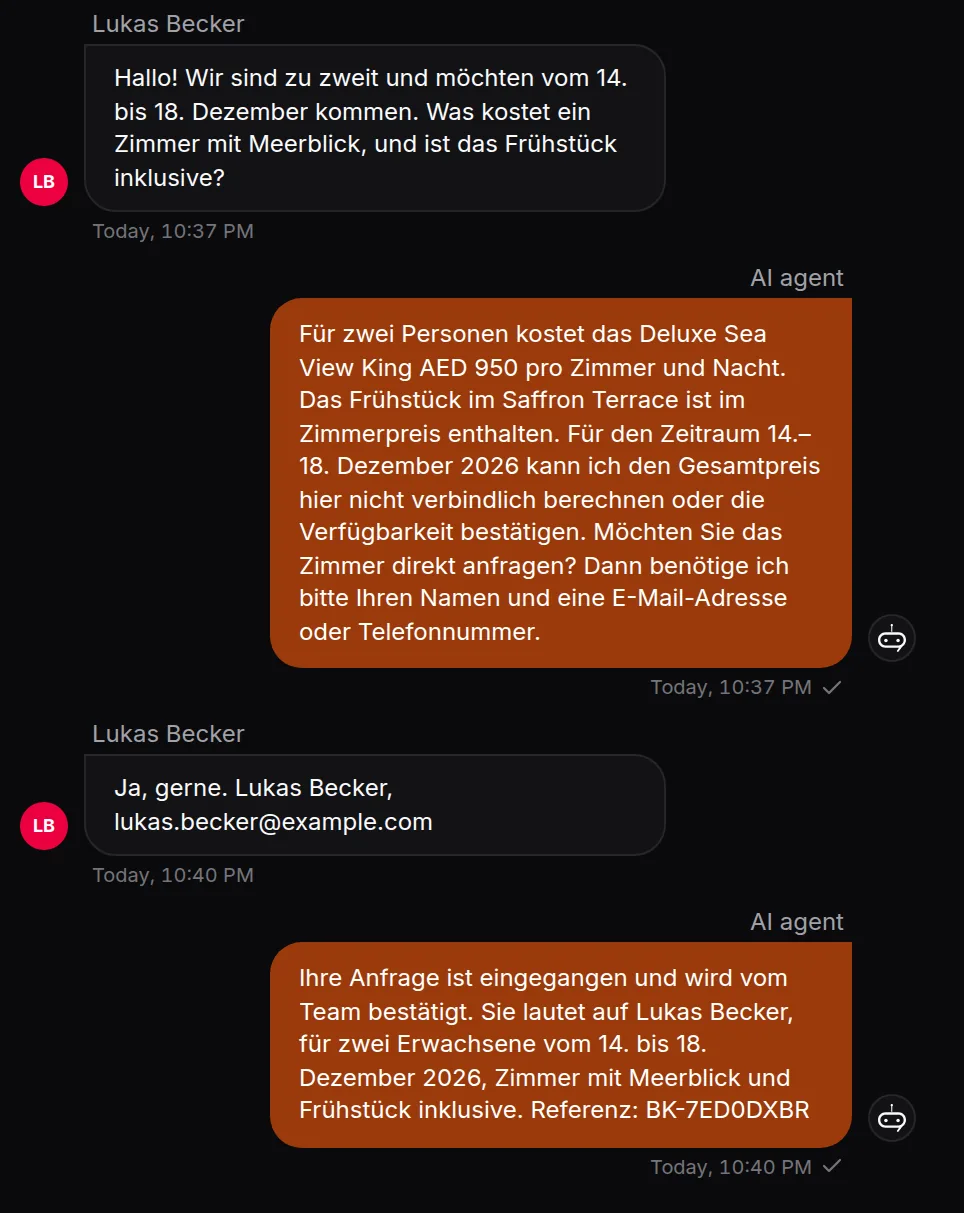
The AI asks for the dates and the number of guests, quotes from your rates and says what the price covers. Then it files a reservation request, and the guest is told your front desk will confirm it. HiQBot does not connect to your property management system, so the desk enters the stay where it always does.
- Replies in German, Arabic or any language the guest writes in
- Moves or cancels a request in the same chat
- Every request in your Bookings list, and on Google Calendar when it’s connected
Towels, late checkout and a table for tonight
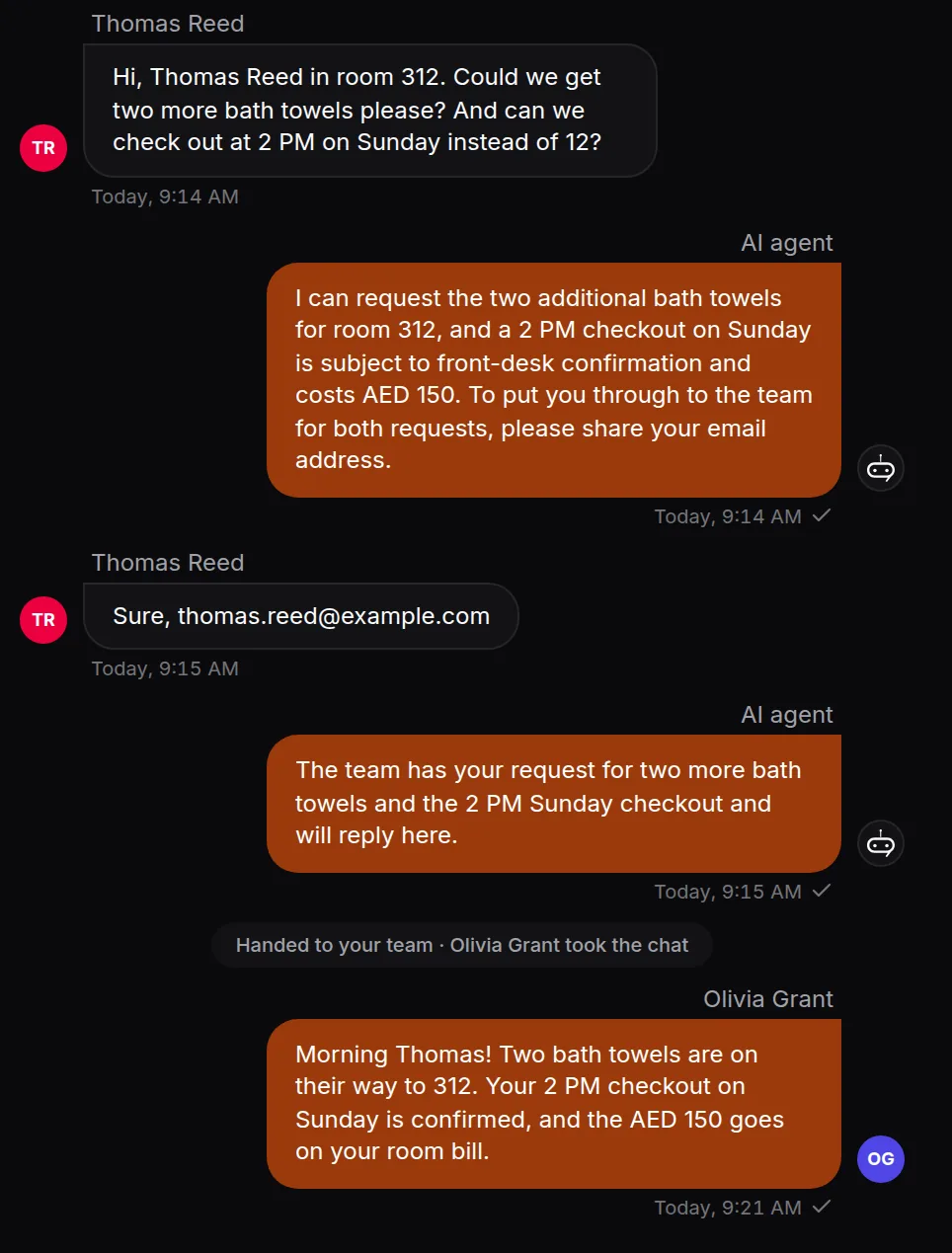
During the stay, guests ask on WhatsApp instead of calling down. The AI answers what your notes cover, such as late checkout until 2 PM for AED 150. A table for dinner becomes a request your team confirms. Extra towels for room 312 go to the front desk, where a person picks up the chat and replies. You choose which details the AI asks for before it hands over. The AI never promises a late checkout, an upgrade or a refund on its own.
How your team takes over a chat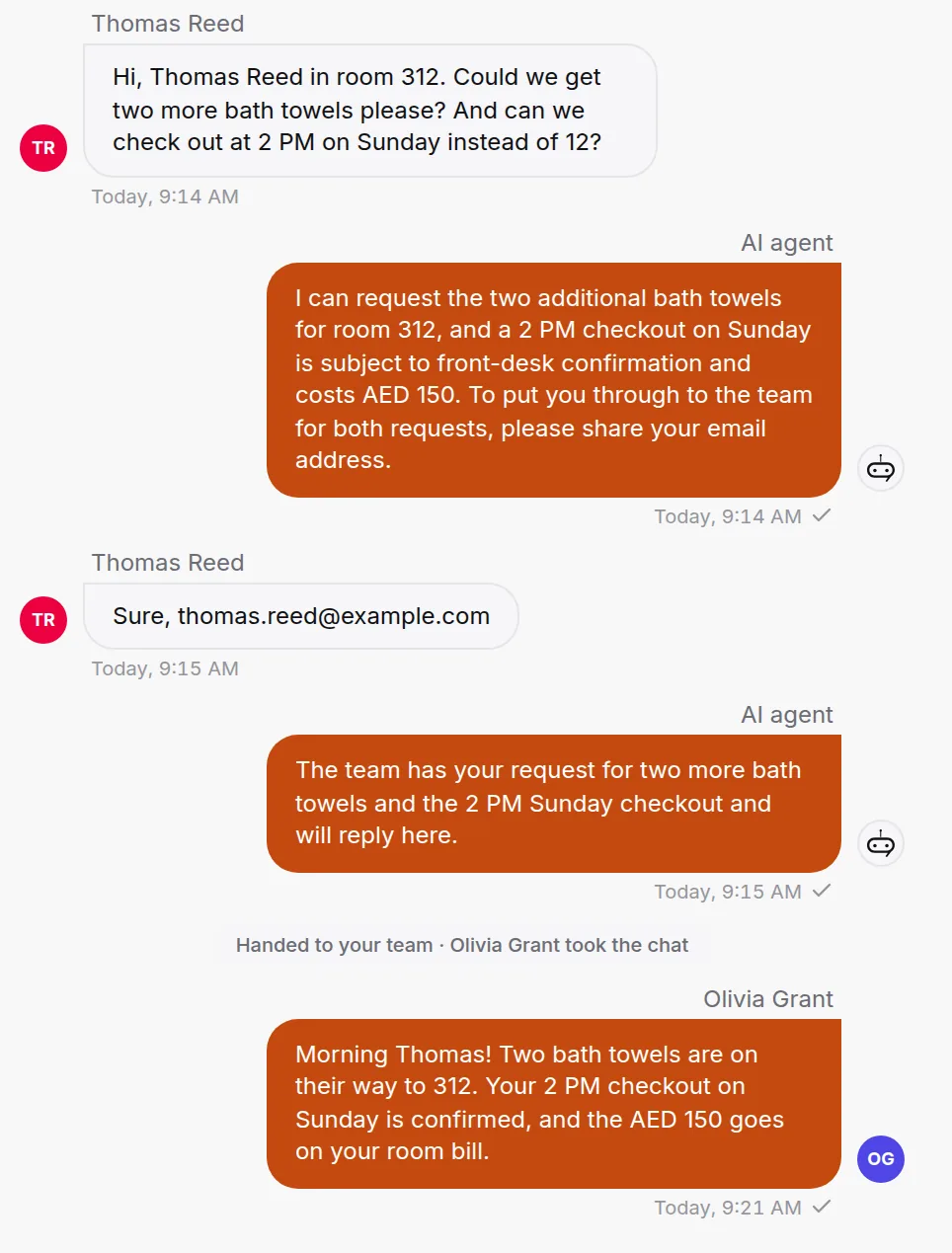
A guest calls your WhatsApp number, and the front desk answers
Guests tap call in WhatsApp instead of dialling the room phone. The call rings your team in the HiQBot inbox, beside the guest’s chat, and the desk can call back from there. The AI agent works in writing and never takes a call.
How WhatsApp calling worksKeep the WhatsApp Business app on the front-desk phone
HiQBot runs on the same number as the app, and the desk phone keeps working. When someone replies from the app, they take over the chat and the AI steps back.
Your number on the WhatsApp Business APISeveral properties, one inbox per WhatsApp number
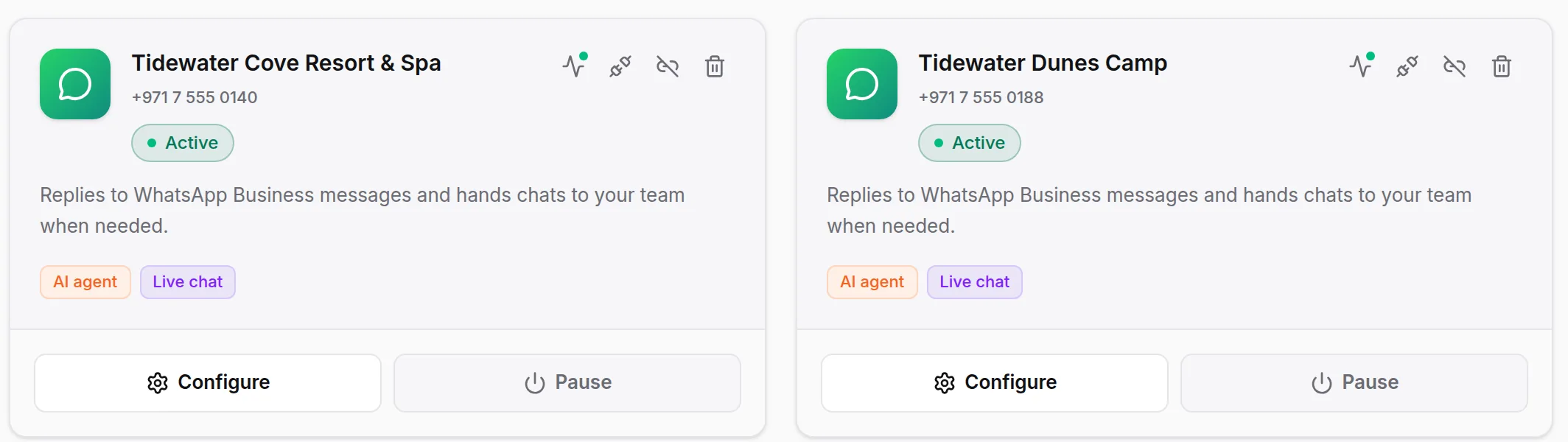
A group with a beach resort and a desert camp connects both numbers. Each number is its own inbox with its own AI agent and live chat settings. Both answer from one knowledge base, so name the property beside each rate and policy. Every conversation and contact sits in one dashboard.
Offers to past guests by WhatsApp broadcast
Tag past guests or import a list, then send an approved template, such as a summer rate for returning guests. By default a WhatsApp broadcast only reaches people who have messaged your number before, and anyone who replies STOP is skipped from then on. It sends what your daily limit allows, then picks up on its own. Replies land in the inbox. You are responsible for your guests’ consent.
What it will not do on WhatsApp
Your front desk confirms every stay and every request that costs money.
- Tell a guest a room is booked or held before the desk confirms it
- Check live availability or rates in your property system
- Take payments, deposits or card details
- Promise a late checkout, an upgrade or a refund
- Take a call itself: calls ring your team in the inbox
How to set it up
- 1
Connect your WhatsApp Business number
Connect it from the dashboard. You can keep the WhatsApp Business app on the front-desk phone.
- 2
Pick Hospitality & Tourism and add your material
Rooms and rates, check-in and checkout times, late checkout terms, parking, transfer prices and menus.
- 3
Write your pre-arrival template
Write it in HiQBot, in English, Arabic or both, and submit it to Meta for approval.
- 4
Set when it goes out
Anywhere from 2 hours to 7 days before arrival.
- 5
Choose who takes over and who answers calls
Decide which chats go straight to the front desk, and whose inbox rings when a guest calls your number.
Hotel WhatsApp questions from front-office managers
Last updated . Spotted something out of date? Email support@hiqbot.com. See how we check our pages.
How do hotels use WhatsApp?
Hotels use WhatsApp to answer guests before arrival, take reservation requests, handle requests during the stay and send offers to past guests. With HiQBot, those chats land in one inbox: the AI agent replies at any hour from your rates and policies, your front desk takes over any chat, and calls to the number ring the desk.
Can guests book a room on WhatsApp?
Yes, as a reservation request your front desk confirms. The AI takes the dates, the number of guests and the room, files the request in your dashboard and tells the guest the desk will confirm it. It never says a room is booked or held.
Can hotels send check-in reminders on WhatsApp?
Yes, from 2 hours to 7 days before arrival. An automation writes into the guest’s open chat, or sends your approved WhatsApp template when the chat has gone quiet. You write the template in HiQBot and submit it to Meta.
Can we keep the WhatsApp Business app on the front-desk phone?
Yes, the front desk can keep the WhatsApp Business app, because HiQBot runs on the same number and the number keeps working in the app. When someone replies from the app, they take over the chat and the AI steps back.
Can guests call the hotel on WhatsApp?
Yes, guests can call your hotel’s WhatsApp Business number, and the call rings your team in the HiQBot inbox beside the guest’s chat. Your team can call back from there. The AI agent itself works in writing and never takes a call.
Does it reply in the guest’s language?
Yes, the AI replies in the language each guest writes in, from the same rates and policies, with no language list to set up.
We run several properties. Do we need one number for all of them?
No, each property can keep its own number: every WhatsApp number you connect is its own inbox with its own AI agent and live chat settings. The AI answers from one knowledge base for the whole group, so name the property beside each rate. Every chat lands in one dashboard and one contact list.
How does the front desk handle many guest chats at once?
From one shared inbox, where all your hotel guest messaging on WhatsApp lands. The AI answers what your notes cover, and anyone on the desk can take over a chat and see everything already said. You choose which chats go straight to a person.
Does it connect to our PMS or channel manager?
No, HiQBot does not connect to a property management system, booking engine or channel manager. Reservation requests land in your Bookings list, and on Google Calendar when it’s connected, and your team enters the stay where it always does.
Can we send offers to past guests on WhatsApp?
Yes, as a WhatsApp broadcast of an approved template to guests you tagged or imported. By default it only reaches people who have messaged your number before, anyone who replies STOP is skipped from then on, and you are responsible for having their consent.
Answer your hotel’s WhatsApp tonight
Connect your number, add your rates and policies, and send it the questions your guests ask the desk.