Every chat lead, already in HubSpot.
Contacts and deals from your chats go straight into the HubSpot pipeline your sales team already works.
What goes to HubSpot
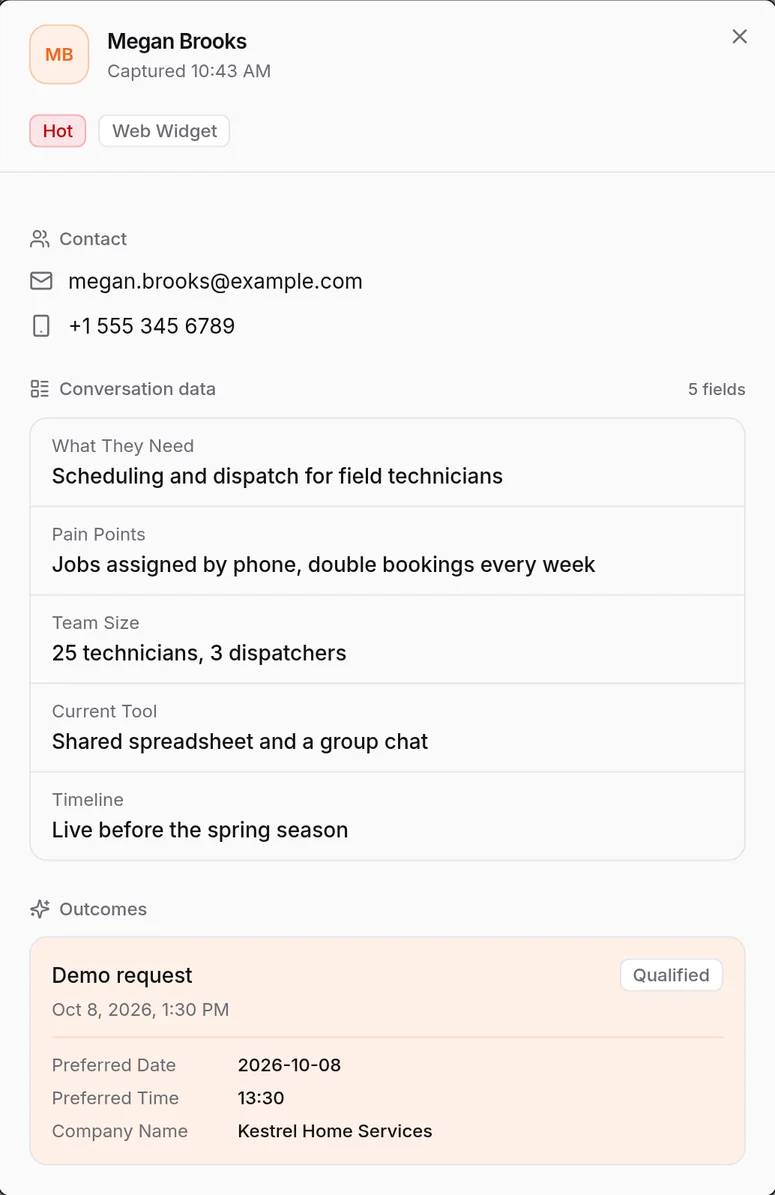
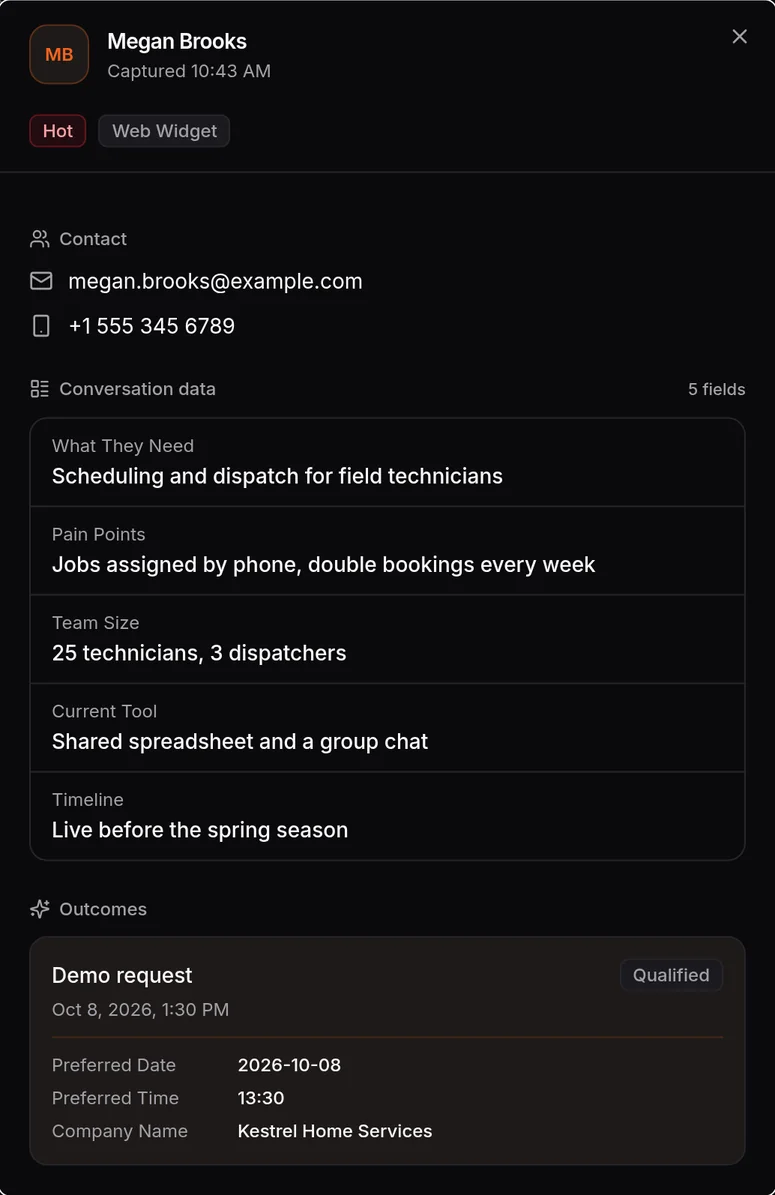
A customer asks for a demo on WhatsApp late at night. When your sales team logs in, the contact is in HubSpot with a deal in the pipeline, and nobody had to type it in.
Contacts
When the agent books a meeting or captures a lead, the person is created in HubSpot. If they are already there, the existing contact is updated.
Deals
Choose a pipeline and each booking adds a deal to it. A demo request shows up where your team already forecasts.
Support tickets
Running the support desk? A ticket the AI raises can go to HubSpot as a ticket, linked to the conversation it came from.
How to connect HubSpot
- 01
In the HiQBot dashboard, open Integrations and connect your HubSpot account.
- 02
Choose the pipeline new deals should land in.
- 03
Let the AI agent run your conversations as usual. The contacts and deals it captures go to HubSpot.
- 04
Work the deal in HubSpot. The thread that produced it stays in HiQBot, next to the contact.
Good to know
HubSpot is the only outside CRM HiQBot connects to. Salesforce and Pipedrive are not connected.
HubSpot gets the contact and the deal. The conversation stays in the HiQBot inbox, next to the same contact in the built-in CRM.
HubSpot is optional. Leads and contacts are kept in the built-in CRM whether you connect it or leave it off.
Where teams use it
Connect HubSpot to your conversations.
Start the 7-day trial and connect HubSpot from the dashboard. It takes a few steps.