Support tickets reach Jira already written up.
A support ticket becomes a Jira issue with the problem already described, ready for your engineers.
What goes to Jira
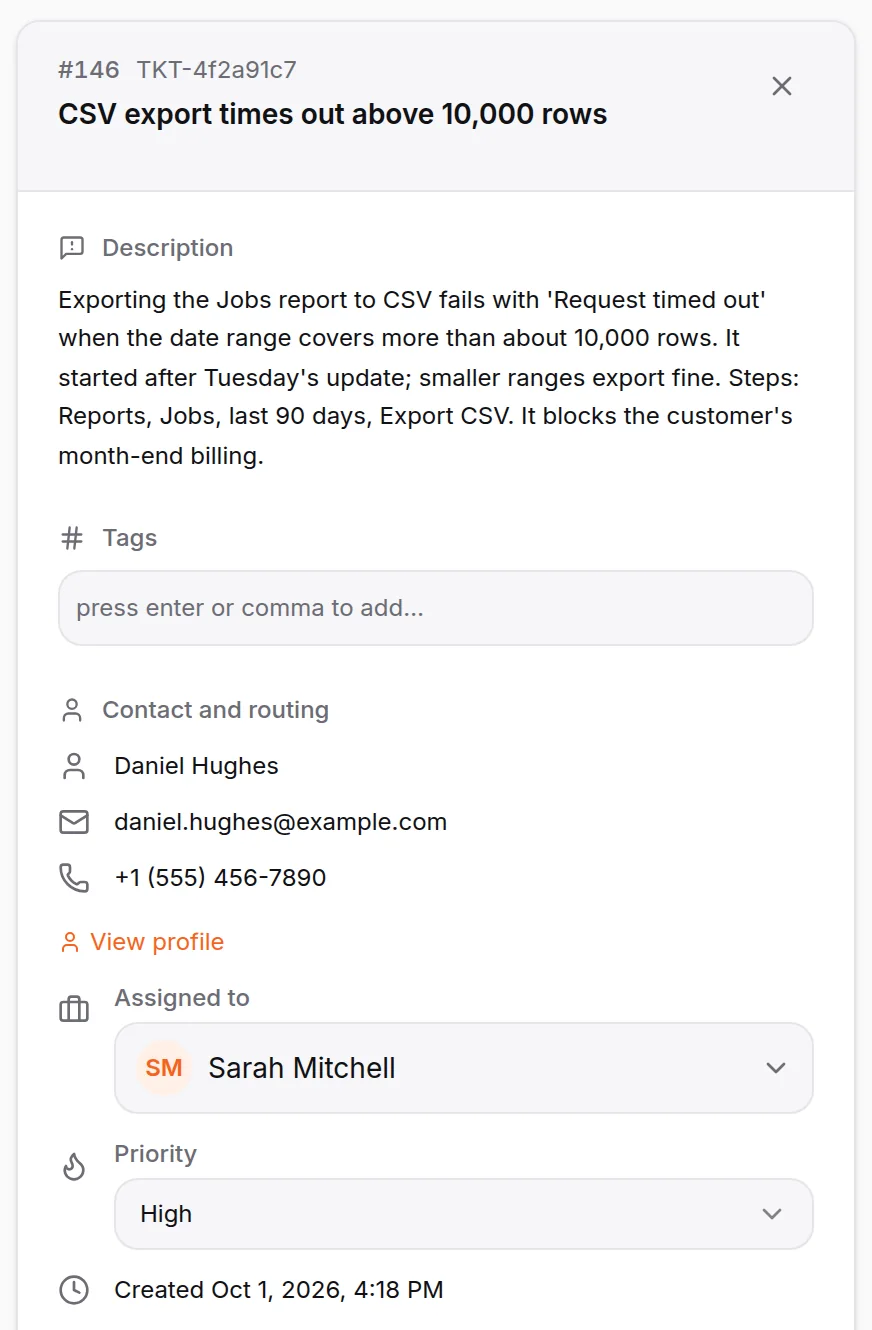
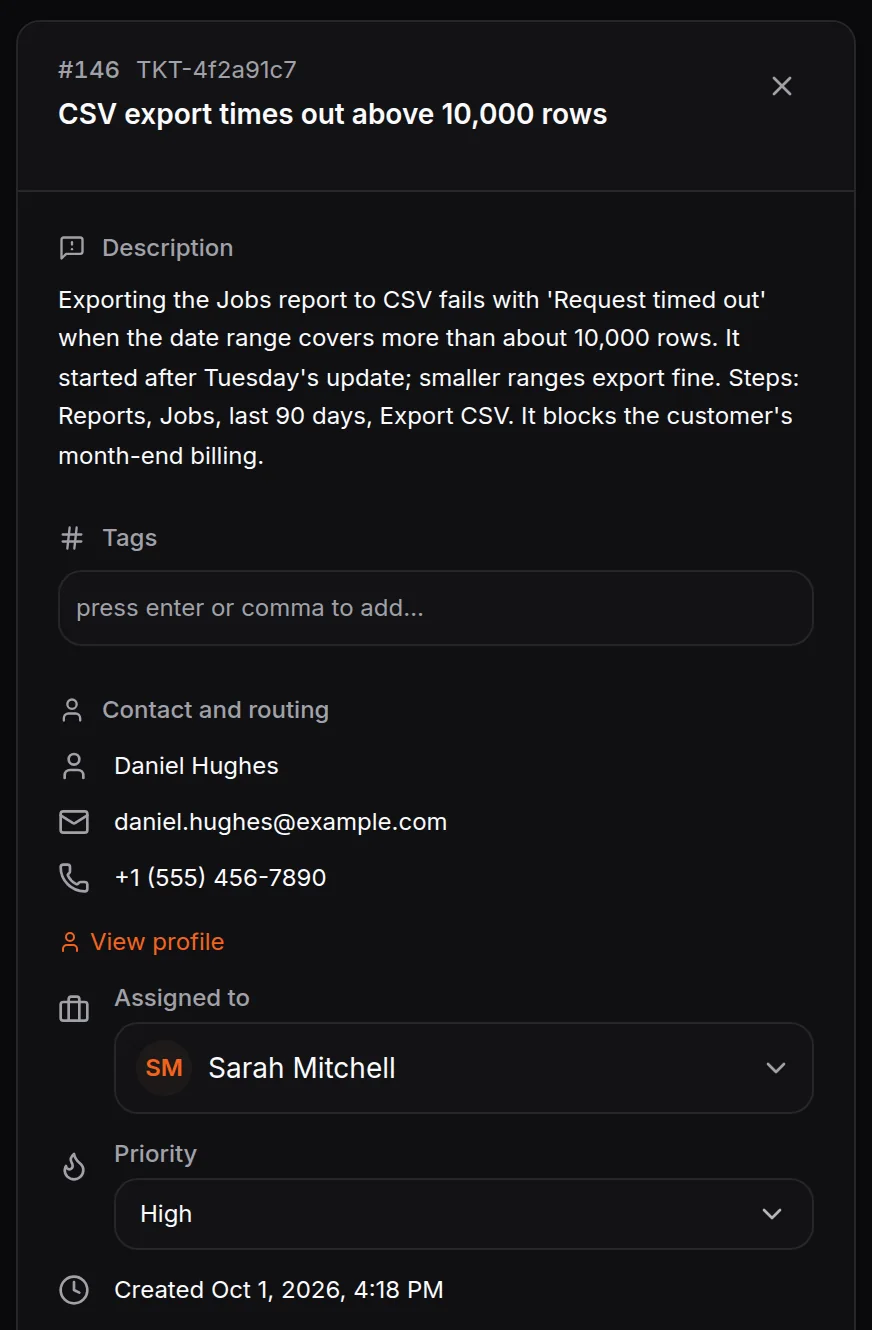
When the AI support agent can’t fix a problem, it raises a ticket with what broke and the steps to reproduce it. Connect Jira and that ticket becomes an issue your engineers can pick up, while your team keeps talking to the customer in HiQBot.
The issue, with the write-up
The Jira issue carries the problem description, the priority and a link back to the conversation in HiQBot.
The right issue type
Each ticket category lands as its own issue type: an incident as a Bug, a feature request as a Story.
Status, back to the ticket
When the issue moves to Done in Jira, the ticket in HiQBot resolves on its own.
How to connect Jira
- 01
In the HiQBot dashboard, open Integrations and connect your Jira account.
- 02
Choose whether tickets go to Jira on their own or when someone on your team sends them.
- 03
When a conversation becomes a support ticket, it opens a linked issue in Jira.
- 04
Keep talking to the customer in HiQBot while your team works the issue in Jira.
Good to know
Jira works with support tickets, so it needs the support desk running in your workspace.
Someone on your team tells the customer when it is fixed. HiQBot does not send the Jira update for you.
Jira is the only issue tracker HiQBot connects to today.
Where teams use it
Connect Jira to your conversations.
Start the 7-day trial and connect Jira from the dashboard. It takes a few steps.